
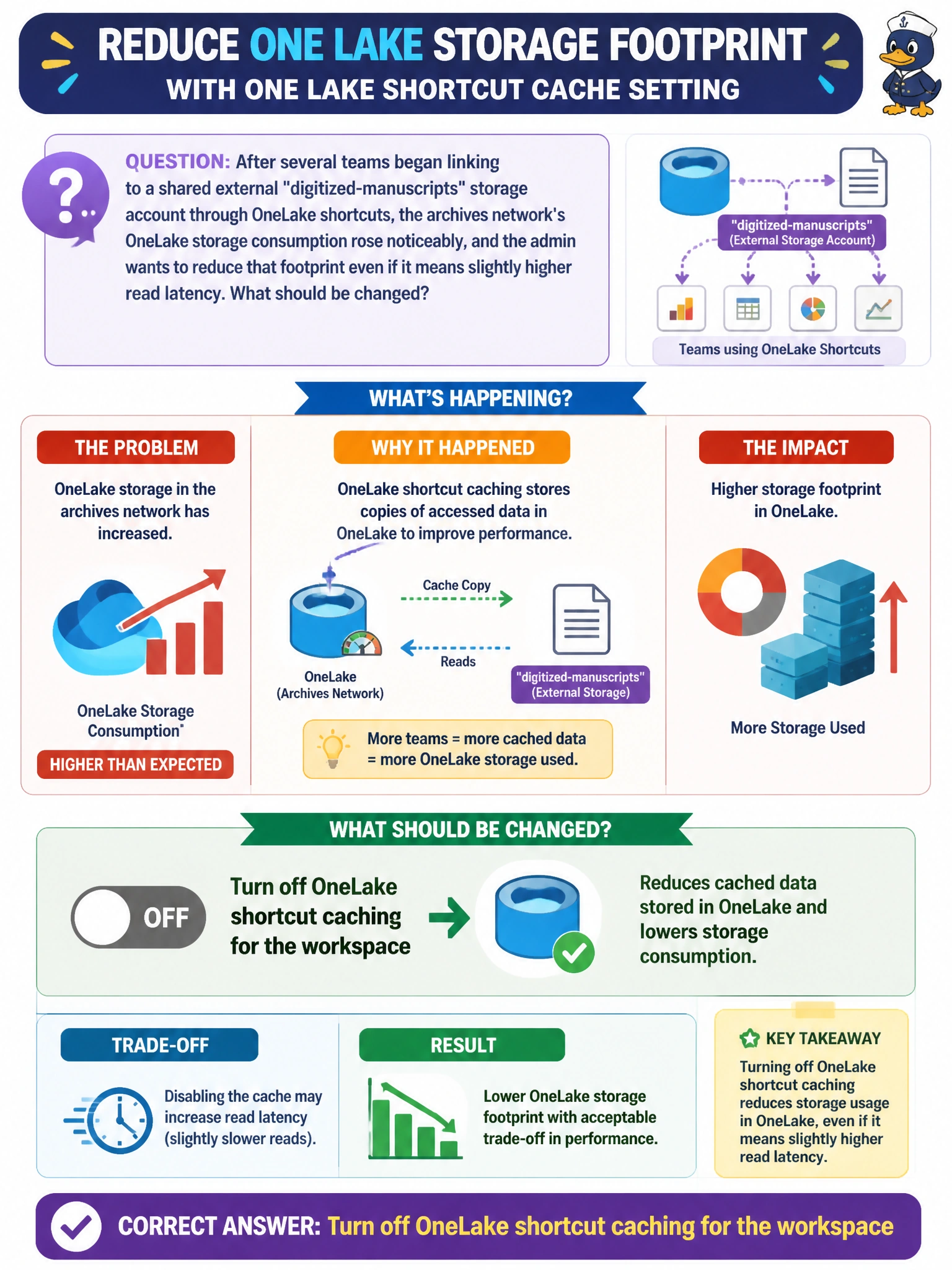
After several teams began linking to a shared external "digitized-manuscripts" storage account through OneLake shortcuts, the archives network's OneLake storage consumption rose noticeably, and the admin wants to reduce that footprint even if it means slightly higher read latency. What should be changed?
Select an answer to reveal the explanation.
Short Explanation
OneLake shortcut caching stores a local copy of shortcut-linked data to speed up repeated reads -- but that local copy takes up storage. Turning caching off trades a bit of read speed for a smaller storage footprint, which is exactly the swap this admin wants.
Full Explanation
OneLake shortcut caching keeps a locally cached copy of data read through a shortcut, and that cached copy consumes OneLake storage in the workspace -- turning it off removes that storage overhead at the cost of slightly slower repeated reads, matching the described trade-off precisely. Shrinking the Spark pool reduces compute node size and cost, but Spark pool sizing has no relationship to OneLake storage consumed by cached shortcut data. Downgrading the assigned capacity changes billed compute throughput and limits, not the storage footprint left behind by shortcut caching. Removing the workspace from its domain changes governance grouping only; it does not touch any storage setting. A scope note: disabling caching does not delete data already cached -- existing cached copies age out over time or need to be addressed separately, so storage doesn't drop instantly. Confirm the change worked by monitoring OneLake storage consumption trending down over the following days after caching is disabled.