
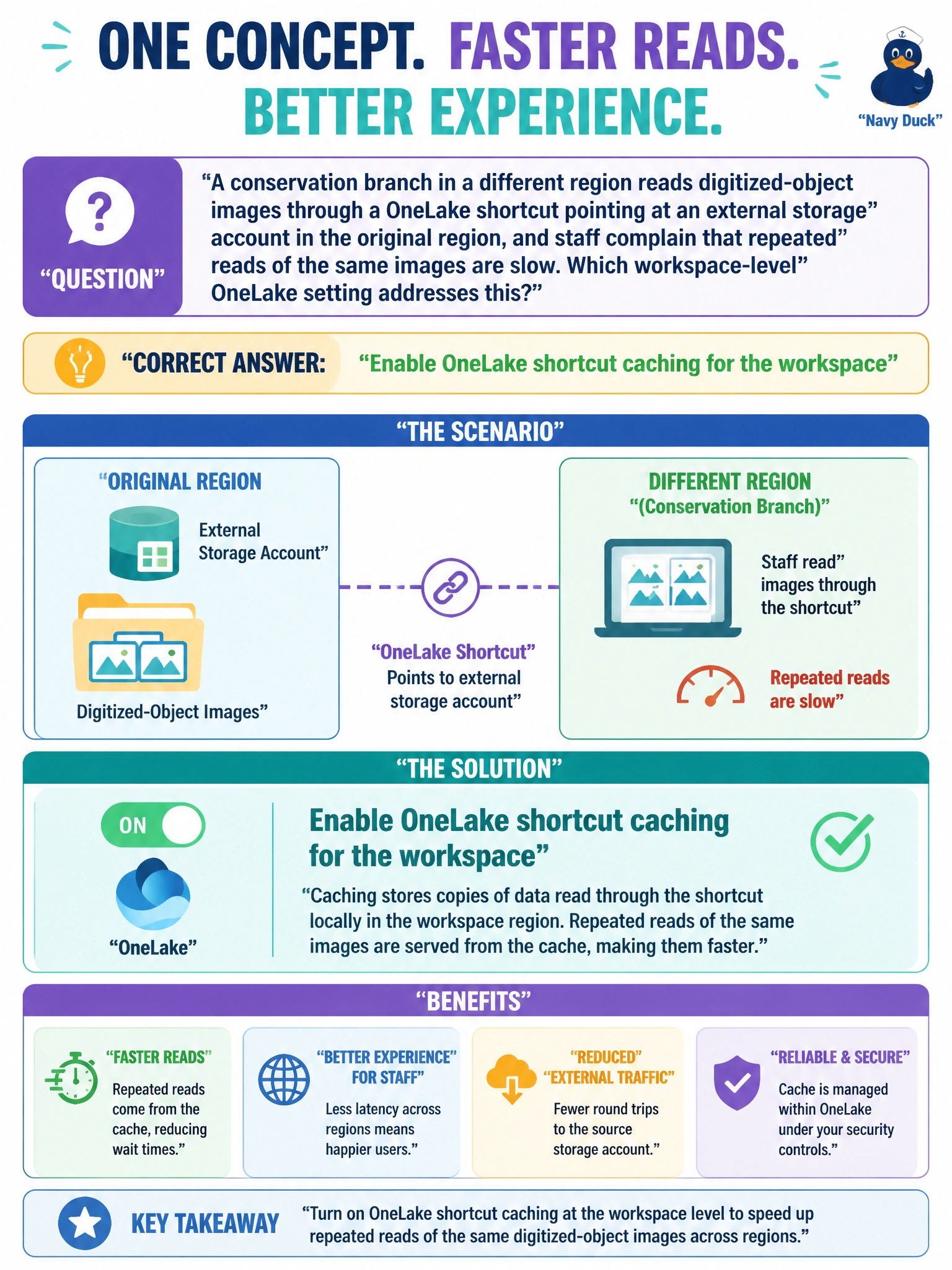
A conservation branch in a different region reads digitized-object images through a OneLake shortcut pointing at an external storage account in the original region, and staff complain that repeated reads of the same images are slow. Which workspace-level OneLake setting addresses this?
Select an answer to reveal the explanation.
Short Explanation
OneLake shortcut caching is like keeping a local photocopy of a file you keep reopening instead of re-downloading it from across the country every time. Turning it on lets repeated reads of the same shortcut-linked images come from a nearby cache instead of crossing regions each time.
Full Explanation
OneLake shortcut caching, a workspace-level OneLake setting, stores a local copy of data read through a shortcut so subsequent reads of the same shortcut-linked files are served from cache rather than re-fetched across regions every time, which is exactly the latency problem described. Increasing the Spark pool's node size changes compute capacity for Spark jobs; it does nothing about the network round-trip cost of a shortcut pointing at another region's storage. Moving to a different capacity changes billed compute allocation, not how shortcut reads are cached. Enabling database projects is a lifecycle-management feature for source-controlling schema, unrelated to shortcut data access performance. One caveat worth knowing: caching trades a small amount of staleness risk for lower latency, since cached data isn't guaranteed to reflect the very latest write to the source instantly. To verify, compare repeated read latency for the same shortcut path before and after enabling caching, and confirm the workspace's OneLake settings tab shows caching turned on.