
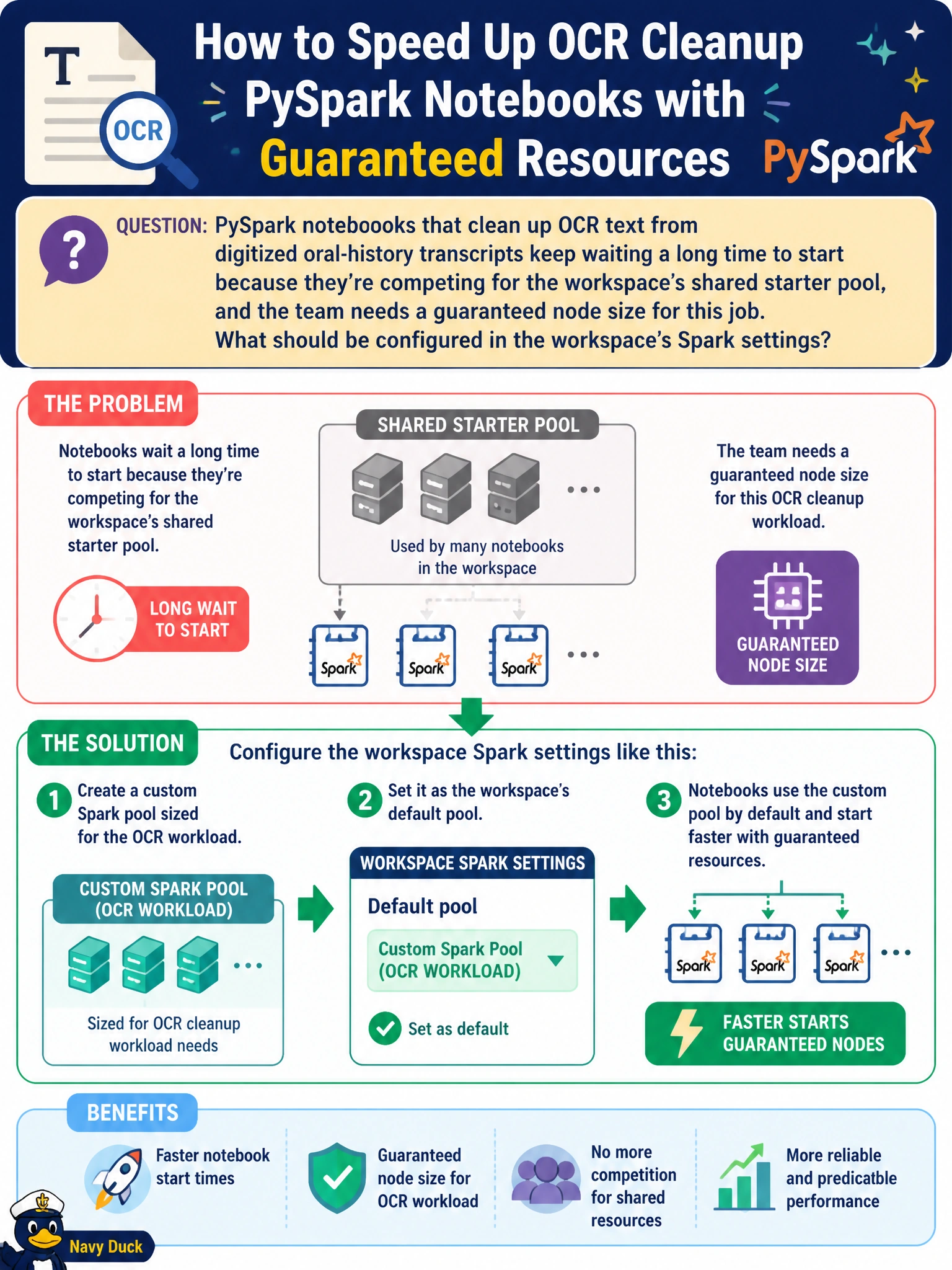
PySpark notebooks that clean up OCR text from digitized oral-history transcripts keep waiting a long time to start because they're competing for the workspace's shared starter pool, and the team needs a guaranteed node size for this job. What should be configured in the workspace's Spark settings?
Select an answer to reveal the explanation.
Short Explanation
The starter pool is like a shared taxi stand -- great for quick trips, but if everyone's competing for the same cars, someone waits. A custom pool is booking your own dedicated car with the exact size you need, so the OCR job gets a session that's ready and sized correctly instead of queuing behind everyone else.
Full Explanation
The starter pool is a shared, pre-warmed Spark cluster meant for quick, unpredictable jobs, and contention for it is exactly why start times become inconsistent when a specific workload needs guaranteed resources. Creating a custom Spark pool with a defined node size and family, then setting it as the workspace's default, gives the OCR-cleanup notebooks a dedicated cluster configuration instead of competing for shared capacity. High concurrency mode addresses a different problem -- sharing one already-running session across multiple notebooks to save cost -- it does not fix cold-start contention on the starter pool. Moving to a larger capacity increases the ceiling on total compute available tenant-wide but does not, by itself, dedicate a sized pool to this workload. OneLake shortcut caching is about data-read latency for shortcuts, unrelated to Spark session startup. Confirm the fix by checking the pool's assigned node size and family in workspace Spark settings and watching whether notebook session-start times stabilize.