
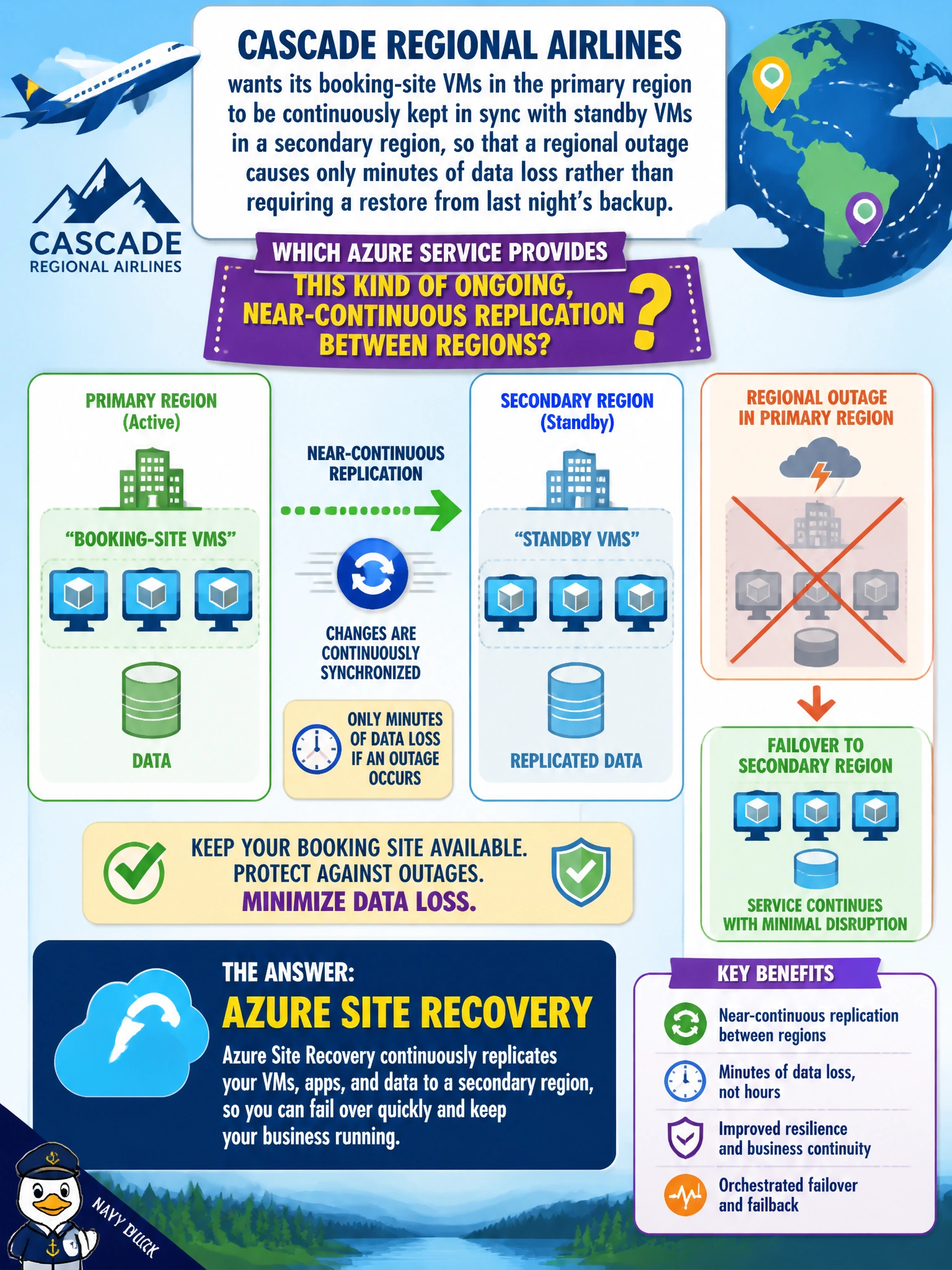
Cascade Regional Airlines wants its booking-site VMs in the primary region to be continuously kept in sync with standby VMs in a secondary region, so that a regional outage causes only minutes of data loss rather than requiring a restore from last night's backup. Which Azure service provides this kind of ongoing, near-continuous replication between regions?
Select an answer to reveal the explanation.
Short Explanation
Backups are like taking a photo once a day; replication is like a live video feed running the whole time. Azure Site Recovery keeps that live feed going to a second region, so a real disaster loses minutes of changes, not a full day's worth.
Full Explanation
Azure Site Recovery continuously replicates changes from a source VM's disks to a target region, keeping a near-real-time copy available so that in a regional disaster, failover can bring up the workload with only minutes of data loss, which is fundamentally different from a scheduled backup that only captures a point-in-time snapshot once or a few times a day. Azure Backup with a daily policy is designed for recovery from data corruption or accidental deletion over a retention window, not for minimizing data loss during a full regional outage, since restoring from a nightly backup could lose most of a day's transactions. A diagnostic setting only forwards logs and metrics for analysis; it has no mechanism to replicate a VM's actual disk contents anywhere. Log Analytics workspace geo-redundancy, where available, protects the durability of ingested log data itself, not the compute and disks of an application VM, so it does nothing to keep the booking site running elsewhere. To validate the replication is healthy, the team should check the VM's replication health status in Azure Site Recovery and confirm the recovery point objective being achieved is within the target tolerance.