
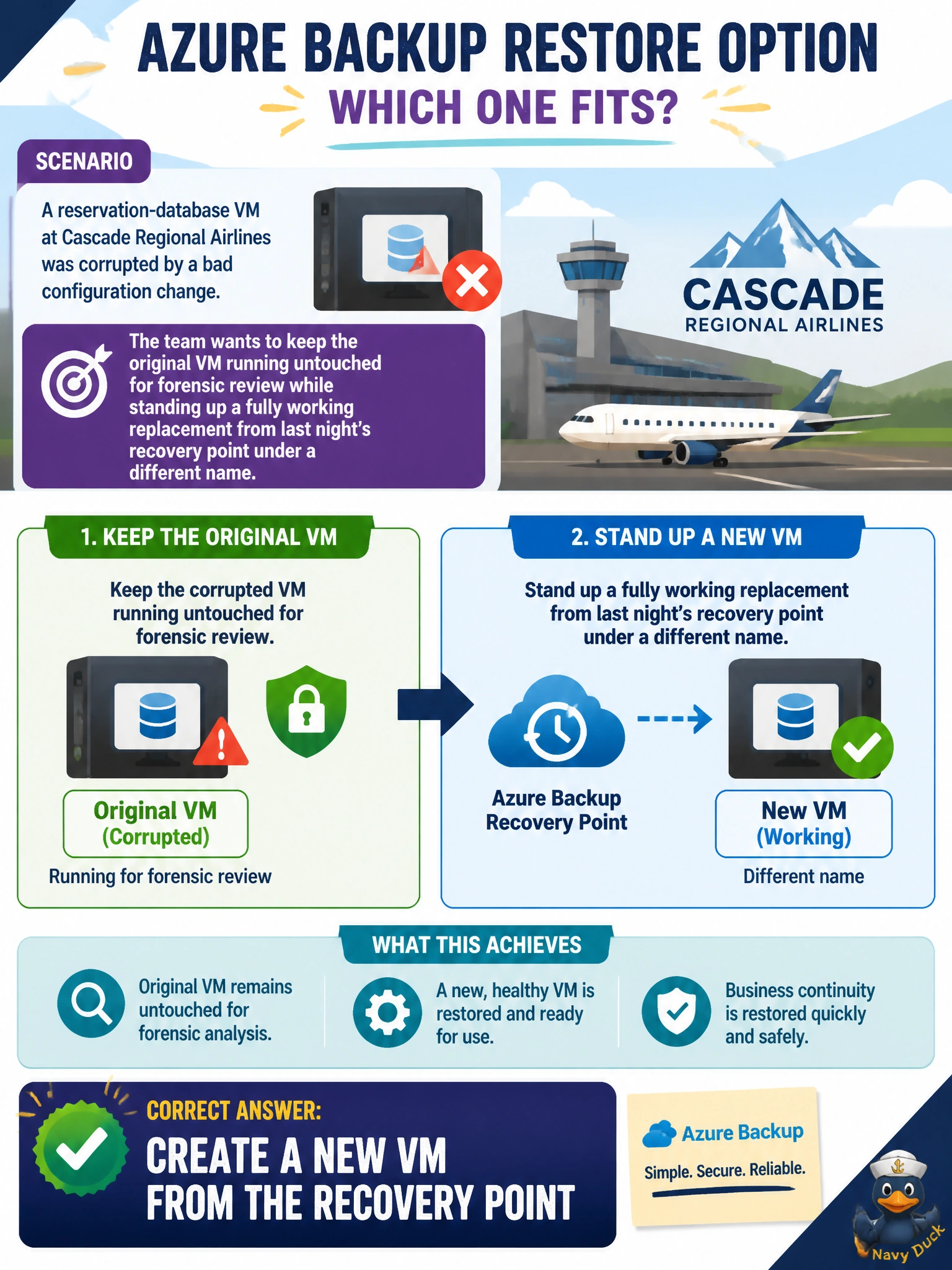
A reservation-database VM at Cascade Regional Airlines was corrupted by a bad configuration change. The team wants to keep the original VM running untouched for forensic review while standing up a fully working replacement from last night's recovery point under a different name. Which Azure Backup restore option fits?
Select an answer to reveal the explanation.
Short Explanation
This is the difference between overwriting the crime scene and building a fresh copy next door from an old blueprint. Creating a new VM from the recovery point leaves the original untouched for forensics while giving the team a working replacement immediately.
Full Explanation
Azure Backup's restore options for a VM recovery point include creating a brand-new virtual machine, restoring disks only for manual attachment, or replacing the existing VM's disks in place, and creating a new VM is the option that produces a fully functional, independently named replacement while leaving the original, corrupted VM completely untouched for later investigation. Replacing existing disks on the original VM would overwrite exactly the evidence the team wants preserved for forensic review, defeating that requirement. Restoring disks only and manually reattaching them adds unnecessary manual steps and still risks touching the original VM's configuration if done carelessly, when a direct new-VM restore already produces a working machine automatically. Cross-region restore is a separate capability tied to whether the vault has geo-redundant storage enabled and addresses restoring into a different region entirely; it is not required here since nothing in the scenario calls for restoring outside the primary region, and it is not itself the mechanism that determines new-VM versus in-place restore. After the restore, the operational check is to boot the new VM, confirm the application starts cleanly against last night's data, and leave the original VM powered off and isolated for the forensic team.