
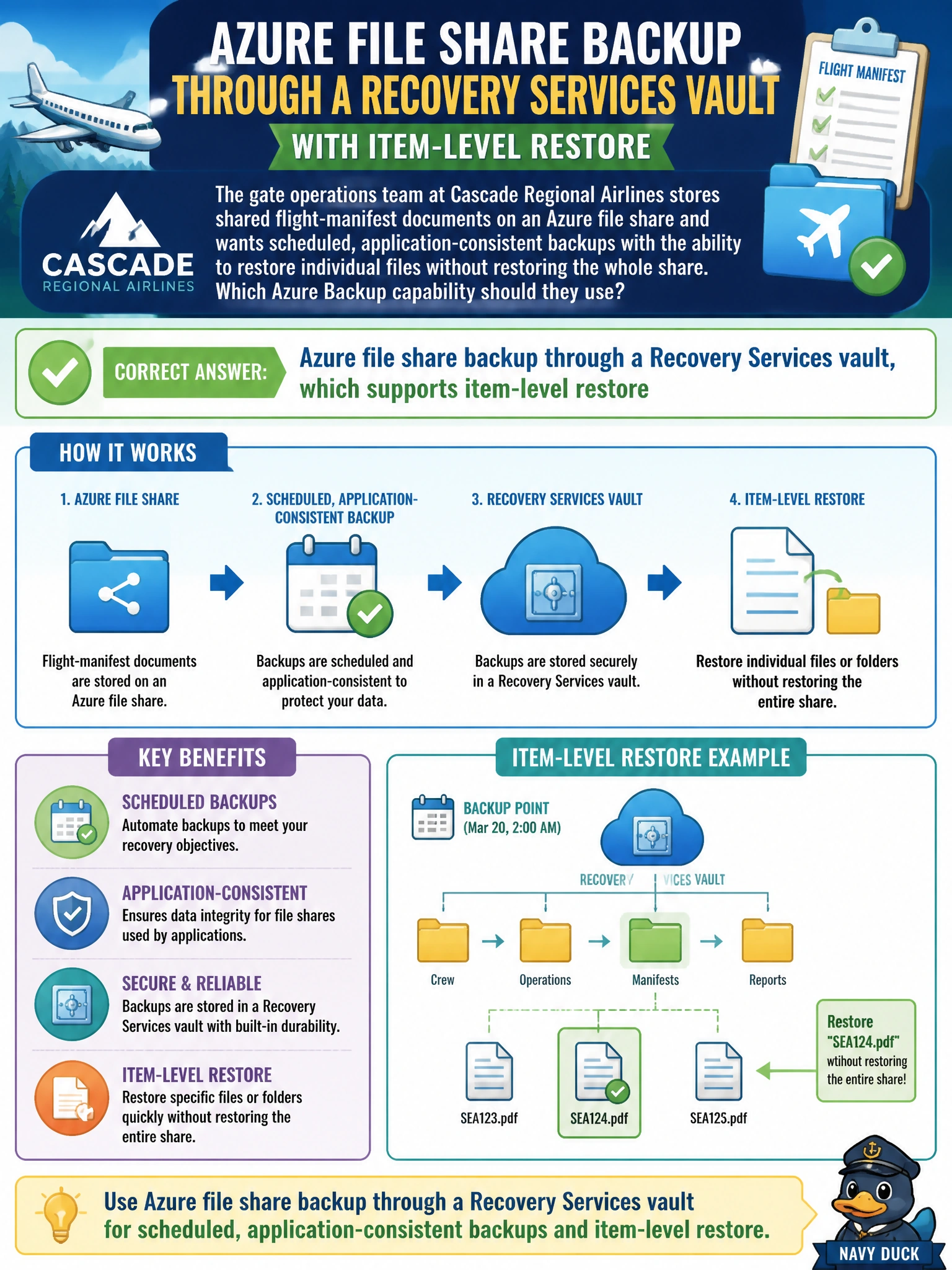
The gate operations team at Cascade Regional Airlines stores shared flight-manifest documents on an Azure file share and wants scheduled, application-consistent backups with the ability to restore individual files without restoring the whole share. Which Azure Backup capability should they use?
Select an answer to reveal the explanation.
Short Explanation
Backing up a file share is like keeping dated photocopies of a shared filing cabinet: you can restore the whole cabinet, or just pull one folder back out from a specific date, without disturbing everything else.
Full Explanation
Azure Backup supports Azure file shares as a protected workload through a Recovery Services vault, using snapshot-based recovery points on a defined schedule, and it supports item-level recovery, letting an administrator restore individual files or folders from a specific recovery point without restoring the entire share. Exporting file share metrics through a diagnostic setting produces operational telemetry about usage and performance, not restorable backup data, so it cannot fulfill a restore requirement at all. Azure Site Recovery replicates virtual machines (and some on-premises servers) between regions for disaster recovery failover; it does not protect Azure file shares and has no concept of file-level restore for that service. There is no such thing as a backup policy applied to an activity log; backup policies attach to the protected item itself, such as the file share, not to a log stream. To confirm this works as expected, the team should run a test restore of a single file from a recent recovery point and verify it lands in the target location without affecting the rest of the share's contents.