
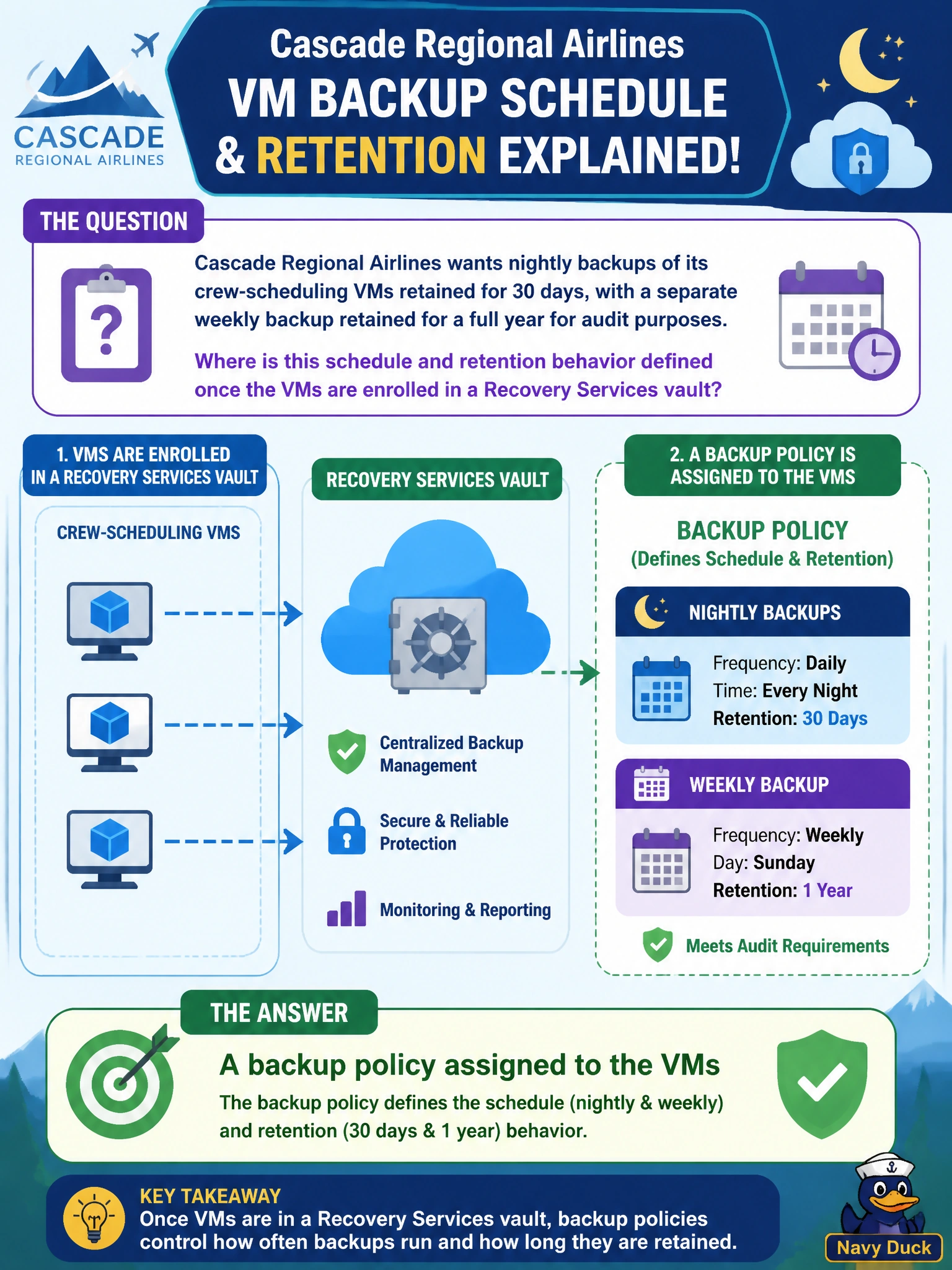
Cascade Regional Airlines wants nightly backups of its crew-scheduling VMs retained for 30 days, with a separate weekly backup retained for a full year for audit purposes. Where is this schedule and retention behavior defined once the VMs are enrolled in a Recovery Services vault?
Select an answer to reveal the explanation.
Short Explanation
A backup policy is the vault's rulebook for one job: when to take a snapshot and how long to hold onto each one. Nightly copies kept a month, weekly copies kept a year — both rules live in the same policy document attached to the VMs.
Full Explanation
A backup policy, defined within or associated with a Recovery Services vault, specifies the backup schedule, such as daily or weekly, and the retention duration for each type of recovery point, including the ability to define separate retention for daily, weekly, monthly, and yearly points, which directly matches the requirement for a 30-day nightly retention alongside a one-year weekly retention. Diagnostic settings route operational logs and metrics to destinations like a workspace or storage account and have no concept of backup scheduling or retention. Alert processing rules govern how already-fired Azure Monitor alerts are routed or suppressed and are unrelated to Azure Backup entirely. The vault's access policies control authentication and authorization behaviors, such as multi-user authorization for critical operations, not the schedule or retention of backups themselves. After assigning the policy, a good operational check is to review the vault's backup jobs after the first scheduled run to confirm recovery points were created on the expected cadence and are visible with the correct retention tags.