
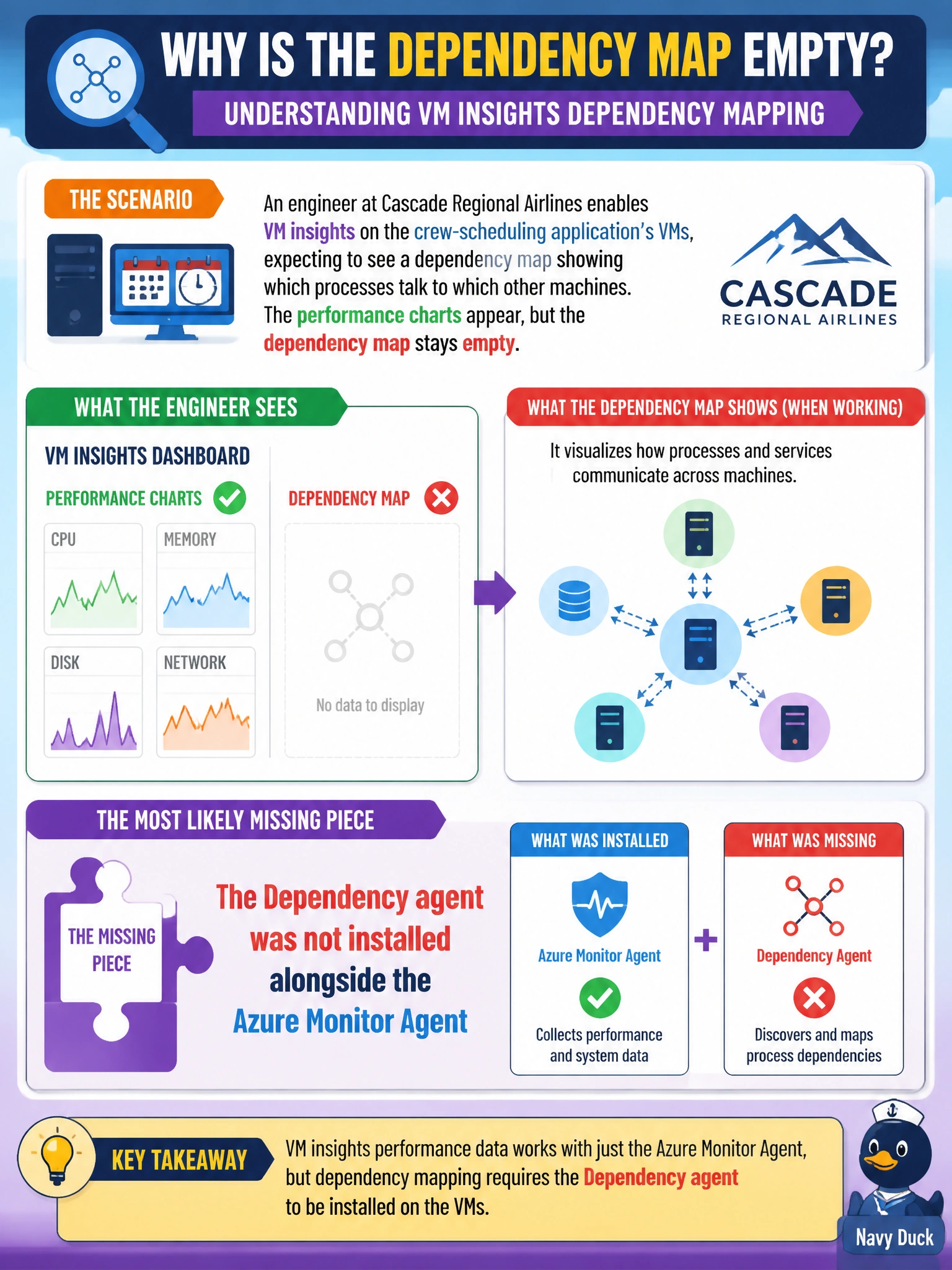
An engineer at Cascade Regional Airlines enables VM insights on the crew-scheduling application's VMs, expecting to see a dependency map showing which processes talk to which other machines. The performance charts appear, but the dependency map stays empty. What is the most likely missing piece?
Select an answer to reveal the explanation.
Short Explanation
Performance charts and the dependency map ride on two different pieces of software: one collects counters, the other watches network connections. Getting the first without the second is like having a car's speedometer working but the GPS unplugged.
Full Explanation
VM insights' performance charts are populated by counters collected through Azure Monitor Agent, but the dependency map, which discovers processes and the network connections between machines, is populated separately by the Dependency agent, so if only performance data appears, the Dependency agent is the piece most likely missing or not running on the VM. VM insights absolutely supports dependency mapping; that is one of its core features, so the first option misdescribes the product rather than diagnosing the actual gap. A Recovery Services vault belongs to Azure Backup and Azure Site Recovery and has no relationship to VM insights or dependency discovery. The data collection rule's retention setting affects how long collected data is kept queryable, not whether the Dependency agent's discovery data is generated in the first place, so a low retention value would not produce a permanently empty map, only a shorter history once it did start populating. The fix is to confirm the Dependency agent is installed and running on the target VMs, then check the dependency map again after allowing a few minutes for discovery data to populate.