
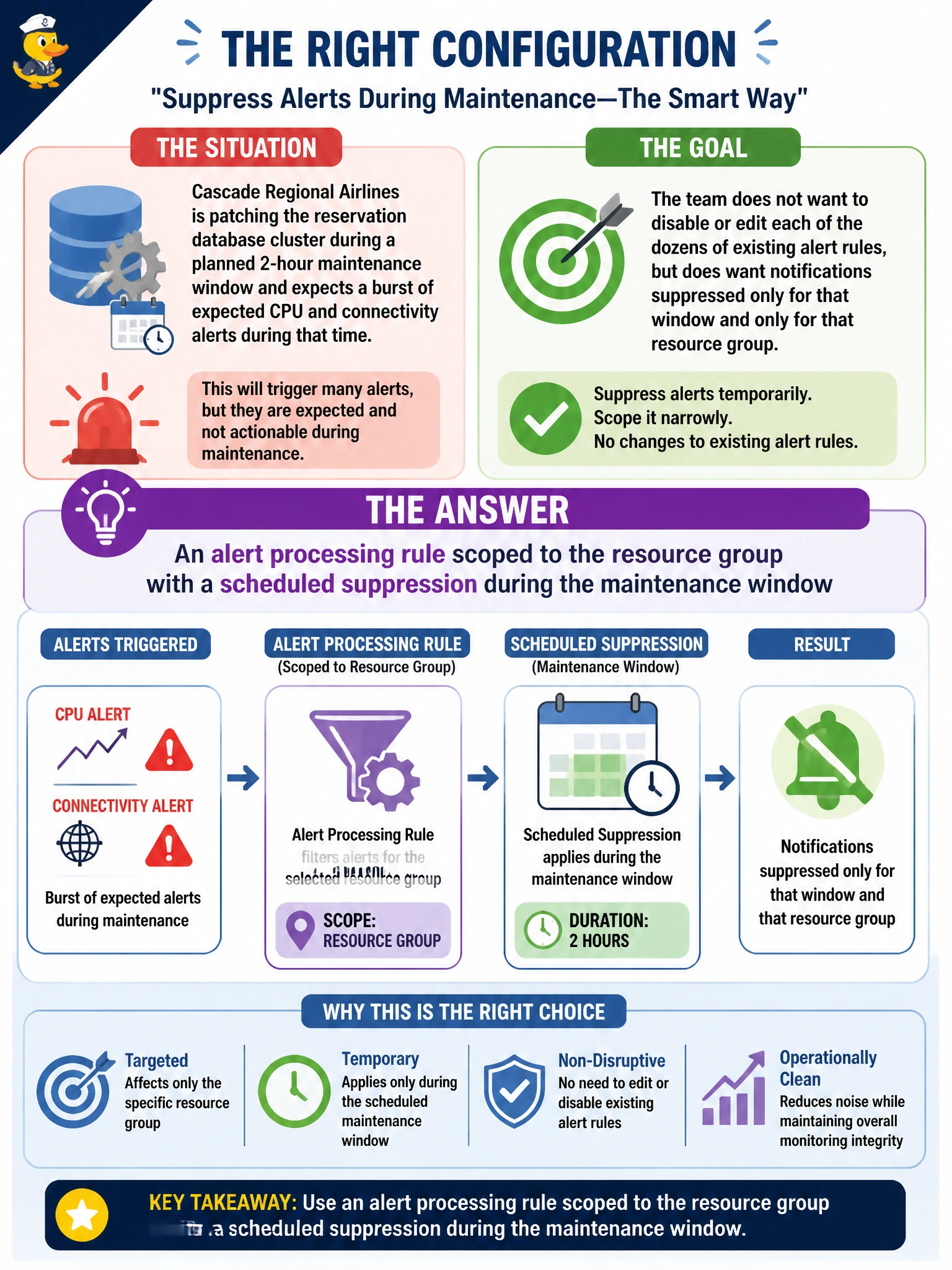
Cascade Regional Airlines is patching the reservation database cluster during a planned 2-hour maintenance window and expects a burst of expected CPU and connectivity alerts during that time. The team does not want to disable or edit each of the dozens of existing alert rules, but does want notifications suppressed only for that window and only for that resource group. What should they configure?
Select an answer to reveal the explanation.
Short Explanation
Think of an alert processing rule as a temporary do-not-disturb sign hung on a whole room, rather than unplugging every phone inside it. It suppresses notifications for the scope and time window you pick, without touching the underlying alert rules at all.
Full Explanation
An alert processing rule can be scoped to a resource group and configured with a scheduled suppression window, which stops notifications from firing during that time for every alert in scope without modifying, disabling, or deleting any individual alert rule, and it automatically resumes normal notification behavior once the window ends. Disabling the action groups would silence notifications everywhere those action groups are used, potentially across resources outside the maintenance window's scope, and it requires remembering to re-enable them afterward, which is exactly the manual, error-prone approach the team wants to avoid. Increasing evaluation frequency changes how often a metric alert checks its condition and has no effect on whether notifications are suppressed. Deleting and recreating dozens of alert rules is unnecessary busywork that risks configuration drift and does not target the specific goal of a temporary, scoped suppression. After configuring the rule, a good check is to confirm in the alert processing rule's scope and schedule that it will automatically expire, and that alerts resume appearing once the window closes.