
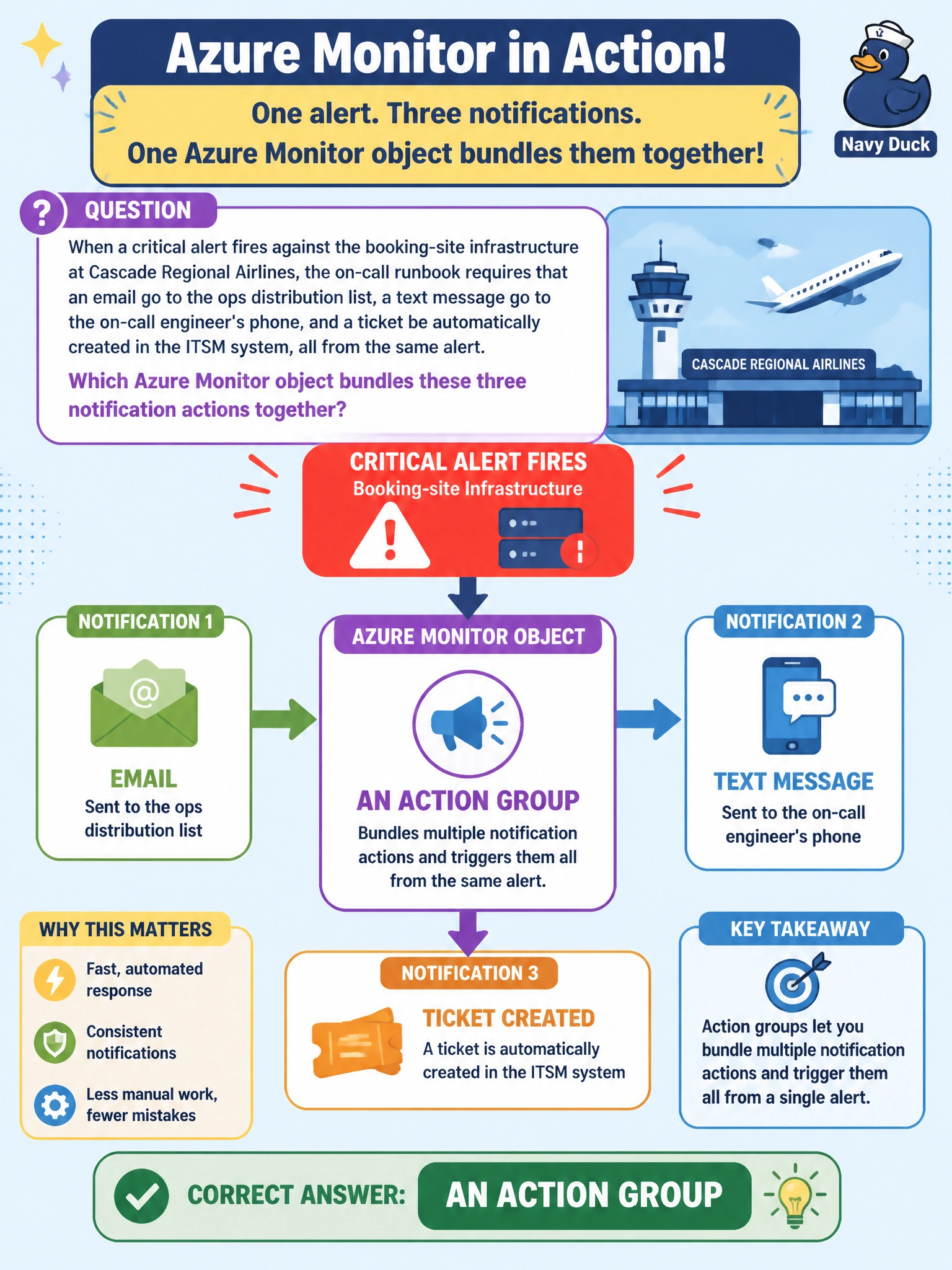
When a critical alert fires against the booking-site infrastructure at Cascade Regional Airlines, the on-call runbook requires that an email go to the ops distribution list, a text message go to the on-call engineer's phone, and a ticket be automatically created in the ITSM system, all from the same alert. Which Azure Monitor object bundles these three notification actions together?
Select an answer to reveal the explanation.
Short Explanation
An action group is like a phone tree that's already dialed in advance: one alert fires, and it hits email, SMS, and the ticketing system all at once, because those recipients were bundled together ahead of time.
Full Explanation
An action group is a reusable collection of notification and automation actions, such as email, SMS, voice call, webhook, or an ITSM connector, that any alert rule can be configured to invoke when it triggers, which lets a team define the response plan once and attach it to many alerts. A data collection rule governs what telemetry is gathered by Azure Monitor Agent and where it is sent, which is unrelated to notifying people once an alert has already fired. A diagnostic setting routes resource-level logs and metrics to destinations like a Log Analytics workspace or storage account for retention and analysis, not to human recipients as an alert response. An alert processing rule modifies alert behavior after the fact, such as suppressing notifications during a maintenance window or adding an action group to a whole resource group's alerts, but it depends on action groups existing rather than replacing them. A good operational check is to send a test notification from the action group's configuration page and confirm all three channels receive it before relying on it in production.