
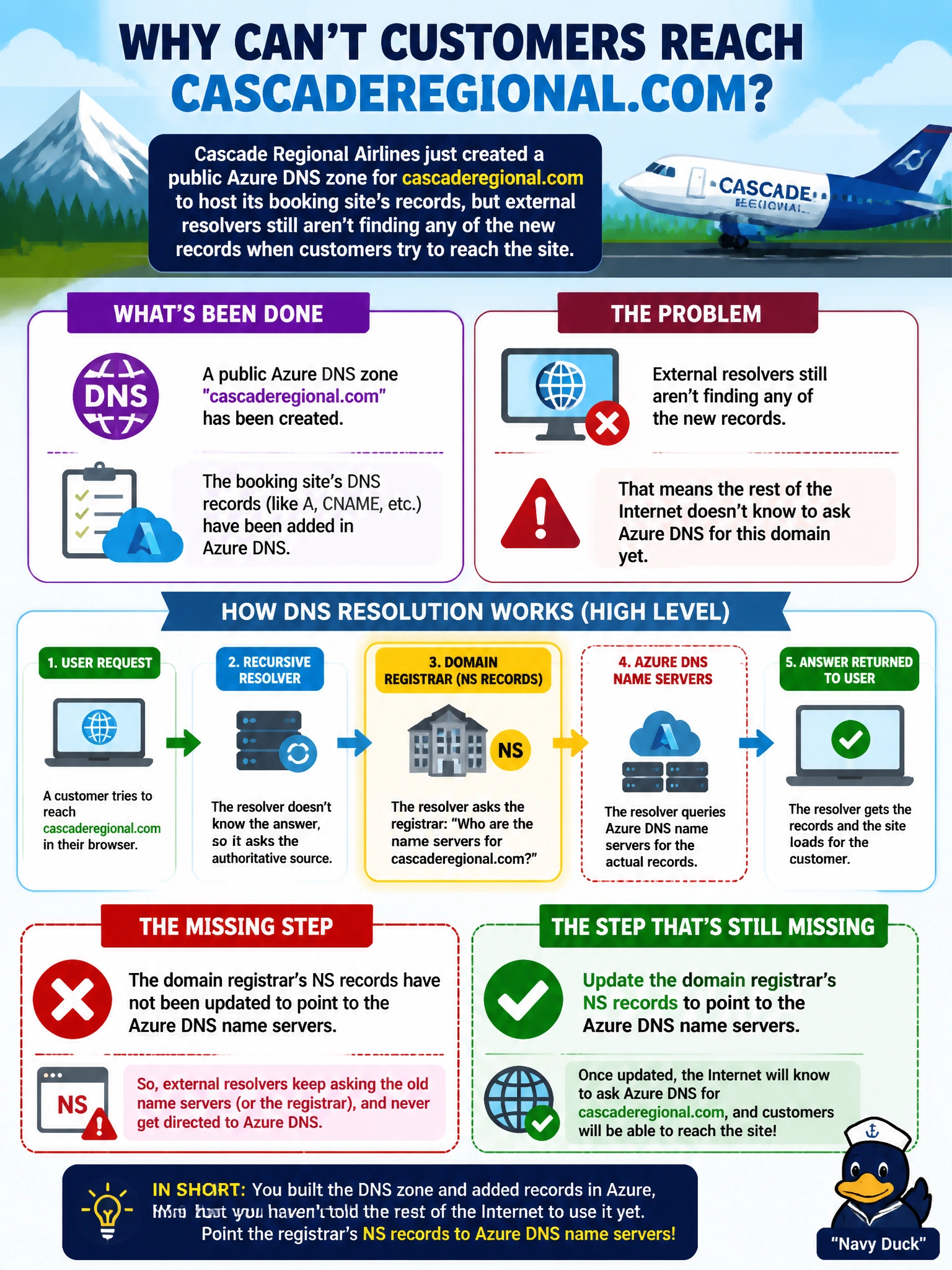
Cascade Regional Airlines just created a public Azure DNS zone for cascaderegional.com to host its booking site's records, but external resolvers still aren't finding any of the new records when customers try to reach the site. What step is still missing?
Select an answer to reveal the explanation.
Short Explanation
Creating the zone in Azure is only half the story — the rest of the internet still has to know to ask Azure the questions. Until the domain's registrar NS records point at the Azure DNS name servers, resolvers keep asking whoever the old authority was, and Azure's records are invisible to the outside world.
Full Explanation
When Azure DNS creates a public zone, it assigns a unique set of four name servers to that zone, but delegation only takes effect once the domain's registrar is updated to list those Azure name servers as the domain's authoritative NS records — until that happens, the global DNS hierarchy still points resolvers to whatever name servers were previously authoritative, so Azure's records are never queried. Autoregistration is a private DNS zone feature that automatically creates DNS records for VMs in a linked VNet; it has no bearing on a public zone's external visibility and doesn't even apply to public zones. Linking a zone to a VNet is also a private DNS zone concept, used so VNet resources can resolve private zone records; it is irrelevant to a public zone meant to be resolved from the internet. Adding a private DNS resolver addresses hybrid resolution between on-premises networks and Azure private zones, not public internet delegation. The exam-relevant caveat: NS record changes at the registrar can take time to propagate globally due to caching at intermediate resolvers, so verification should account for TTL-driven delay rather than assuming an instant fix. To verify, run an NS lookup against a public resolver for cascaderegional.com and confirm it returns the four Azure-assigned name servers rather than the registrar's default ones.