
Cascade Regional Airlines requires every production change to go through a scheduled change-control window, and reviewers want to see exactly what an ARM template deployment will add, modify, or delete in the outstation resource group before the window opens and the deployment is actually approved to run. Which capability lets the team preview those effects without making any changes yet?
Select an answer to reveal the explanation.
Short Explanation
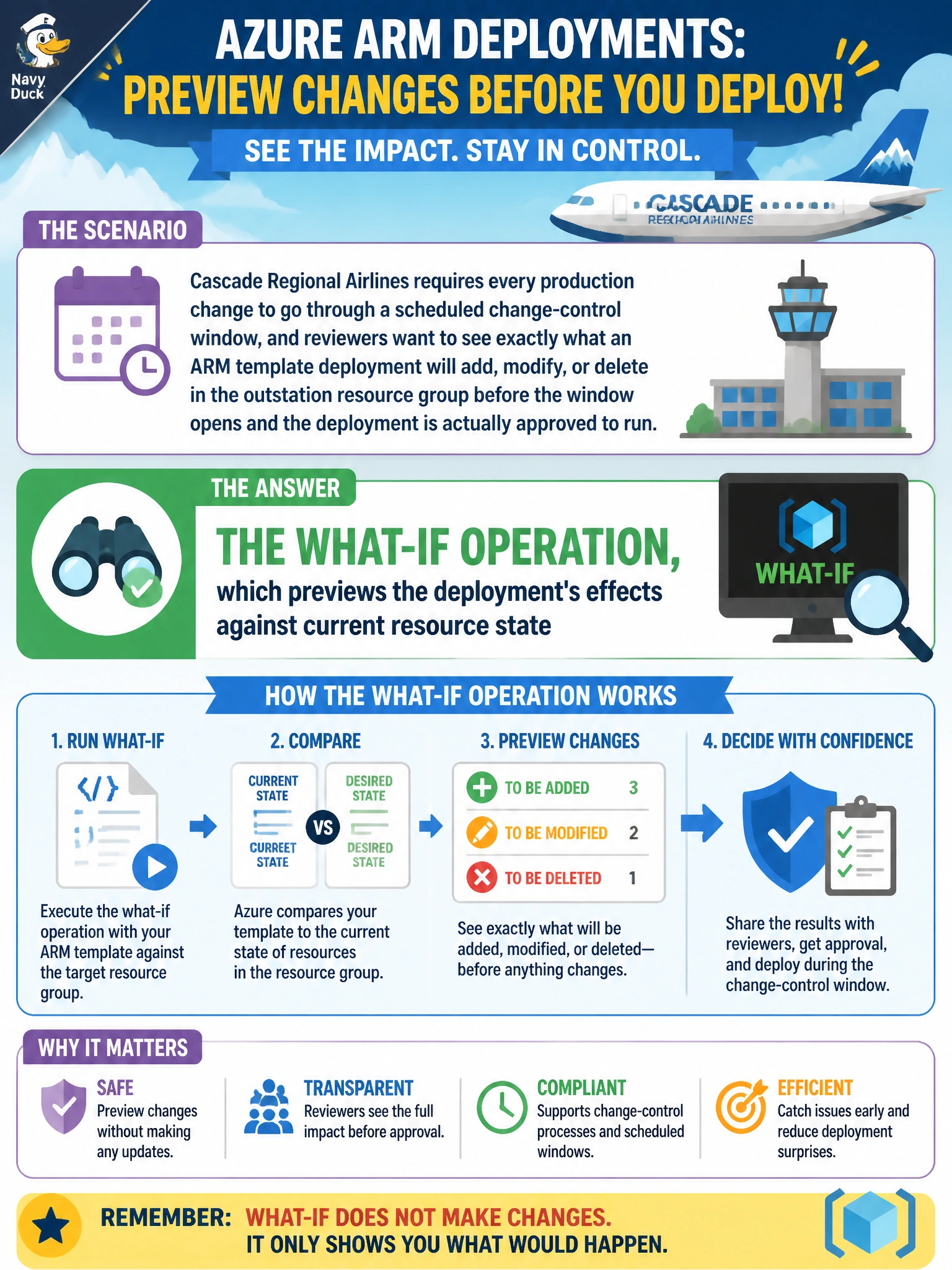
What-if does exactly what change-control reviewers want: it runs the comparison against what's actually deployed right now and reports what would change, without touching a single resource, so the window's approval is based on real data instead of a guess.
Full Explanation
The what-if operation evaluates a template and its parameter values against the current state of the target resource group and reports which resources would be created, modified, or deleted, all without making any actual change. This is precisely the tool for a change-control review that needs concrete evidence of impact before approving a deployment window. The parameters section only lists the named inputs a template accepts; it says nothing about which resources those values will ultimately affect once combined with the rest of the template and existing state. Incremental mode controls whether resources missing from the template are left alone versus deleted, discussed earlier alongside Complete mode; it is a deployment mode setting, not a preview capability, and it does not show a report of intended changes before running. The deployment history blade only records what already happened in past deployments; it cannot forecast the effect of a deployment that has not yet been submitted, especially if inputs or the template have changed since the last run. After reviewing a what-if report, the standard practice is confirming the listed deletions and modifications match reviewer expectations before the change window opens.