
After an ARM template deployment creates a new public IP address for an outstation's gateway, a downstream automation script needs that IP address's resource ID to configure DNS immediately afterward, without a separate lookup call. Which template section should return that value so it is available right after the deployment finishes?
Select an answer to reveal the explanation.
Short Explanation
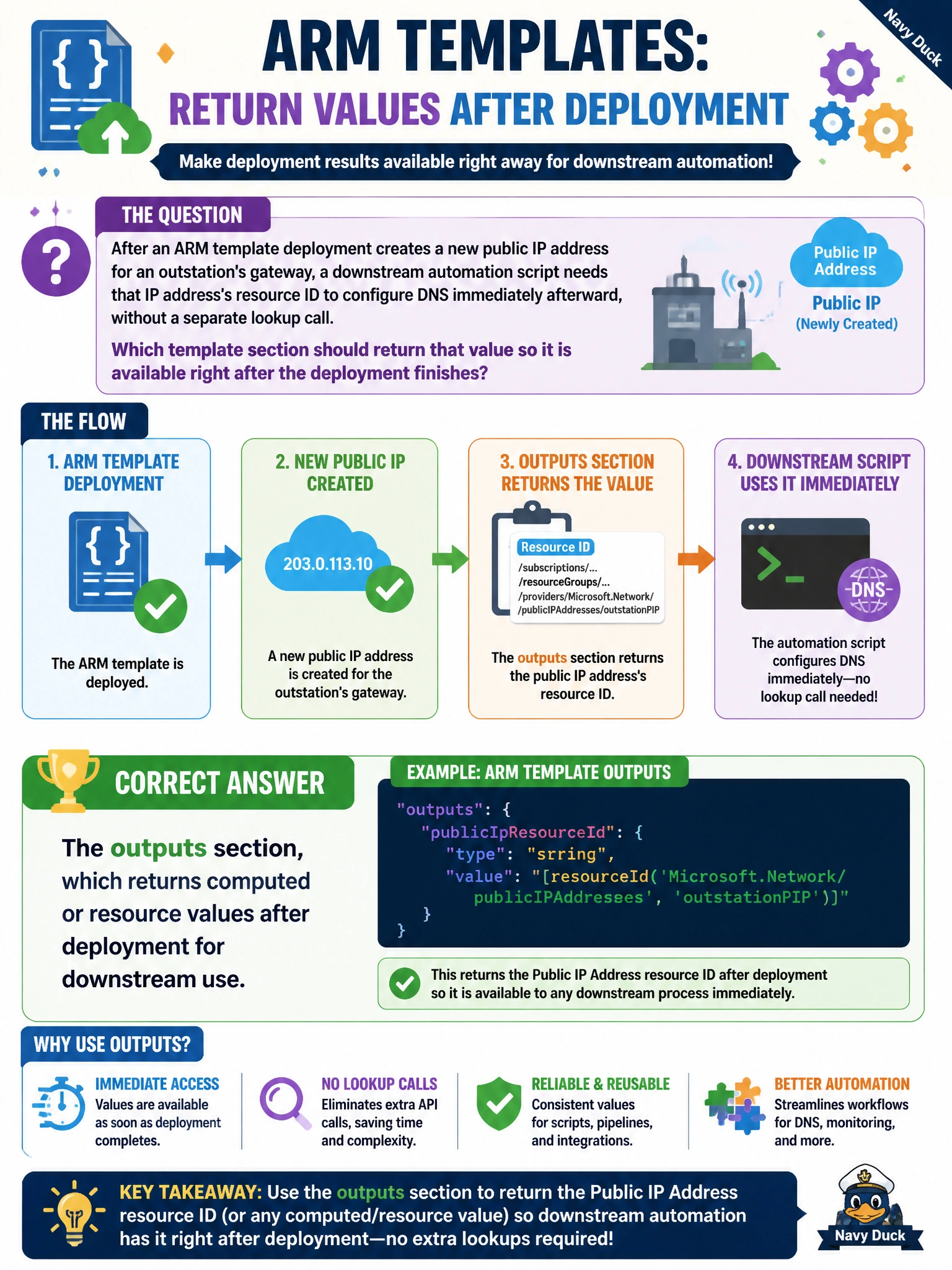
Outputs are the template's way of handing something back once it's done — like the resource ID of that new public IP — so a script picking up right after the deployment doesn't have to go looking for it separately.
Full Explanation
The outputs section is designed exactly for this: it declares values, such as a resource ID, an IP address, or a fully qualified domain name, that the template returns once the deployment completes, and those values are directly consumable by a calling script or pipeline step without a separate query. This makes it the correct place to expose the new public IP's resource ID for the downstream DNS automation. Variables are internal working values used to compose the template during authoring; they are not exposed to callers after deployment and cannot be queried externally, so a script has no way to reach them. Parameters flow the opposite direction, supplying input values into the deployment; nothing about them is echoed back automatically as a result, and they should not be confused with outputs which serve the reverse purpose. The deployment history blade is a human-facing audit view in the portal; while it happens to show some deployment metadata, it is not designed as a machine-readable interface for a downstream script and adds needless lookup overhead compared to reading the deployment's own declared outputs directly. A quick check is running the deployment and confirming the outputs object in the deployment result contains the expected resource ID.