
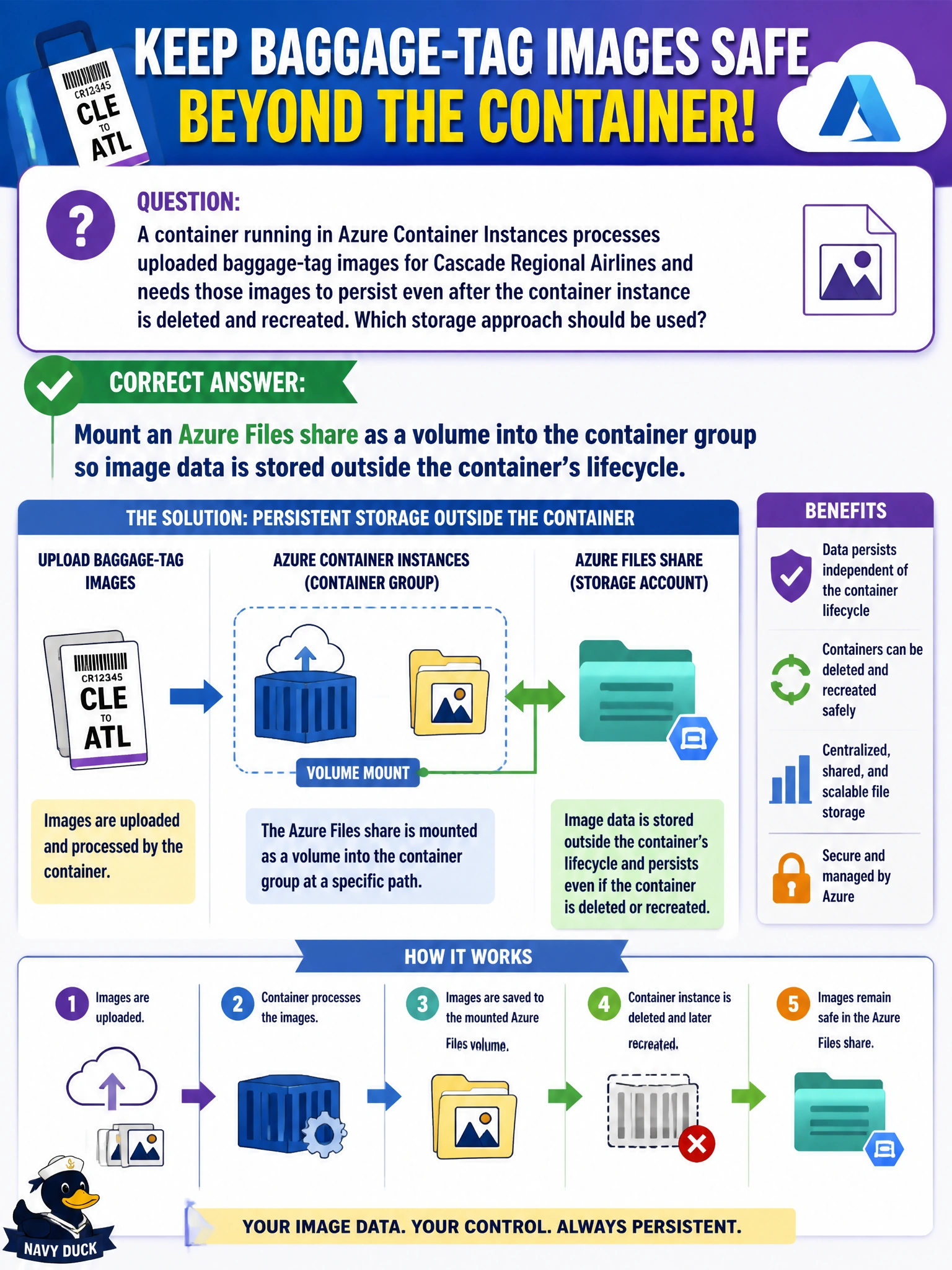
A container running in Azure Container Instances processes uploaded baggage-tag images for Cascade Regional Airlines and needs those images to persist even after the container instance is deleted and recreated. Which storage approach should be used?
Select an answer to reveal the explanation.
Short Explanation
A container's own local disk disappears the moment the container itself is deleted, so anything written only there is gone for good. Mounting an Azure Files share as a volume gives the container a place to write that lives independently, so the baggage-tag images stick around even after the container is torn down and recreated.
Full Explanation
Azure Container Instances containers are ephemeral by default: any data written to the container's own writable filesystem layer is lost when the container instance is deleted, which makes local disk unsuitable for anything that must outlive a single container's lifecycle. Mounting an Azure Files share as a volume in the container group configuration gives the container a path backed by durable, independent storage in an Azure Storage account, so files written there persist across container deletion and recreation and can even be accessed by other services or tools outside the container. Environment variables are meant for small configuration values passed at container start, not for storing binary image data, and they do not provide any mechanism for persisting files written during execution. There is no default behavior in ACI that automatically backs up ephemeral container storage to Blob Storage; persistence has to be explicitly configured through a volume mount. As an operational check, after deleting and recreating the container group with the same Azure Files mount configuration, confirm the previously written baggage-tag images are still present on the mounted share, proving persistence is actually working outside the container's own lifecycle.