
Cascade Regional Airlines runs its nightly flight-data reconciliation job in an Azure Container Instances container group. The job should run exactly once per night, and if it fails, the operations team wants to investigate the failure rather than have the platform silently retry it. Which container group restart policy should be configured?
Select an answer to reveal the explanation.
Short Explanation
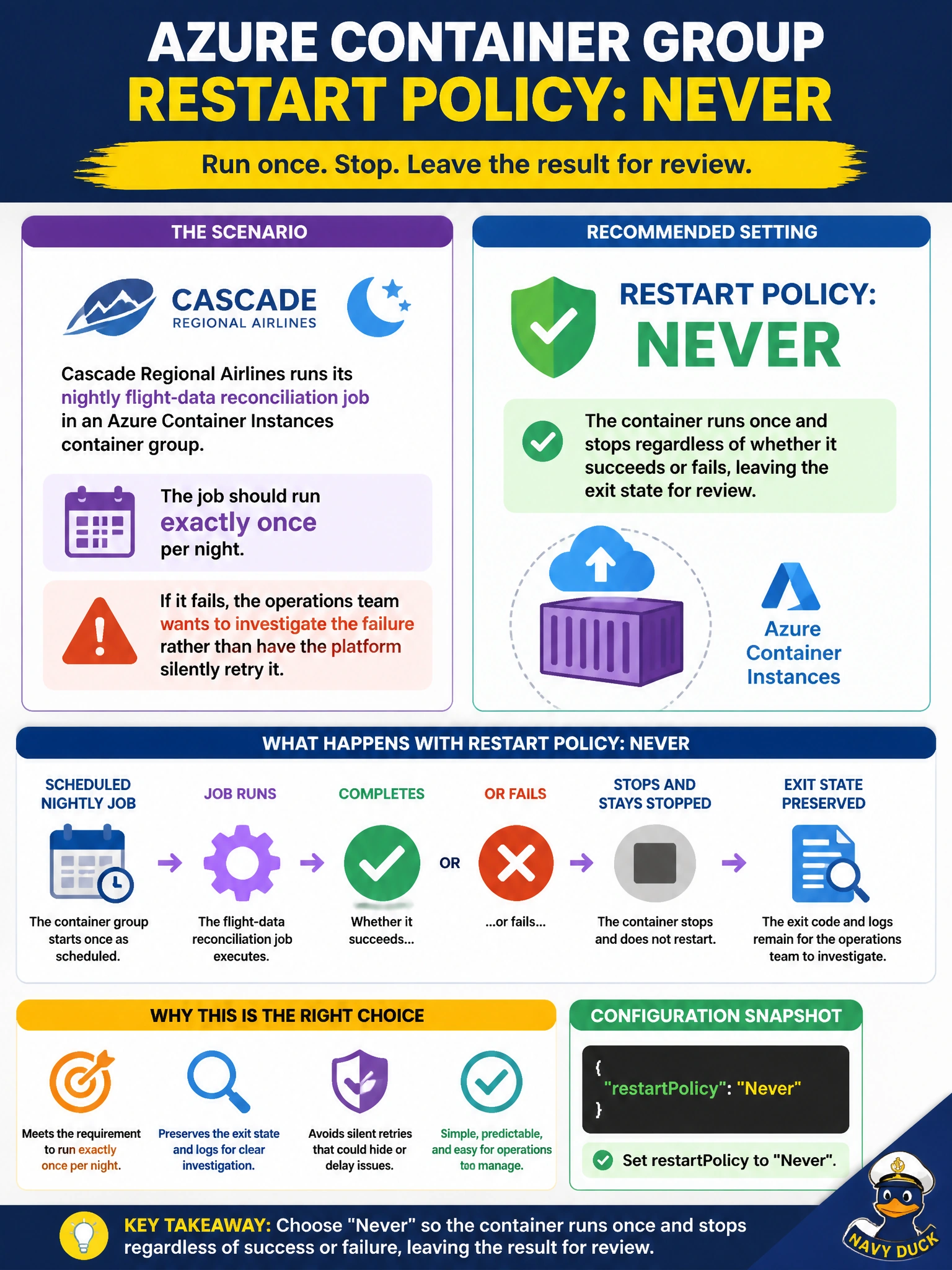
If you want a failure to stay visible instead of being quietly retried away, you don't want the platform restarting anything automatically. The Never restart policy runs the container exactly once and leaves it stopped in whatever state it finished in, so the failure is right there waiting for someone to look at it.
Full Explanation
Azure Container Instances container groups support a restartPolicy field with three values: Always, which restarts the container regardless of exit code and suits long-running services; OnFailure, which restarts only on a non-zero exit code and suits retry-tolerant batch work; and Never, which runs the container exactly once to completion — success or failure — and then leaves it stopped without any automatic restart. The requirement here, that a failure be preserved for human investigation rather than retried, matches Never precisely, since the container's final state and logs remain available for review instead of being overwritten by a retry attempt. Always would mask exactly the kind of failure the team wants visibility into, continuously relaunching the job and potentially reprocessing data multiple times in a night. OnFailure sounds closer but still triggers an automatic retry loop, which conflicts with the stated goal of investigating rather than auto-retrying; it is meant for jobs where a transient retry is an acceptable first response. The restart policy is absolutely configurable and does not default silently to Always in every case — it is one of the group's creation-time settings. As an operational check, after the job finishes, query the container group's instance view for its exit code and confirm the group state is Terminated rather than Running, which would indicate an unexpected restart.