
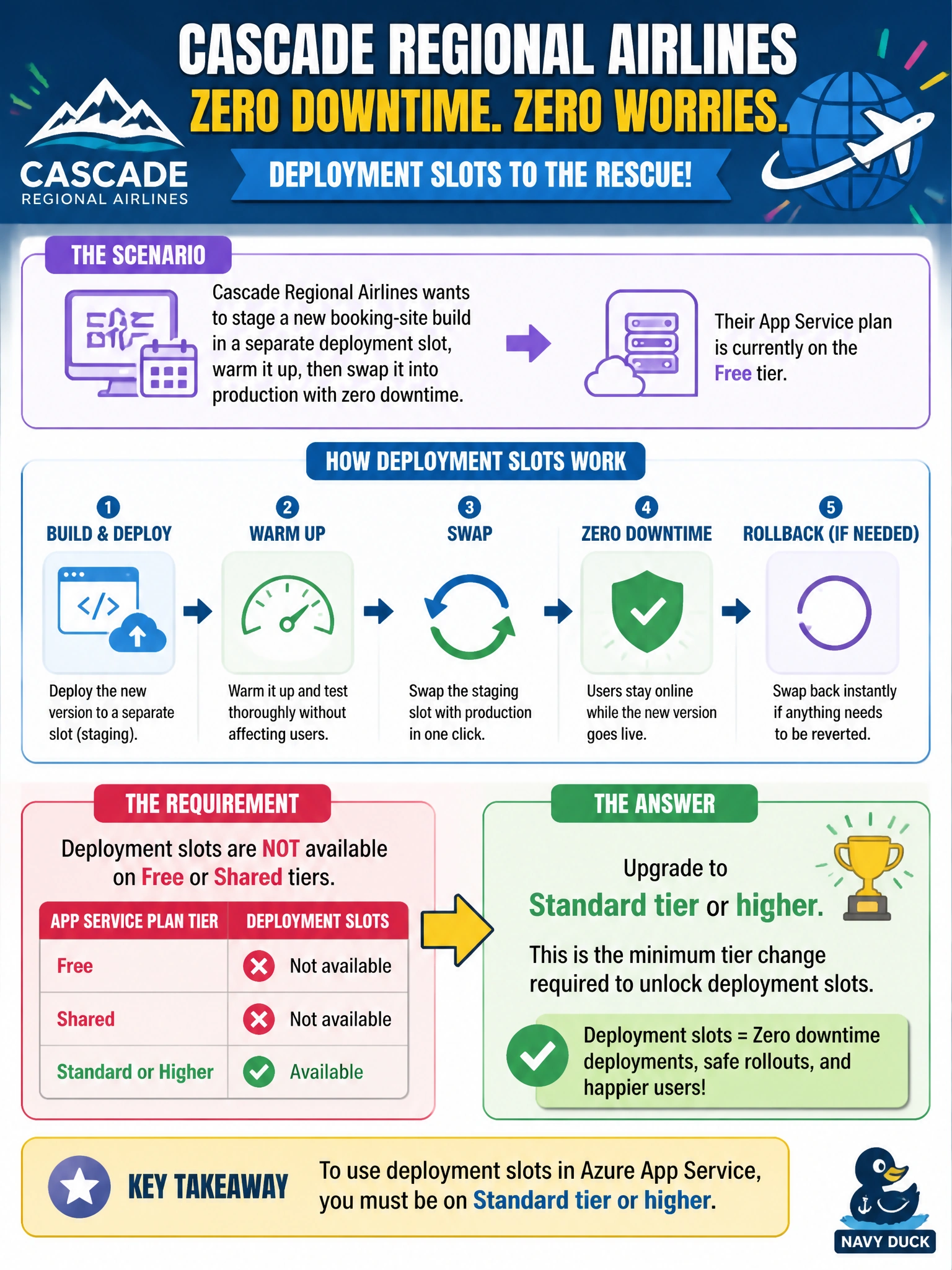
Cascade Regional Airlines wants to stage a new booking-site build in a separate deployment slot, warm it up, then swap it into production with zero downtime. Their App Service plan is currently on the Free tier. What is the minimum tier change required to unlock deployment slots?
Select an answer to reveal the explanation.
Short Explanation
Deployment slots are a feature gate on the App Service plan itself, not something you can flip on with a setting. Free and Shared tiers simply don't include them, so the booking site needs to move up to at least Standard before staging and swapping become possible.
Full Explanation
Azure App Service deployment slots are tied to the pricing tier of the App Service plan: Free and Shared tiers offer no slots at all, Basic tier still excludes them, and Standard tier is the first tier that includes a small number of slots, with Premium tiers offering more. Moving the plan to Standard or higher is therefore the minimum change required before a staging slot can be created and swapped into production. The claim that slots exist on every tier is simply incorrect and would leave the team unable to create a slot at all on their current Free plan. A Consumption plan is an Azure Functions hosting model, not an App Service Plan tier for web apps, and switching to it would mean re-architecting the booking site as a function app rather than solving the slots requirement. Always On is an application setting that prevents the app from idling out due to inactivity; it has no bearing on slot availability and is unrelated to the plan tier question. Before promising a zero-downtime release process, confirm the current plan's tier in the Azure portal's Scale up (App Service plan) blade and upgrade it, since attempting to add a slot on an ineligible tier will simply fail with a feature-not-available error.