
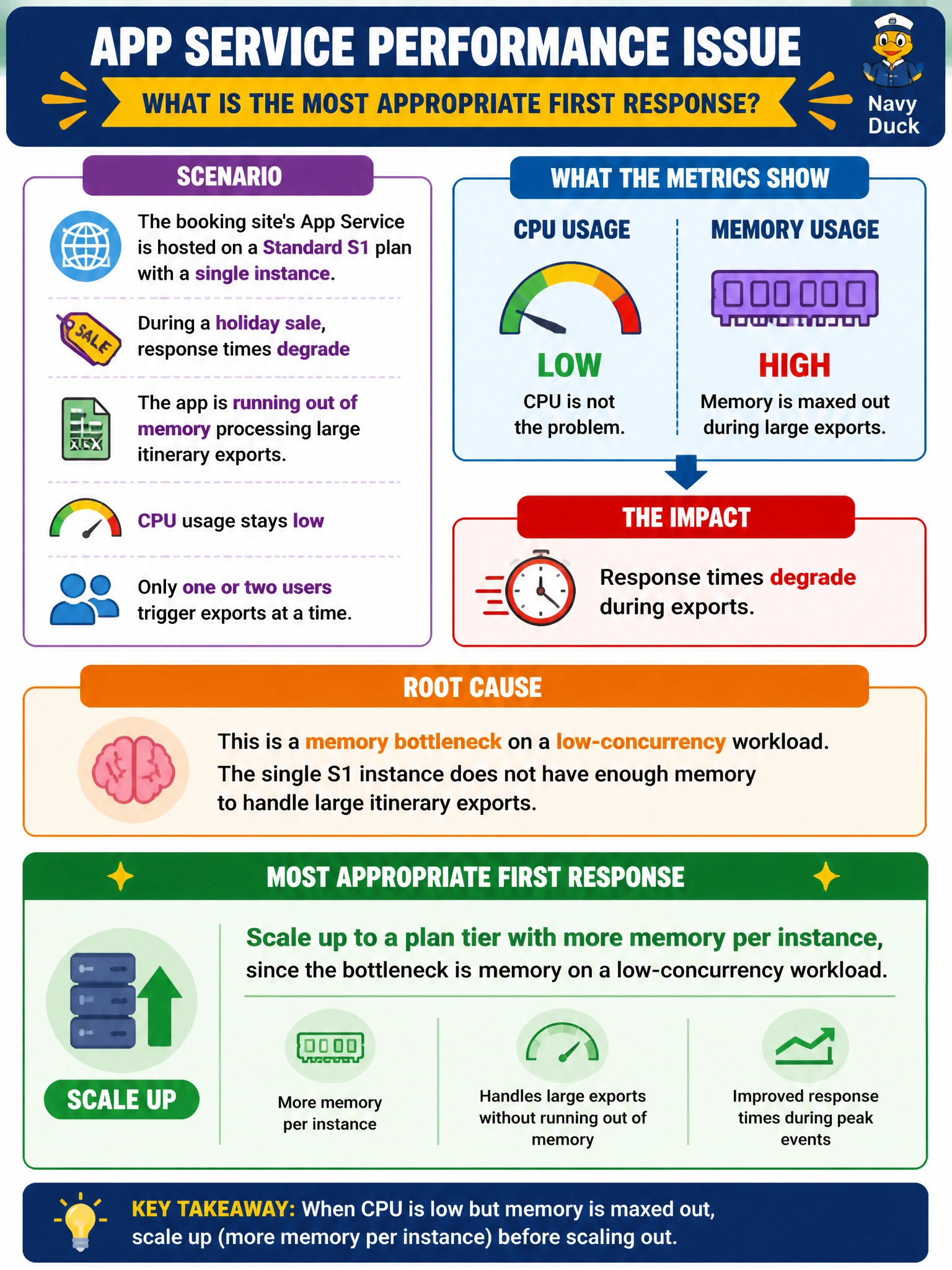
The booking site's App Service is hosted on a Standard S1 plan with a single instance. During a holiday sale, response times degrade because the app is running out of memory processing large itinerary exports, even though CPU usage stays low and only one or two users trigger exports at a time. What is the most appropriate first response?
Select an answer to reveal the explanation.
Short Explanation
Scaling out just spreads the same problem across more copies of an instance that's still short on memory — it doesn't fix a resource-starved process. Scaling up moves you to a bigger box with more memory per instance, which is exactly what a memory-bound, low-concurrency workload needs.
Full Explanation
Scaling up changes the underlying App Service plan to a tier or size with more compute resources — CPU, memory, or both — per instance, while scaling out adds more instances of the existing size to spread load across them. The scenario describes a memory-bound bottleneck triggered by only one or two concurrent users, which is a workload characteristic that scaling out cannot fix: additional instances would each still hit the same per-instance memory ceiling, and with low concurrency the requests may not even be distributed across the new instances effectively. Scaling up to a plan with more memory directly addresses the constraint that is actually being hit. An autoscale rule keyed on CPU percentage would never trigger here at all, since the described symptom explicitly shows CPU staying low while memory is the limiting factor, so the rule would sit idle while performance keeps degrading. Downgrading to Basic tier moves in the wrong direction entirely, reducing available resources rather than adding them. As an operational check, review the App Service's memory percentage metric in Azure Monitor during an export operation to confirm memory is the actual constraint before committing to a size change.