
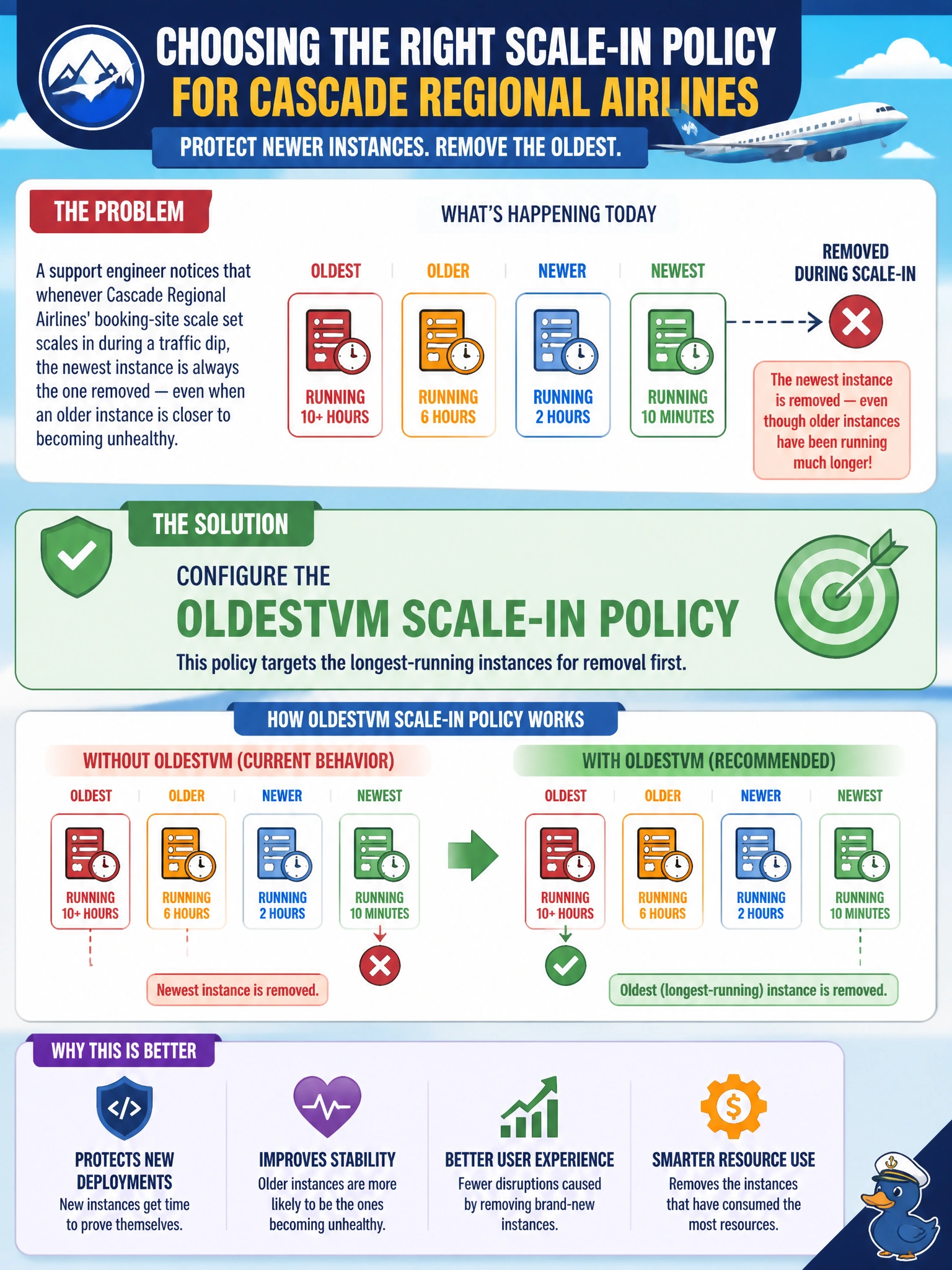
A support engineer notices that whenever Cascade Regional Airlines' booking-site scale set scales in during a traffic dip, the newest instance is always the one removed — even when an older instance is closer to becoming unhealthy. The team wants the newest instances protected so recently deployed code gets time to prove itself before being torn down. Which scale-in policy should they configure?
Select an answer to reveal the explanation.
Short Explanation
If the goal is to protect the newest deployment and retire aging instances instead, you actually want the opposite of newest-first removal — that's the OldestVM policy doing exactly what its name says. Pointing the scale set at OldestVM removal means the freshly deployed code sticks around while the veterans get cycled out.
Full Explanation
A scale set's scale-in policy determines which instances are removed first when the group shrinks, and the built-in options include Default (spreads removal evenly across fault domains, then favors the highest instance ID), NewestVM (removes the most recently created instances first), and OldestVM (removes the longest-running instances first). The symptom described — freshly deployed instances disappearing before older ones — is the signature of a NewestVM policy or a Default policy tie-broken toward high instance IDs; the fix is to explicitly set the policy to OldestVM so aging instances are retired first and newer deployments are given time to prove stability. The Default policy is not a safe assumption here because its fault-domain balancing can still remove a new instance if it shares a fault domain with excess capacity. Manual scale-in without any policy is operationally risky at scale and does not scale with automated autoscale rules, which fire without a human in the loop. A useful operational check is to review the scale set's instance view immediately after a scale-in event and confirm the removed instance IDs are consistently the oldest, not the newest, in the group.