
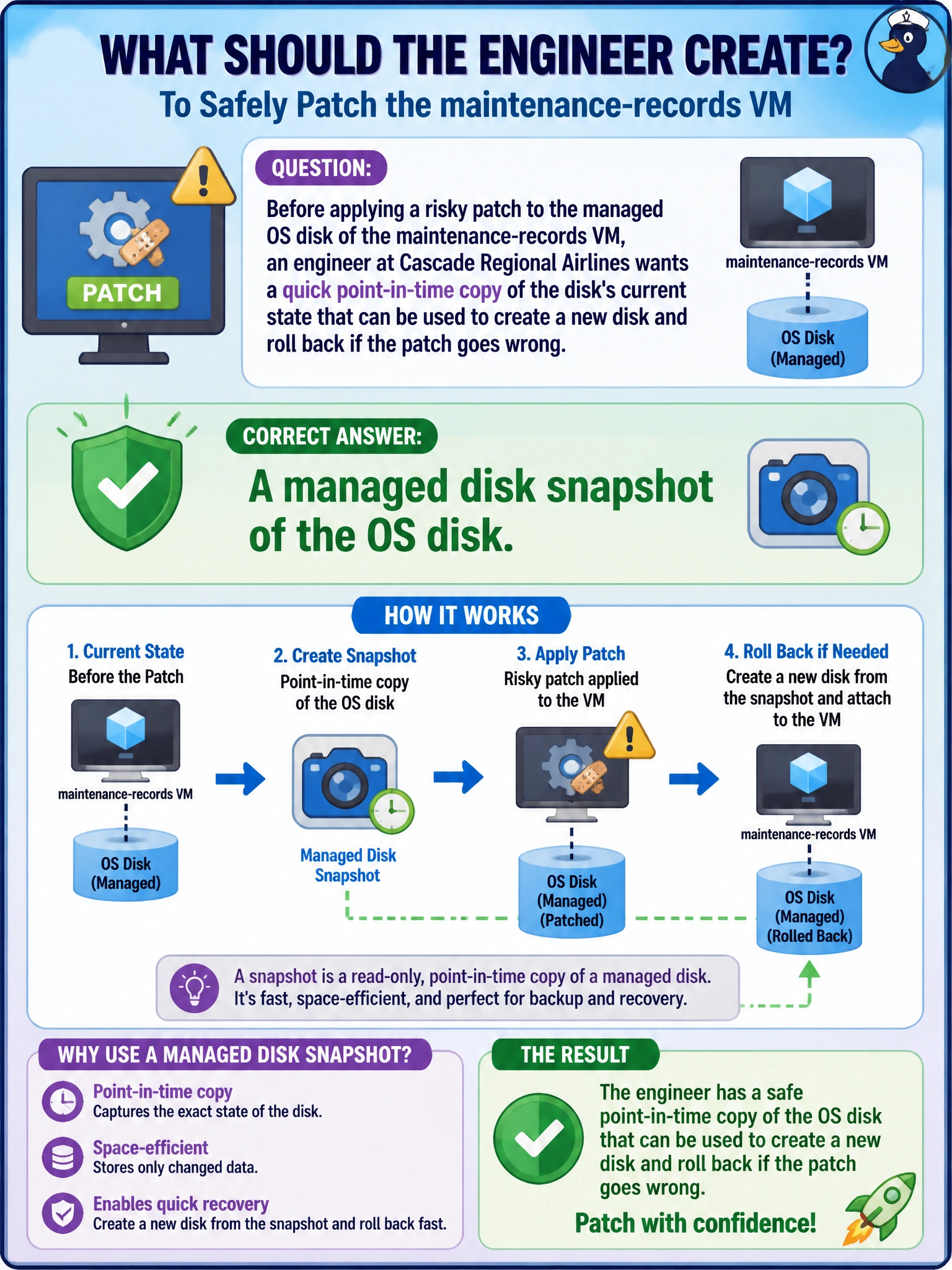
Before applying a risky patch to the managed OS disk of the maintenance-records VM, an engineer at Cascade Regional Airlines wants a quick point-in-time copy of the disk's current state that can be used to create a new disk and roll back if the patch goes wrong. What should the engineer create?
Select an answer to reveal the explanation.
Short Explanation
A disk snapshot is like a photograph of the disk taken right before you start the risky work: it's a full, read-only copy of the blocks on the disk at that instant. If the patch breaks something, you can create a brand-new disk from that snapshot and swap it in. It doesn't touch the running VM at all — it just sits there as insurance.
Full Explanation
A managed disk snapshot captures a full, point-in-time, crash-consistent copy of a disk's data as a separate, billable resource, independent of the source disk's lifecycle. Because it's just a copy, you can later create a new managed disk from the snapshot and attach it to a VM as a rollback path if a risky patch goes wrong, without disturbing the original disk or the running VM in the meantime. An availability set is unrelated to point-in-time data protection — it's a placement construct that spreads VMs across fault and update domains, and it does nothing to capture or restore disk content. A VM extension that logs write activity might be useful for auditing, but it produces a log stream, not a restorable copy of the disk's actual data, so it can't undo a bad patch. Resizing the disk to a larger capacity changes how much space is available going forward; it doesn't preserve the disk's current state as a rollback point, and doing it right before a risky change actually adds risk rather than removing it. As an operational check, take an incremental snapshot immediately before the patch window and verify it completes and shows a consistent timestamp before proceeding with the change.