
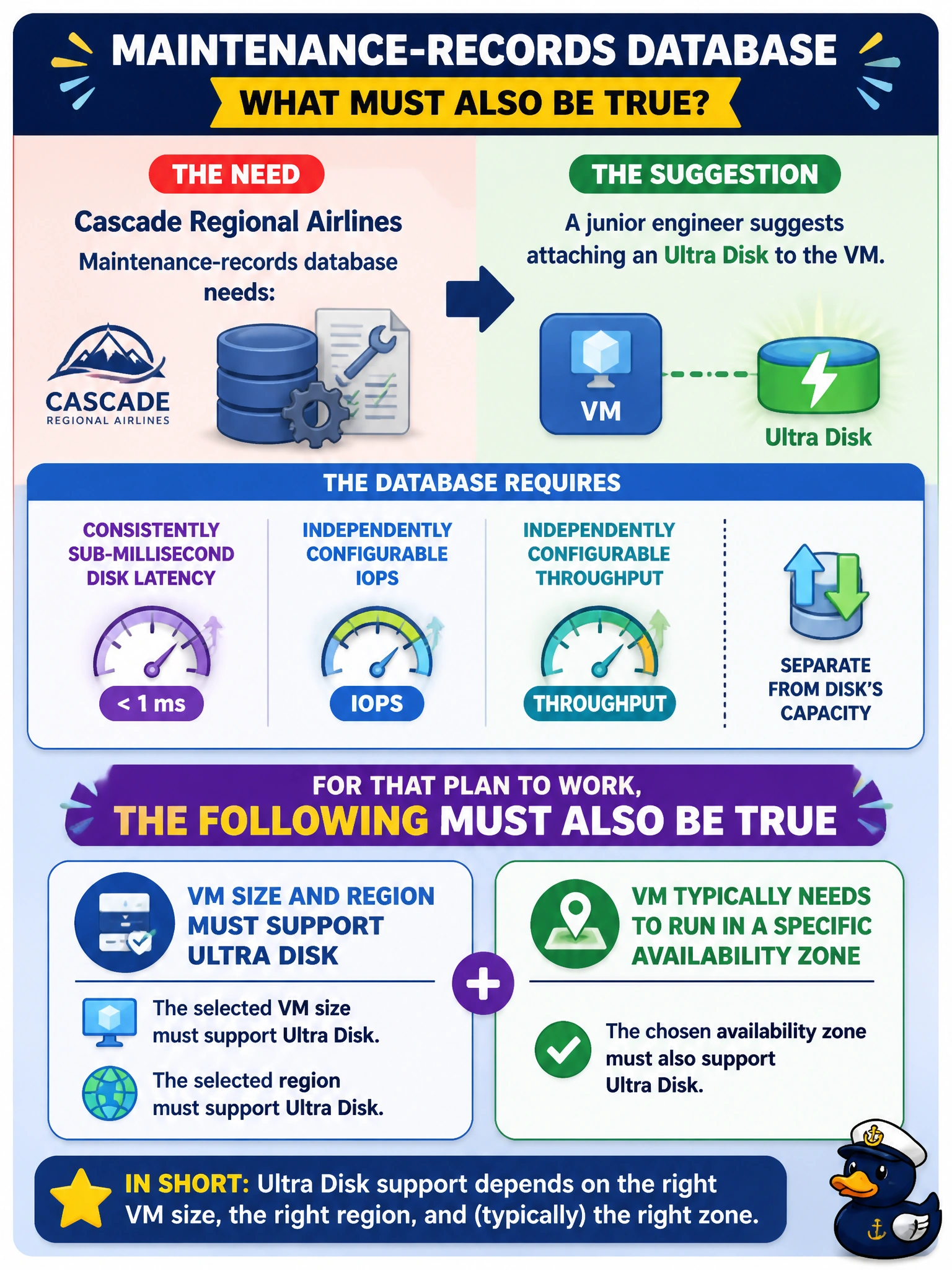
The maintenance-records database at Cascade Regional Airlines needs consistently sub-millisecond disk latency and independently configurable IOPS and throughput, separate from the disk's capacity. A junior engineer suggests attaching an Ultra Disk to the VM. What must also be true for that plan to work?
Select an answer to reveal the explanation.
Short Explanation
Think of Ultra Disk as a specialty part that only fits certain cars: you need a VM size that supports it, deployed in the right region, and usually pinned to a specific availability zone. It's not a universal upgrade you bolt onto anything running. Skip that compatibility check and the attach simply fails.
Full Explanation
Ultra Disk is a managed, persistent data disk built for the most latency-sensitive, high-IOPS workloads, and it lets you tune IOPS and throughput independently of the disk's capacity — a real fit for a demanding maintenance-records database. But it isn't universally available: it requires a supported VM series, a supported region, and in most deployments a specific availability zone that matches where the disk is provisioned, because Ultra Disk is zonal rather than available across an entire region the way some other managed disk types are. The 'works everywhere, no restrictions' option ignores that zonal and size dependency entirely, which is exactly the gap that trips teams up during design reviews. The 'unmanaged disk' option confuses two unrelated disk models — Ultra Disk is exclusively a managed-disk offering and has no unmanaged equivalent. The 'temporary disk only' option gets the use case backwards — Ultra Disk is explicitly meant for persistent data disks, not the ephemeral local temp disk that comes bundled with a VM size. Before provisioning, check the target VM size's supported-disk documentation and confirm the chosen availability zone in that region lists Ultra Disk support.