
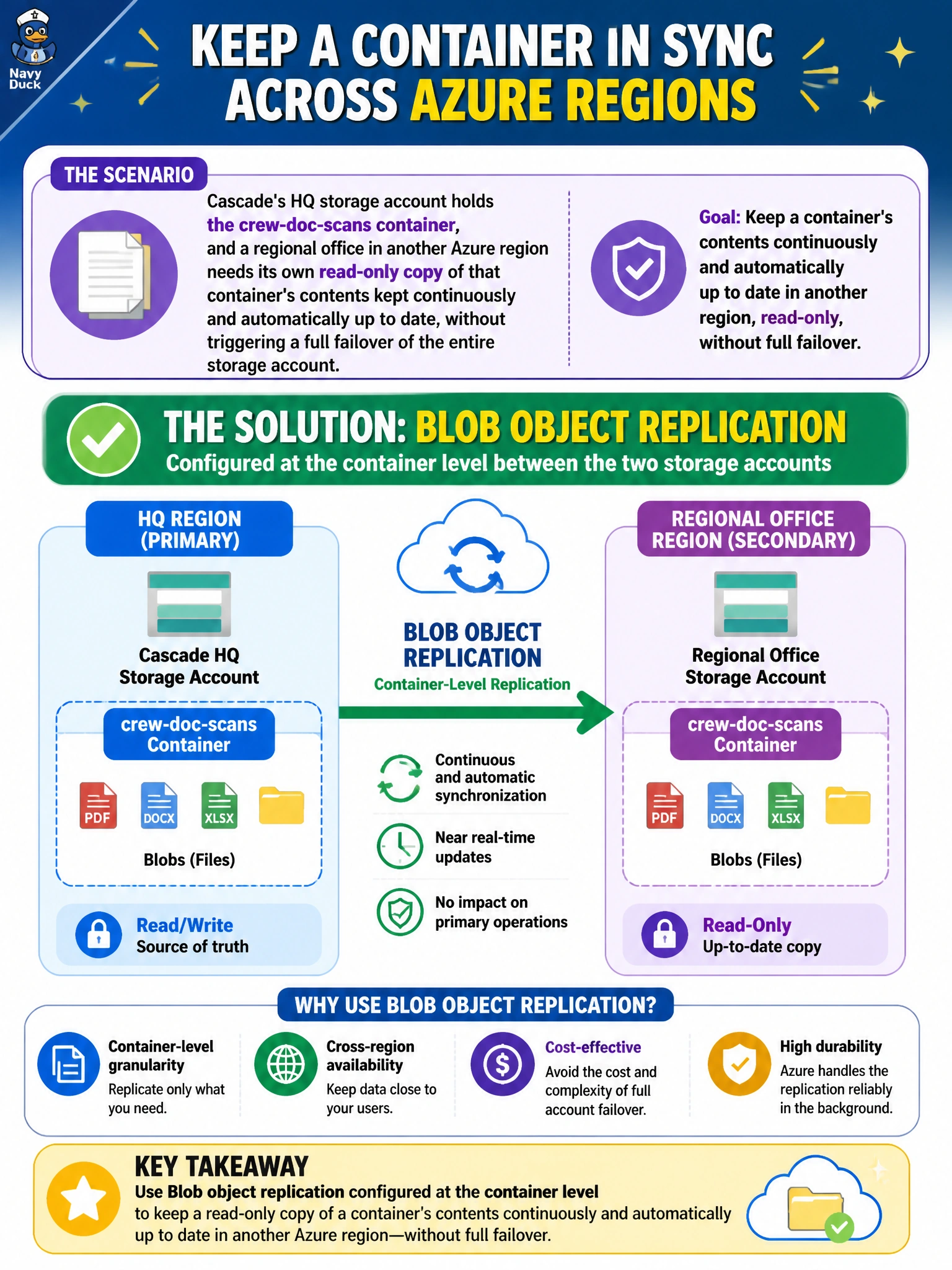
Cascade's HQ storage account holds the crew-doc-scans container, and a regional office in another Azure region needs its own read-only copy of that container's contents kept continuously and automatically up to date, without triggering a full failover of the entire storage account. What feature should be configured?
Select an answer to reveal the explanation.
Short Explanation
Object replication is like a standing subscription that automatically mails a fresh copy of every new document to the regional office as soon as it's created at HQ. It runs continuously, container by container, and doesn't require flipping the whole storage account over to make it work. That ongoing, automatic copy is exactly what's being asked for here.
Full Explanation
Blob object replication is a feature specifically designed to asynchronously copy blobs from a source container to a destination container in a different storage account, including across regions, on an ongoing basis — matching the requirement for a continuously updated, independent read-only copy without touching failover status. Geo-redundant storage replicates data for durability and disaster recovery within Microsoft's own infrastructure, but that replicated copy isn't independently readable or usable by an application until a full account failover occurs, which is explicitly what this scenario wants to avoid. Azure File Sync is built for synchronizing Windows file shares with on-premises or outstation servers, not for replicating Blob containers between storage accounts — it's the right general idea of 'keeping copies in sync' aimed at the wrong service and resource type. A nightly AzCopy job could technically move data between accounts, but it's a scheduled batch operation rather than the near-real-time, automatic replication the scenario calls for, and it adds operational overhead to maintain versus a built-in platform feature. A caveat: object replication requires certain prerequisites on both accounts, such as blob versioning and change feed enabled on the source. To confirm it's working, upload a new test blob to the source container and verify it appears in the destination container shortly afterward.