
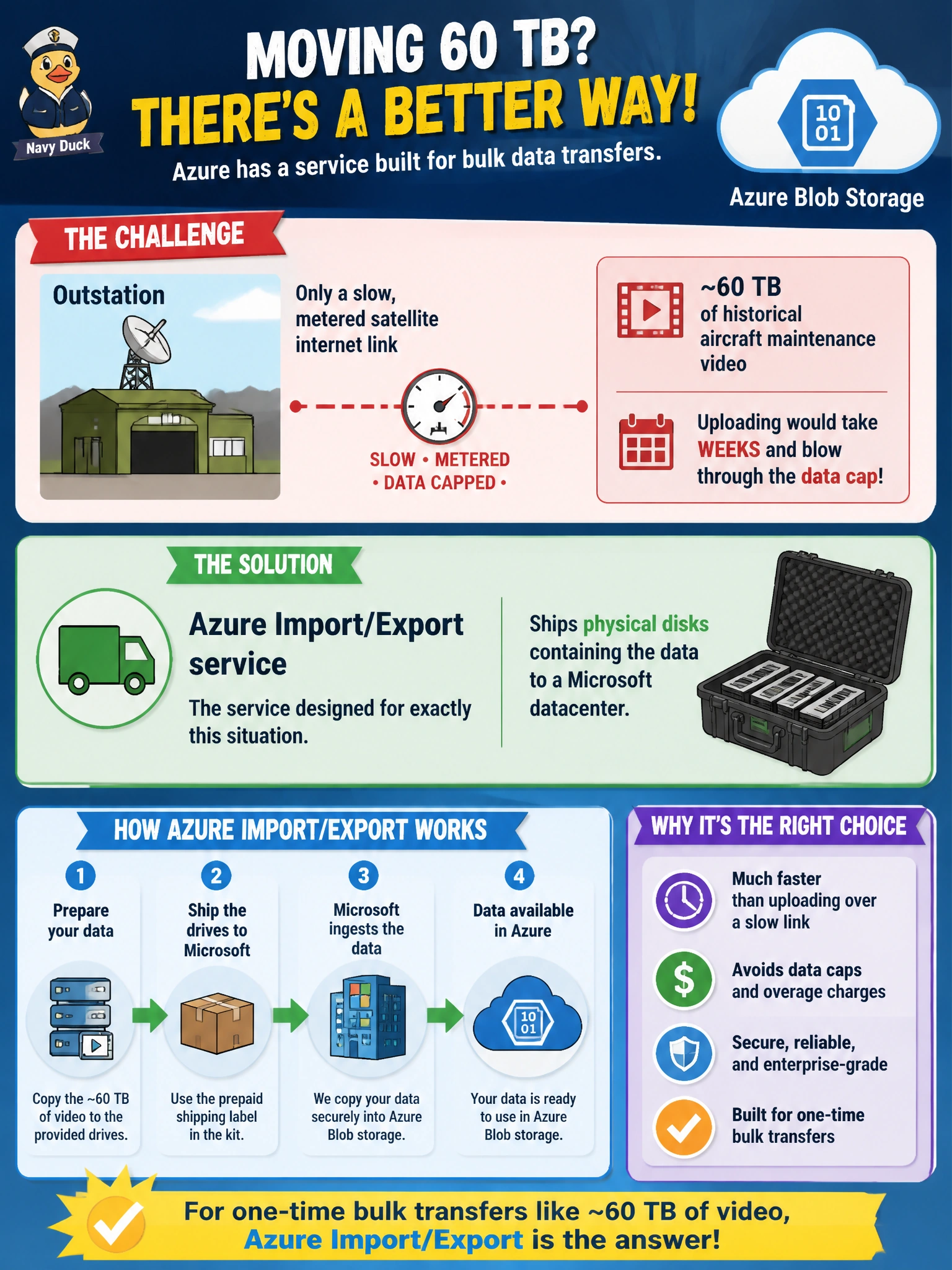
An outstation with only a slow, metered satellite internet link needs to move roughly 60 TB of historical aircraft maintenance video into Azure Blob storage as a one-time bulk transfer. Uploading over that link would take weeks and blow through the data cap. What Azure offering is designed for exactly this situation?
Select an answer to reveal the explanation.
Short Explanation
When the network itself is the bottleneck, the fix isn't a faster upload tool — it's skipping the network entirely. The Import/Export service ships hard drives straight to a Microsoft datacenter, sidestepping the satellite link altogether. Sometimes physical shipping genuinely beats the wire.
Full Explanation
The Azure Import/Export service exists precisely for scenarios where the network path is too slow, too expensive, or capped to move a large one-time dataset — it lets an organization copy data onto physical disks and ship them to a Microsoft datacenter, where the data is uploaded directly into the target storage account, bypassing the constrained link entirely. AzCopy is an excellent transfer tool, but it still depends on the same slow, metered satellite connection the scenario describes, so running it there doesn't solve the underlying bandwidth and cap problem, just automates hitting the same wall. Azure File Sync with cloud tiering is meant for keeping an ongoing, actively used Windows file share in sync with the cloud over time, not for a one-time bulk migration of a fixed video archive, and it still depends on the same network path to push data upward. Distributing a service SAS to individual employees to upload pieces of the archive still routes every byte over the same constrained satellite link and adds coordination overhead without solving the bandwidth problem at all. A caveat: Import/Export has its own lead time for shipping and processing disks, so it trades network delay for logistics delay, and it's worth confirming that trade makes sense against the deadline. To verify success, check the completed import job's status and reconcile the uploaded object count against what was staged on the shipped disks.