
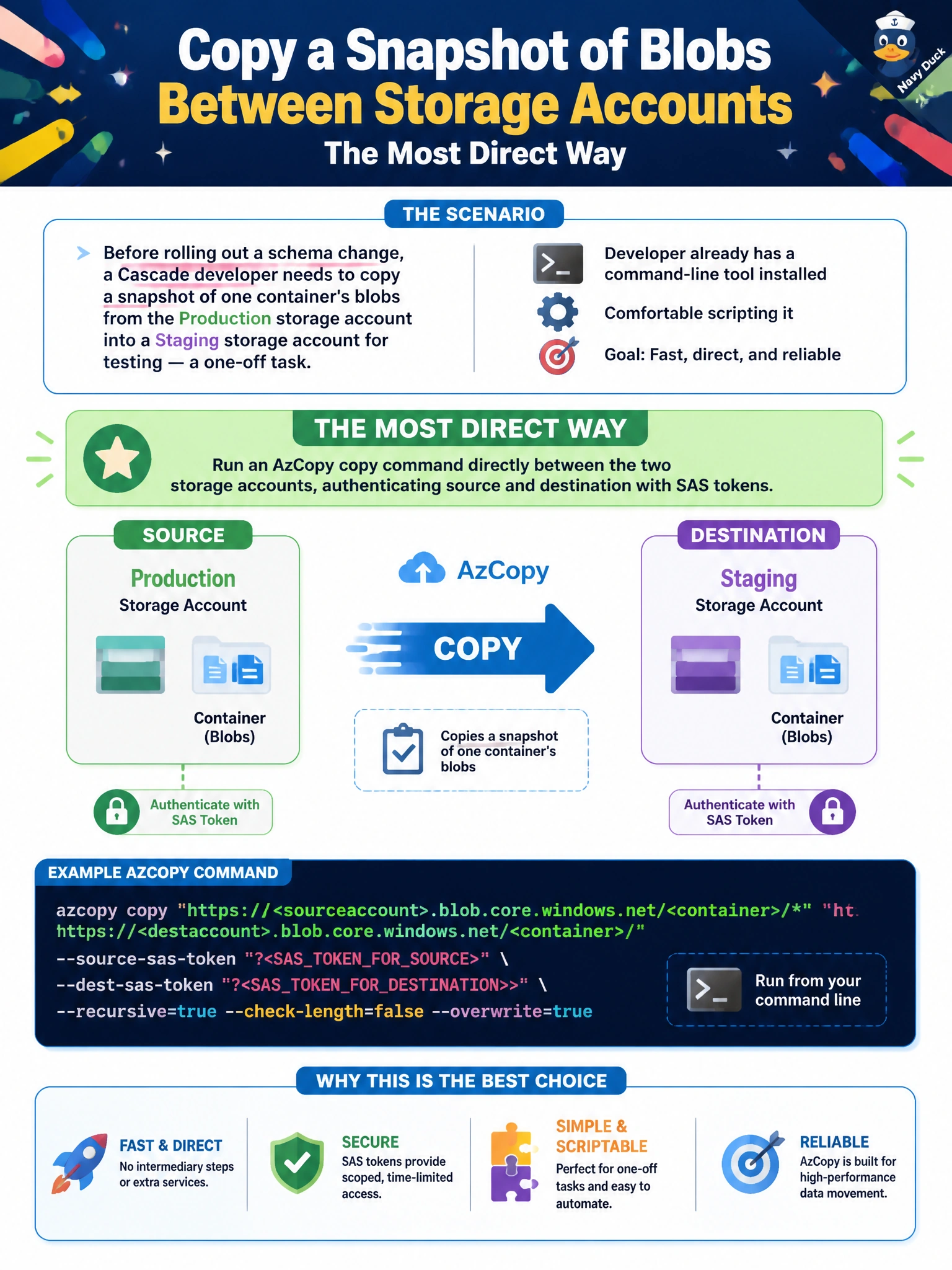
Before rolling out a schema change, a Cascade developer needs to copy a snapshot of one container's blobs from the Production storage account into a Staging storage account for testing — a one-off task, and the developer already has a command-line tool installed and is comfortable scripting it. What's the most direct way to accomplish the copy?
Select an answer to reveal the explanation.
Short Explanation
AzCopy can copy straight from one storage account to another, server-to-server, without ever routing the bytes through the developer's laptop. That's a faster, simpler path than downloading everything locally and pushing it back up. For a one-off scripted copy job, it's the direct tool for the direct task.
Full Explanation
AzCopy supports service-to-service copy operations, so a single command with a SAS-authenticated source URL and a SAS-authenticated destination URL can move blobs directly between the Production and Staging storage accounts without the data ever landing on the developer's local disk, making it the most direct fit for a one-off, scriptable copy. Downloading every blob locally and re-uploading it works but doubles the network transfer and local storage needed, wasting time and bandwidth on a task AzCopy can do in one direct hop. Azure File Sync is meant to keep a Windows file share continuously synchronized with on-premises servers over time — standing one up for Blob containers, and for a single one-off task rather than ongoing sync, is a heavier and mismatched solution. Changing a blob's access tier only affects how that blob is stored and billed within its own account; it has no mechanism for moving or replicating data into a separate storage account, so it doesn't accomplish the copy at all. A caveat: SAS tokens used for the copy should be scoped narrowly and expire soon after the one-off job completes. To confirm success, compare blob counts and a few file checksums between the source container and the new copy in Staging.