
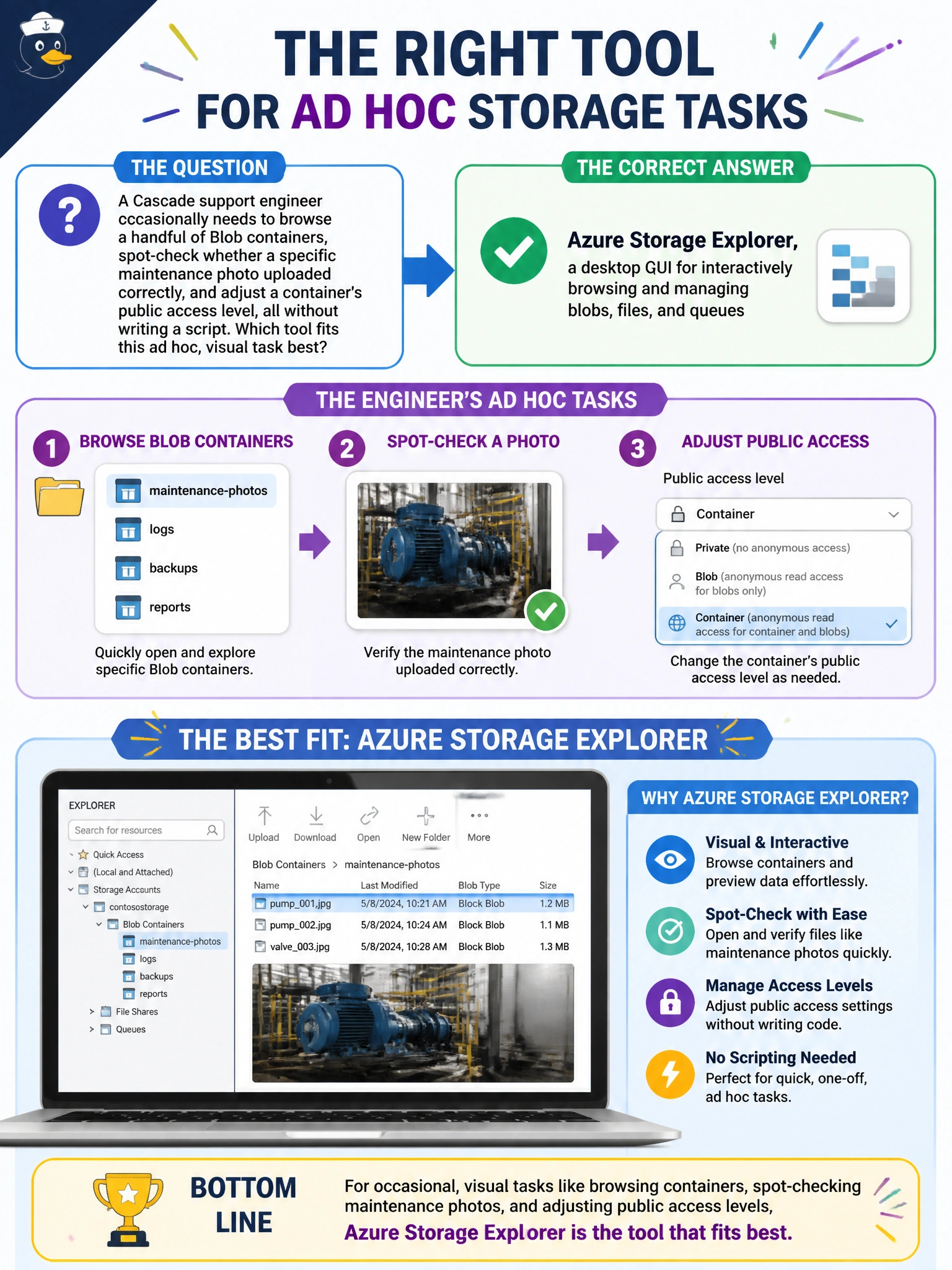
A Cascade support engineer occasionally needs to browse a handful of Blob containers, spot-check whether a specific maintenance photo uploaded correctly, and adjust a container's public access level, all without writing a script. Which tool fits this ad hoc, visual task best?
Select an answer to reveal the explanation.
Short Explanation
Azure Storage Explorer is the point-and-click file browser for storage accounts — open a container, preview a blob, flip an access setting, all with a mouse instead of a command line. That kind of quick, occasional look-around is exactly what it's for. Save the scripting tools for the scripting jobs.
Full Explanation
Azure Storage Explorer is a desktop application purpose-built for interactively browsing and managing Azure Storage resources, including blobs, file shares, and queues, with a visual interface for viewing containers, previewing files, and adjusting settings like public access level — a strong match for occasional, ad hoc, non-scripted tasks. AzCopy is a command-line tool optimized for scripted, high-throughput transfers, not for casual visual browsing; it has no interactive UI for spot-checking a file or toggling a container's access setting, so leaning on it here misapplies a bulk-transfer tool to a browsing task. The Import/Export service ships physical disks between an organization and a Microsoft datacenter for offline bulk data movement — it has nothing to do with inspecting a storage account's contents visually and doesn't provide access to see individual blobs at all. A stored access policy is a container-level authorization construct used to control and revoke SAS tokens; it is not a browsing tool and does nothing to let anyone visually inspect or manage content. A caveat: Storage Explorer requires appropriate RBAC permissions or a connection string/SAS to connect to the account, so access still needs to be granted properly. To confirm the setup works, connect Storage Explorer using the engineer's Microsoft Entra ID credentials and verify the expected containers are visible.