
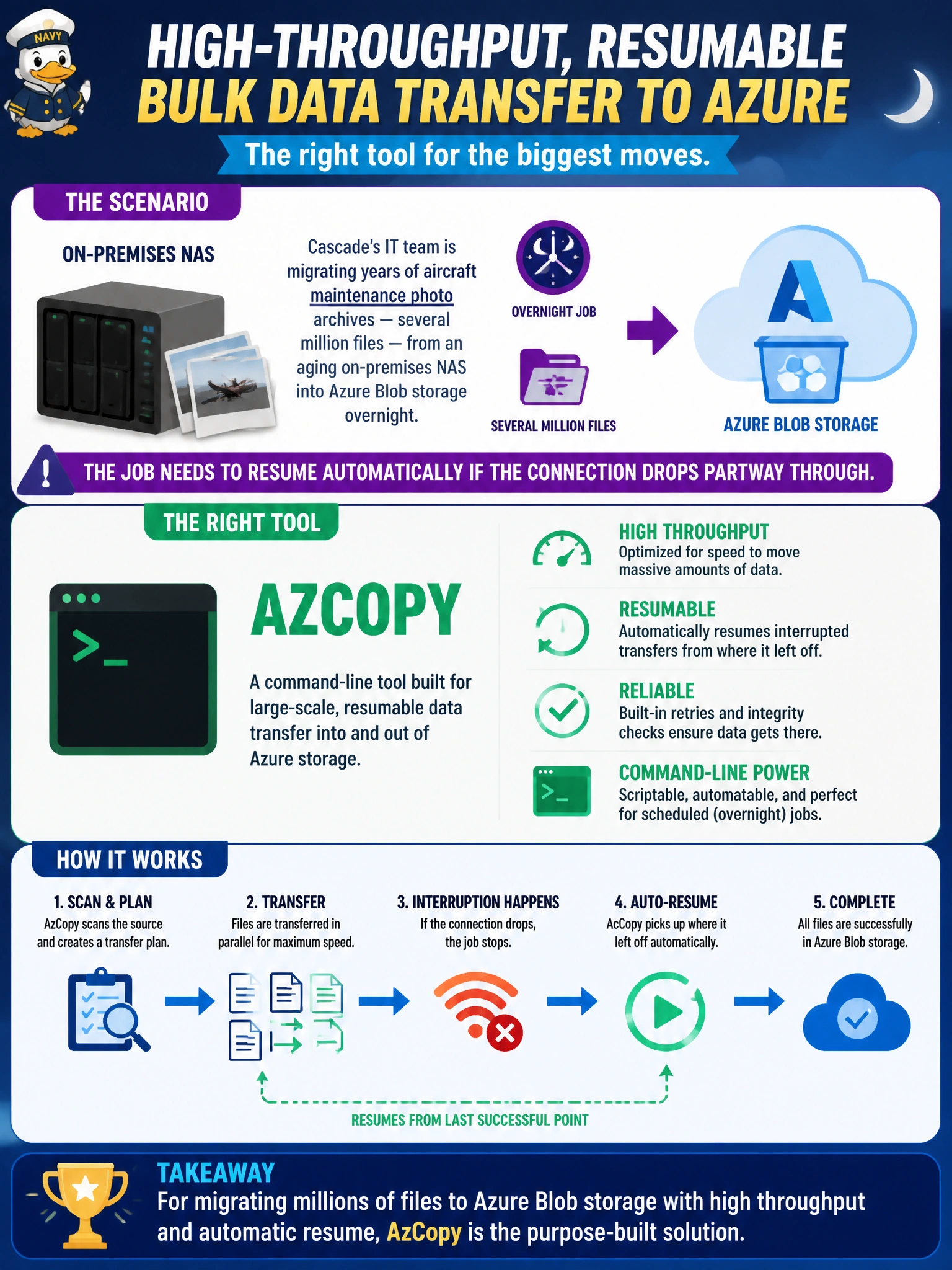
Cascade's IT team is migrating years of aircraft maintenance photo archives — several million files — from an aging on-premises NAS into Azure Blob storage overnight, and the job needs to resume automatically if the connection drops partway through. Which tool is purpose-built for this kind of high-throughput, resumable bulk transfer?
Select an answer to reveal the explanation.
Short Explanation
AzCopy is the heavy-duty freight tool for moving mountains of files, built to keep chugging along and pick up where it left off if the connection hiccups partway through. A drag-and-drop in a browser window just isn't built for millions of files overnight. When the job is this big, reach for the tool designed for scale.
Full Explanation
AzCopy is a command-line utility specifically engineered for high-throughput, large-scale transfers into and out of Azure storage, including resumable jobs that can restart from where they left off after an interruption — exactly what an overnight, multi-million-file migration requires. Dragging and dropping files through the Azure portal's browser-based storage interface is designed for small, ad hoc uploads; it isn't built to sustain a transfer at this scale reliably, and a dropped browser tab or session timeout would likely require starting over. Azure Storage Explorer offers a similar GUI-based, interactive experience and is well suited to browsing and spot-checking a handful of files, but using it as the engine for an unattended, multi-million-file overnight job misapplies a convenience tool to a bulk-transfer job it wasn't built to drive. The Import/Export service ships physical disks to a Microsoft datacenter and exists specifically for situations where network bandwidth is limited or unavailable — reaching for it when adequate bandwidth already exists trades a fast, resumable network transfer for unnecessary shipping time and complexity. A caveat: AzCopy performance still depends on available bandwidth and can be tuned with concurrency settings for very large jobs. To confirm the migration is proceeding correctly, use AzCopy's built-in job status command to check progress and resume state mid-transfer.