
A new hire configuring Azure File Sync at Cascade is confused about which piece is which after a support ticket mentions both a 'server endpoint' and a 'cloud endpoint' inside the same sync group. Which statement correctly distinguishes the two?
Select an answer to reveal the explanation.
Short Explanation
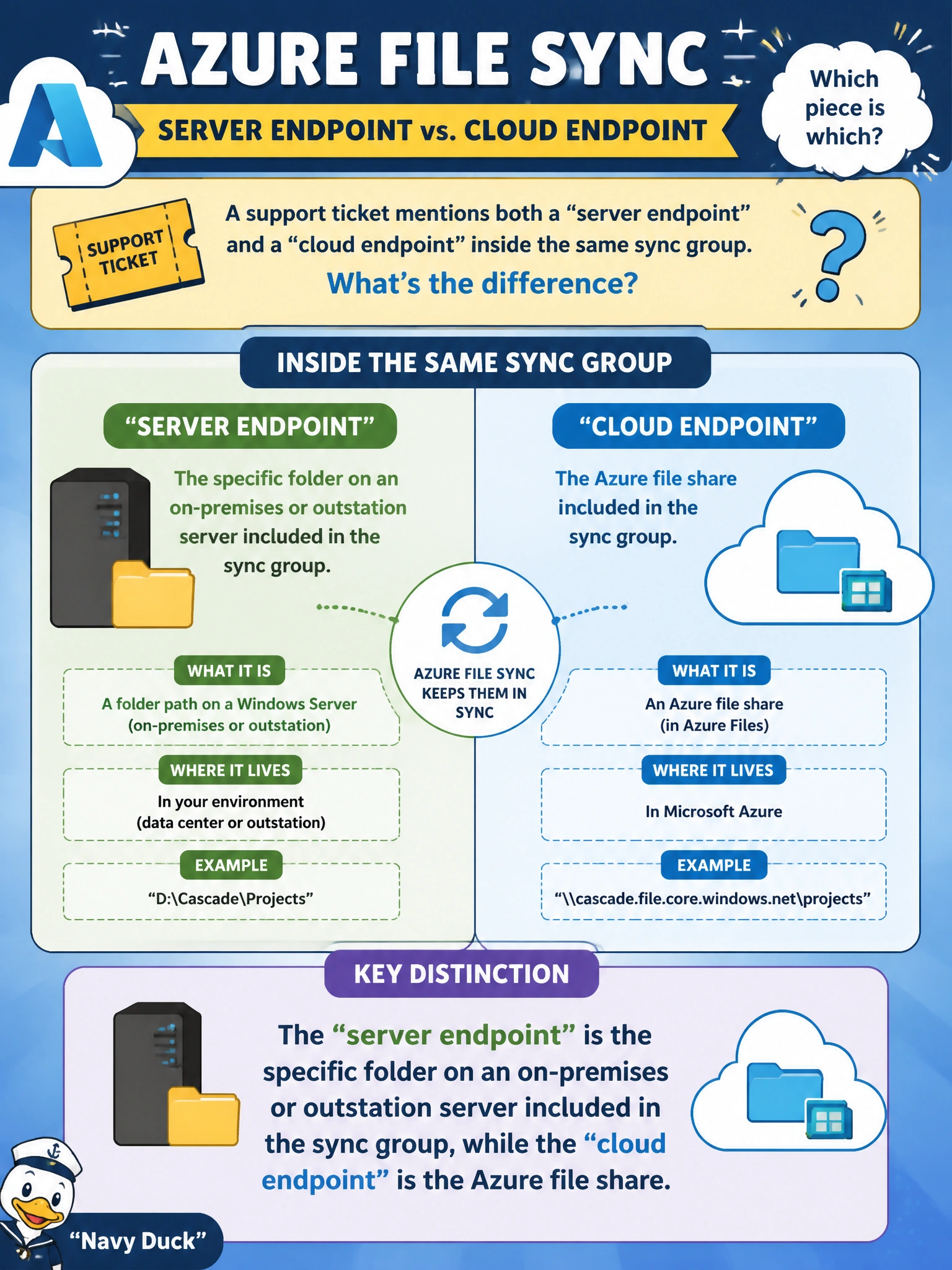
Picture the cloud endpoint as the one Azure file share sitting at the hub, and each server endpoint as a local folder out at an outstation plugged into that same hub. Get the two swapped and every step of a support ticket stops making sense. Server equals local folder, cloud equals the Azure share — that's the whole distinction.
Full Explanation
Within a sync group, the server endpoint refers to a specific folder path on a registered on-premises or outstation server that participates in synchronization, while the cloud endpoint refers to the Azure file share that acts as the central hub all server endpoints sync through. Reversing the two definitions is a straightforward mix-up of terms, but it matters operationally: troubleshooting steps, PowerShell cmdlets, and portal blades reference 'server endpoint' and 'cloud endpoint' as distinct objects, and applying a fix meant for one to the other accomplishes nothing. Confusing the cloud endpoint with the registered server is a subtler slip: server registration is what authorises a machine to talk to the Storage Sync Service, and it is a separate object from either endpoint inside a sync group. Treating both endpoints as local folders misses what the service is for: cloud tiering does keep a local cache, but that cache is a property of the server endpoint, not a second endpoint in its own right. Azure File Sync also requires an SMB file share as its cloud endpoint; NFS shares are not supported. A caveat worth remembering: a single sync group can have multiple server endpoints (one per outstation server) but only one cloud endpoint. To confirm the distinction in practice, open the sync group in the portal and check that the object labeled 'Azure file share' is the one endpoint type, while every registered server folder appears as a separate server endpoint entry.