
During a scheduled disaster-recovery test, Cascade Regional Airlines' cloud team wants to validate that a storage account configured with GRS can actually be made writable in the secondary region if the primary region were to fail permanently? What must the team initiate to make the secondary region primary?
Select an answer to reveal the explanation.
Short Explanation
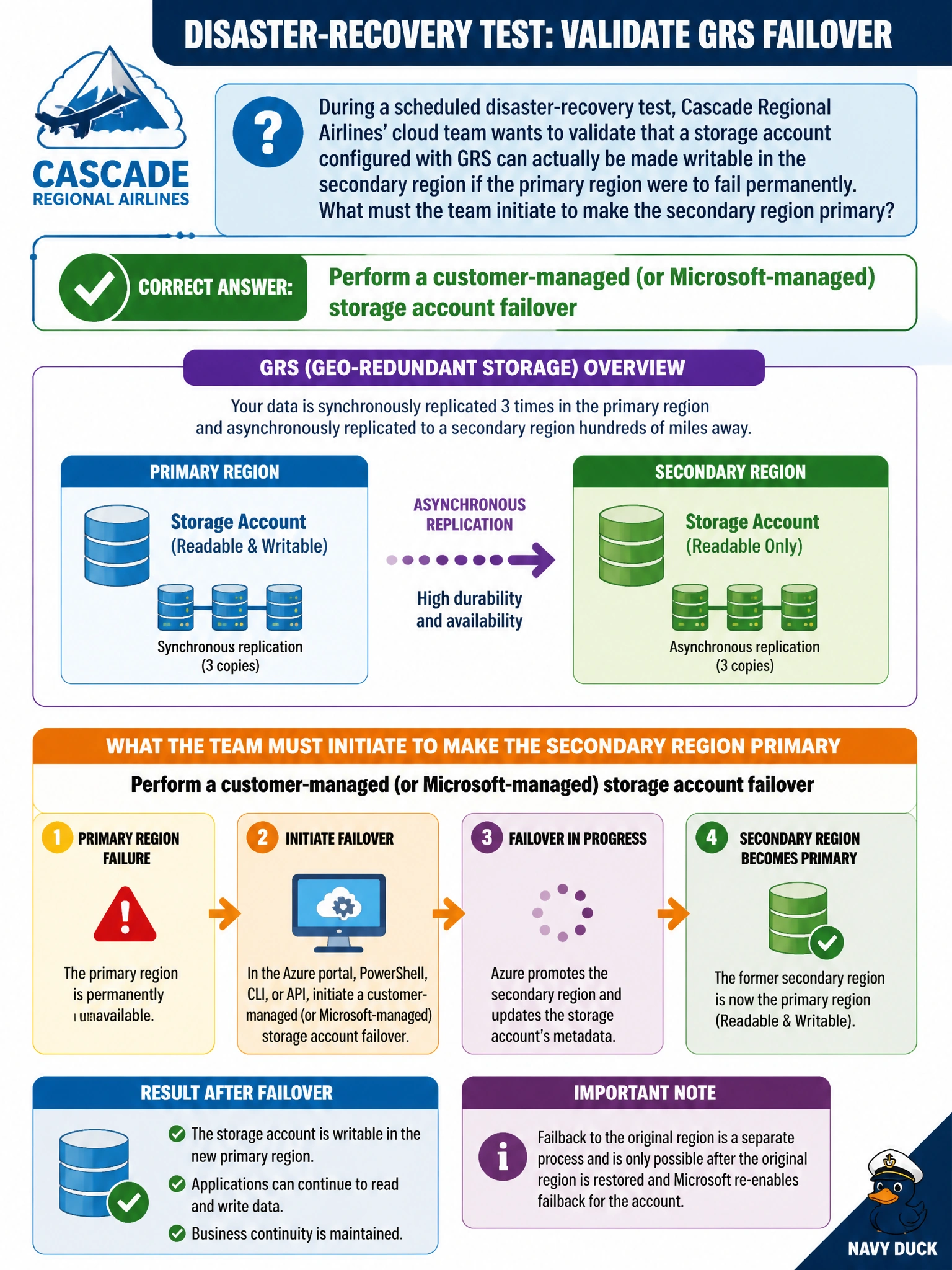
GRS quietly keeps a backup copy in another region, but that copy stays read-only until someone flips the switch. A storage account failover is that switch — it promotes the secondary region to primary so the account becomes writable there, which is exactly what a DR drill needs to prove out.
Full Explanation
An account failover changes the secondary region of a geo-redundant storage account into the new primary, updating the DNS entries for the storage endpoints so that all read and write traffic is redirected there, which is the mechanism that makes a formerly read-only or inaccessible secondary become fully writable. This can be initiated by the customer (customer-managed failover) for planned or unplanned scenarios, or in rare cases by Microsoft for a severe regional disaster. Soft delete is a data-protection feature that retains deleted blobs or containers for a configured recovery window; it has no bearing on which region is designated primary. Applying a lifecycle management policy governs tiering and expiration rules for blobs and does not touch replication topology or region designation at all. Changing performance tier is not even a supported after-the-fact operation and, even if it were, performance tier concerns latency characteristics, not which region serves as primary. A concrete operational check: after initiating failover, run az storage account show against the account and confirm its primary location now reads the former secondary region, then verify that a write against the standard blob endpoint succeeds.