
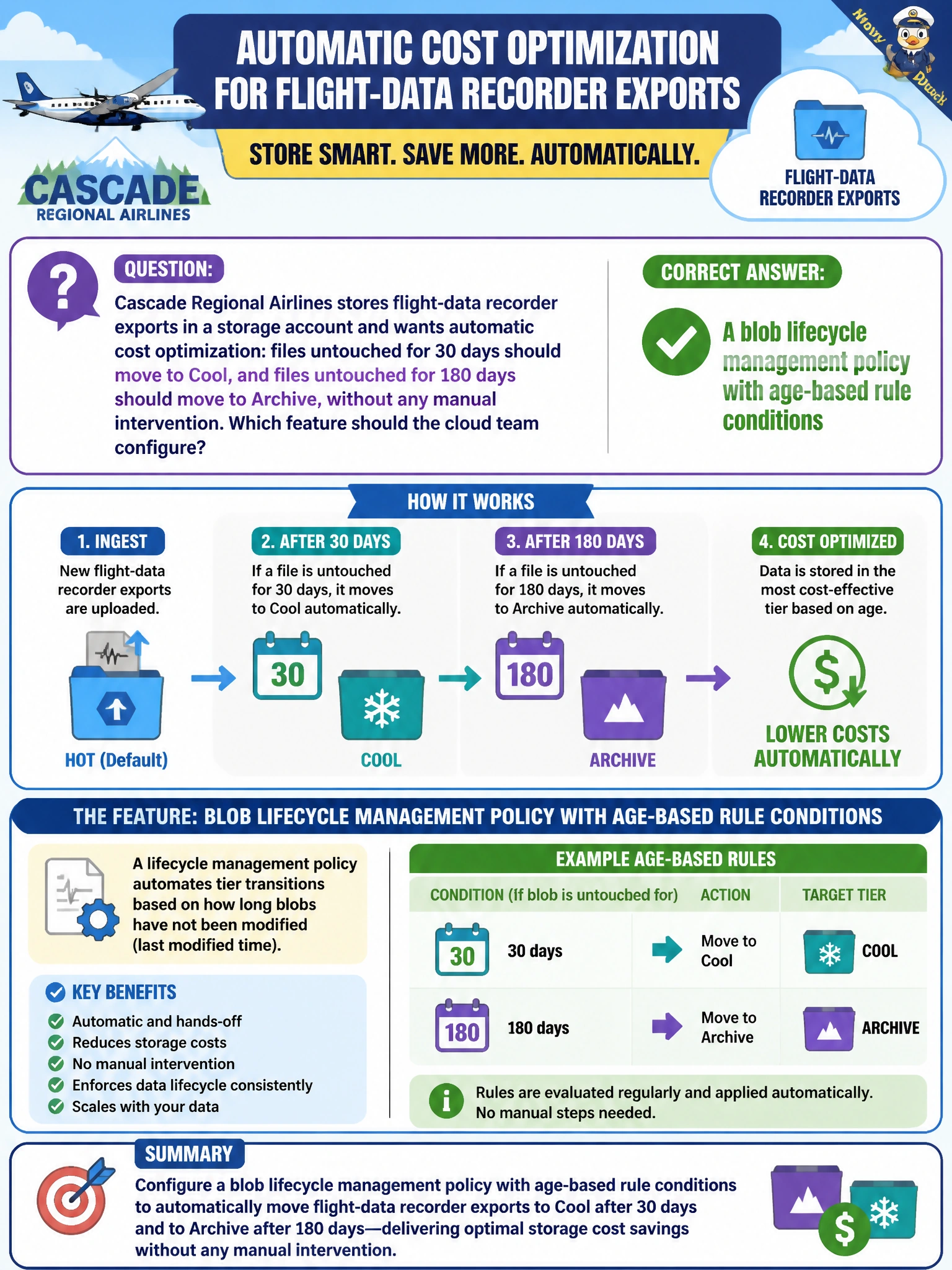
Cascade Regional Airlines stores flight-data recorder exports in a storage account and wants automatic cost optimization: files untouched for 30 days should move to Cool, and files untouched for 180 days should move to Archive, without any manual intervention? Which feature should the cloud team configure?
Select an answer to reveal the explanation.
Short Explanation
Lifecycle management is the janitor that automatically reshelves files based on how old and how untouched they are, moving them to cheaper tiers on a schedule you define once. Set the age thresholds for Cool and Archive, and the platform handles the rest without anyone lifting a finger.
Full Explanation
Lifecycle management policies let an administrator define rule-based actions — such as tiering to Cool after 30 days since last modification and to Archive after 180 days — that Azure Storage evaluates and applies automatically on a daily basis, which is exactly the hands-off cost optimization Cascade needs for aging flight-data exports. Blob versioning is a data-protection feature that preserves prior versions of a blob whenever it is overwritten; it has nothing to do with moving data between access tiers based on age. A stored access policy governs permissions and expiration for shared access signatures tied to a container, controlling who can access data and for how long, not where the data physically sits in terms of tiering. Object replication asynchronously copies blobs from a source container to a destination container, typically across accounts or regions, for redundancy or latency reasons; it does not change the access tier of the source data on a schedule. A concrete check: after creating the policy, use the 'Run policy now' evaluation option or wait for the daily run and then confirm affected blobs' current tier via the portal or az storage blob show to verify the rule actually fired as expected.