
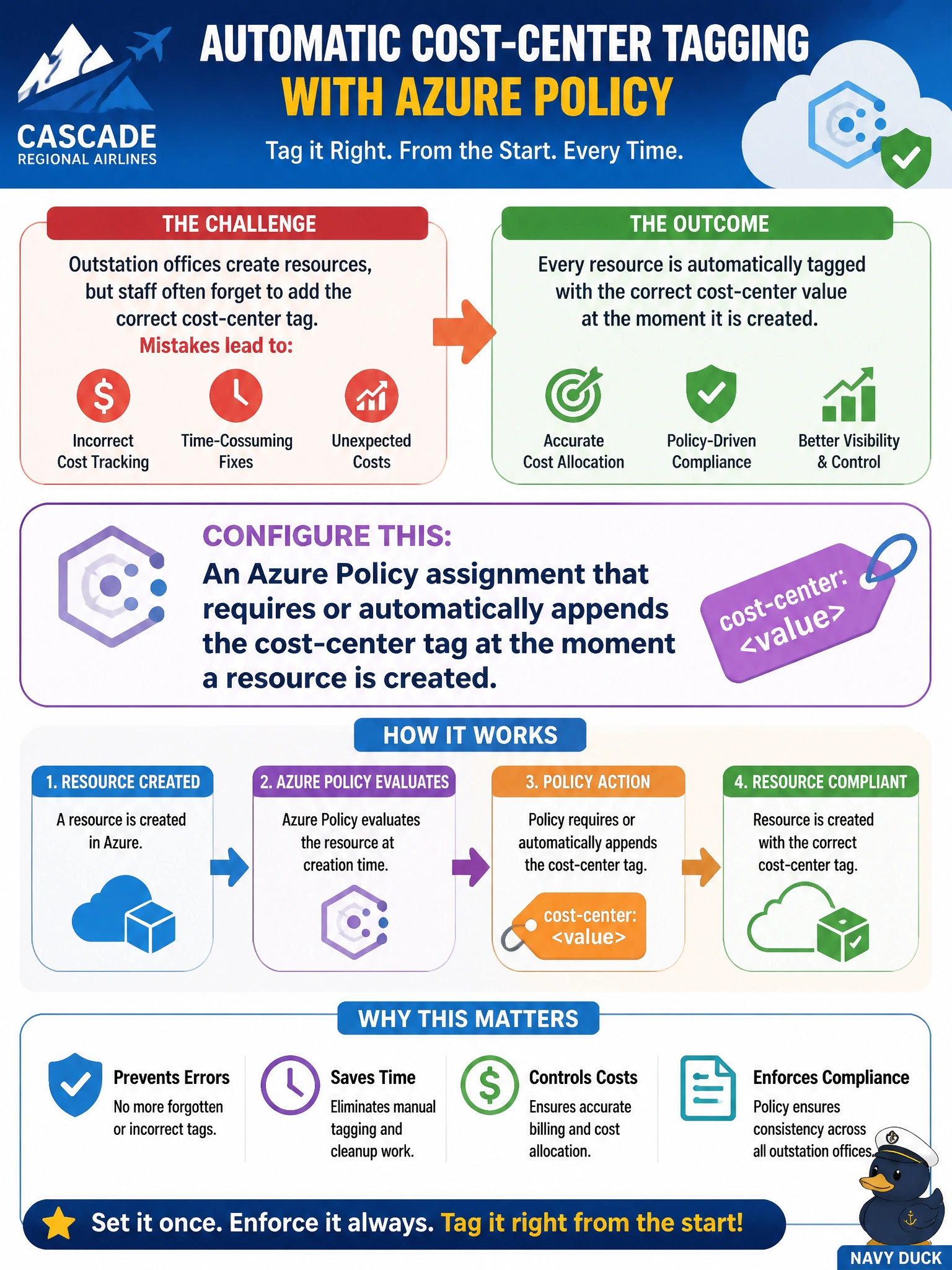
A compliance officer at Cascade Regional Airlines wants every resource created at outstation offices to be tagged with the correct cost-center value automatically, rather than relying on staff to remember and finance correcting mistakes after the fact. What should the compliance officer configure?
Select an answer to reveal the explanation.
Short Explanation
Catching a missing tag after the fact is like fixing a shipping label once the package has already left the warehouse. An Azure Policy with a tagging effect stamps the label on before the package can even leave.
Full Explanation
Azure Policy includes built-in and custom definitions that use the modify or append effect to enforce or automatically add tags at resource creation time, evaluating the request before Resource Manager commits it. Assigning such a policy at the outstation offices' management group or subscription scope means every new resource either already carries the required cost-center tag or has it appended automatically, and a deny variant can also be used to reject resources that omit it entirely. A manual weekly review is purely reactive: it finds problems well after the resource has already been running and being billed without the correct allocation, and it does not scale as the outstation footprint grows. Resource locks have nothing to do with tag enforcement; they only restrict delete or modify operations and have no concept of prompting for metadata. RBAC conditions can restrict access based on resource attributes in specific scenarios, primarily for storage and key vault data actions, but they are not a general mechanism for enforcing tagging across arbitrary resource types at creation time. As a caveat, a modify-effect policy needs a managed identity with Contributor-level tag-write permission assigned during policy assignment, or the remediation will fail silently. Verify the setup by deploying a test resource without the tag and confirming the tag appears automatically or the deployment is rejected as expected.