
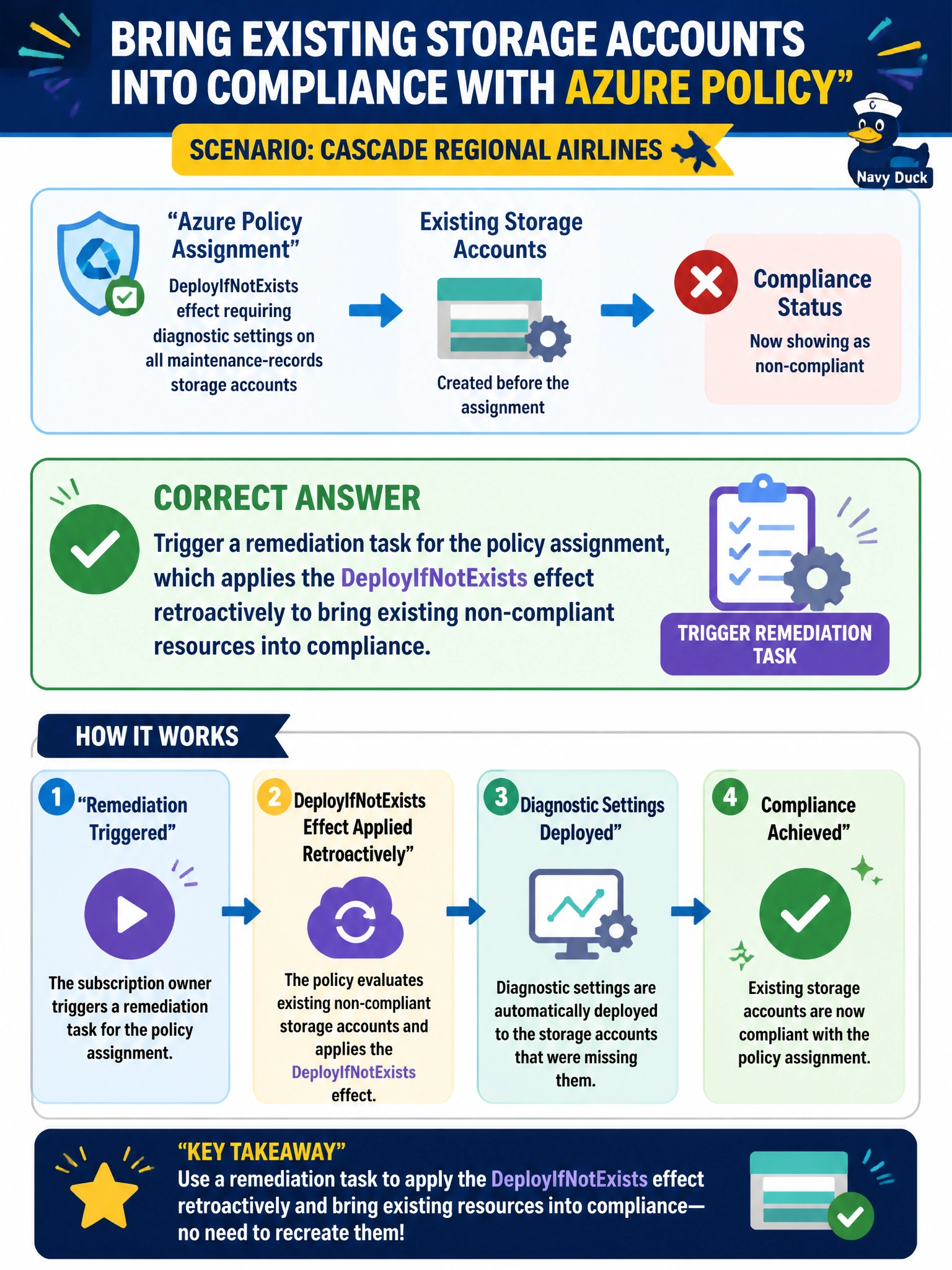
Cascade Regional Airlines' subscription owner assigns an Azure Policy with the DeployIfNotExists effect requiring diagnostic settings on all maintenance-records storage accounts. Storage accounts created before the assignment now show as non-compliant. Without recreating them, how can the owner bring the existing accounts into compliance?
Select an answer to reveal the explanation.
Short Explanation
A policy assigned today doesn't reach back in time to fix resources that were already sitting there yesterday, someone has to explicitly ask it to. A remediation task is that explicit ask: it runs the policy's deployment logic against everything that's already non-compliant.
Full Explanation
DeployIfNotExists and modify-effect policies only execute automatically at the moment a matching resource is created or updated; they do not retroactively evaluate resources that already existed before the policy assignment. To close that gap, Azure Policy provides remediation tasks, which explicitly scan existing non-compliant resources under the assignment's scope and run the effect's associated deployment against each one, in this case deploying the missing diagnostic settings. Simply waiting for an unrelated write operation is unreliable, since an update to unrelated properties does not necessarily re-trigger policy evaluation with remediation, and compliance state would remain stale until a proper evaluation cycle or remediation task runs. Deleting and recreating production storage accounts is destructive, risks data loss, and is a wildly disproportionate way to apply a diagnostic setting. Switching the effect to Deny would only block future writes to those accounts, or even the accounts themselves under certain conditions, it does nothing to add diagnostic settings retroactively and effectively changes the policy's purpose entirely. One caveat: remediation tasks require the policy's assigned managed identity to hold the roles needed to perform the deployment, commonly Contributor or Monitoring Contributor, or the task will fail. Confirm success by checking the remediation task's status in the Azure Policy Remediation blade and re-checking the Compliance report afterward.