
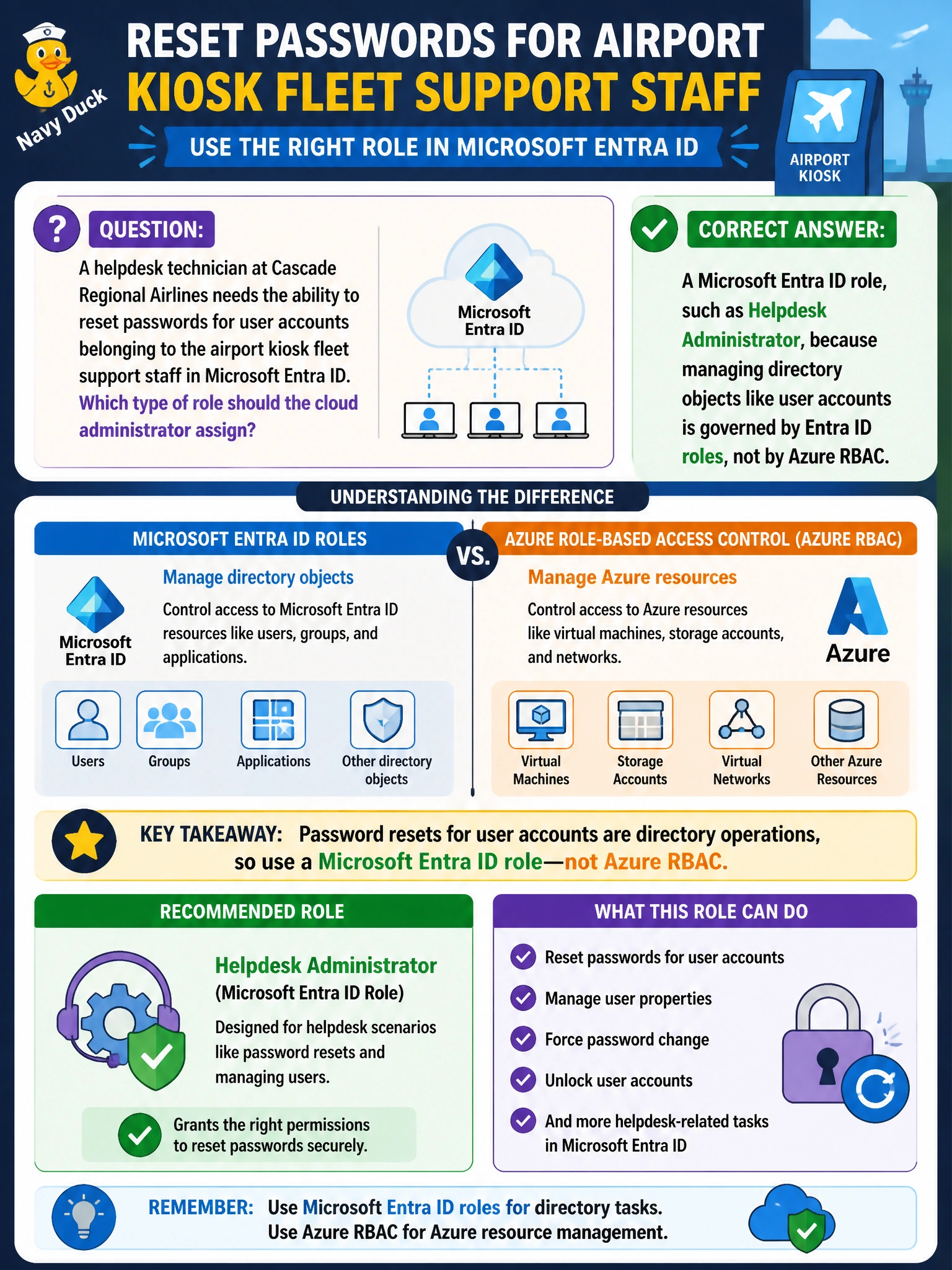
A helpdesk technician at Cascade Regional Airlines needs the ability to reset passwords for user accounts belonging to the airport kiosk fleet support staff in Microsoft Entra ID. Which type of role should the cloud administrator assign?
Select an answer to reveal the explanation.
Short Explanation
Think of Azure as two separate buildings with two separate security desks: one guards the resources you deploy, and the other guards the people directory itself. Resetting a password lives in the directory building, so only an Entra ID role has a key to that desk.
Full Explanation
Microsoft Entra ID roles and Azure RBAC roles govern two distinct control planes. Azure RBAC controls access to Azure resources, such as virtual machines, storage accounts, and resource groups, that live within the Azure Resource Manager scope hierarchy. Microsoft Entra ID roles control access to directory objects and directory-level actions, such as creating users, resetting passwords, and managing group membership, and these live entirely outside the ARM scope hierarchy. Because resetting a user's password is a directory operation, no Azure RBAC role, no matter how broadly scoped or custom-built, grants that capability; Contributor and User Access Administrator both operate purely within Azure resource management and have no visibility into Entra ID user objects. A custom RBAC role suffers the same limitation, since its actions are drawn from the Azure resource provider operation catalog, not from Microsoft Graph directory operations. The correct fix is an Entra ID role like Helpdesk Administrator or Password Administrator, assigned in the Microsoft Entra admin center, ideally scoped using administrative units if the technician should only manage the kiosk fleet's specific set of users. One caveat: some Entra ID roles, like Global Administrator, can also elevate access into Azure RBAC at the root management group, which is a deliberate bridge and should be used sparingly. Confirm the assignment by checking Roles and administrators in the Entra admin center rather than the Azure IAM blade.