
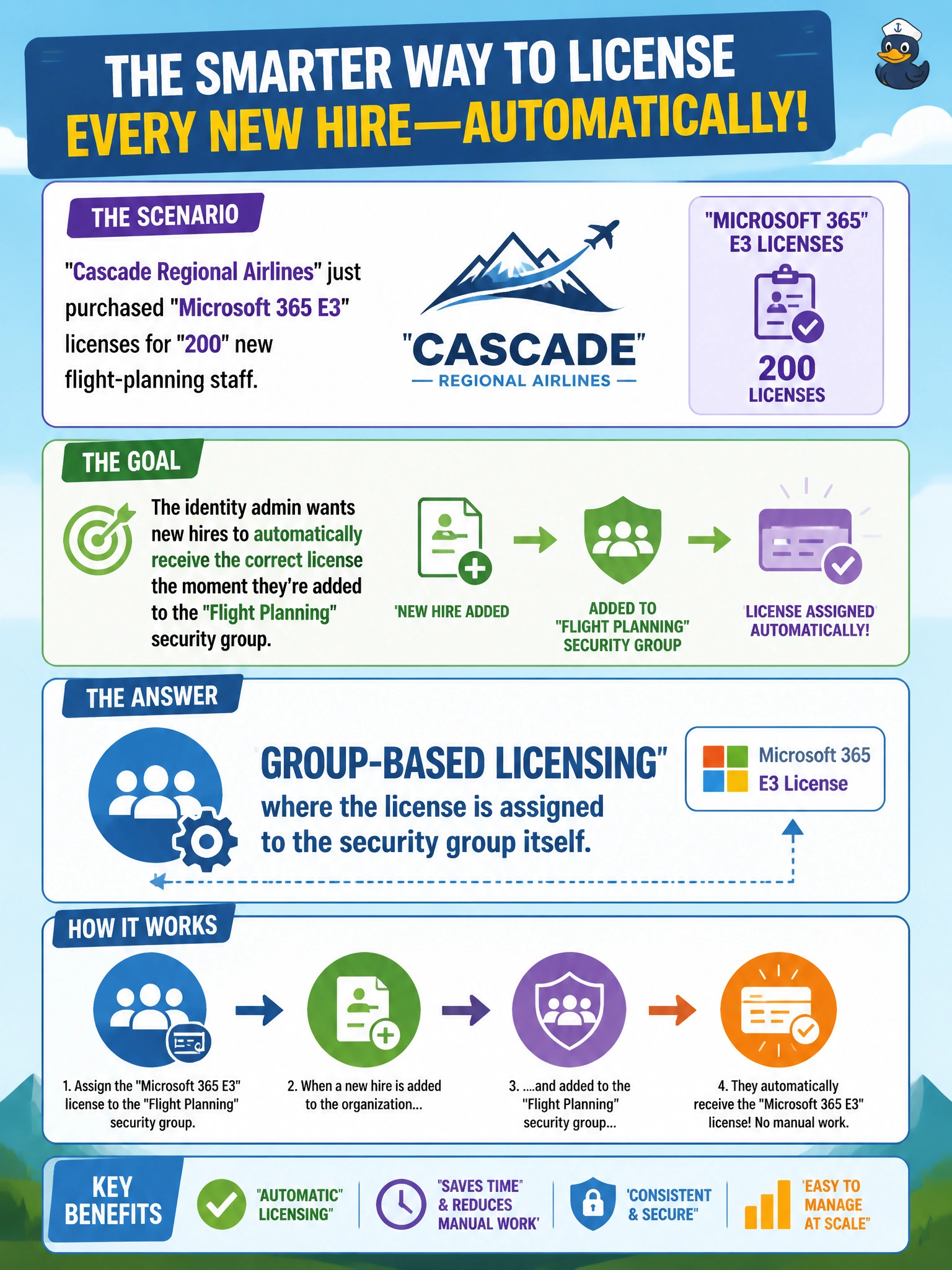
Cascade Regional Airlines just purchased Microsoft 365 E3 licenses for 200 new flight-planning staff. Rather than assigning a license to each user account individually, the identity admin wants new hires to automatically receive the correct license the moment they're added to the Flight Planning security group. Which licensing approach accomplishes this?
Select an answer to reveal the explanation.
Short Explanation
Group-based licensing works like a subscription tied to a mailing list: assign the license to the group once, and Entra ID hands it to everyone on the list automatically, then takes it back the moment they're removed. New hires just need to join the group to get licensed.
Full Explanation
Group-based licensing lets an admin assign one or more product licenses directly to a security group rather than to individual users; Entra ID then automatically applies that license to every current and future member, and automatically removes it when someone leaves the group. That automatic, membership-driven application is the mechanism the flight-planning scenario needs, and it pairs especially well with dynamic groups so licensing and department changes stay in sync with zero manual steps. Manual per-user assignment technically works but is the exact repetitive task the admin wants to eliminate, and it's easy to miss someone during a 200-person onboarding wave. A conditional access policy evaluates sign-in conditions like device compliance or location to allow or block access — it has no mechanism for assigning product licenses. Administrative units scope administrative delegation over users, groups, and devices, but they don't auto-provision licenses on their own. An exam-relevant caveat: group-based licensing can produce a licensing error state if there aren't enough available licenses in the pool, which the admin should monitor. An operational check is adding a test user to the group and confirming the license appears on their account within the normal processing delay.