
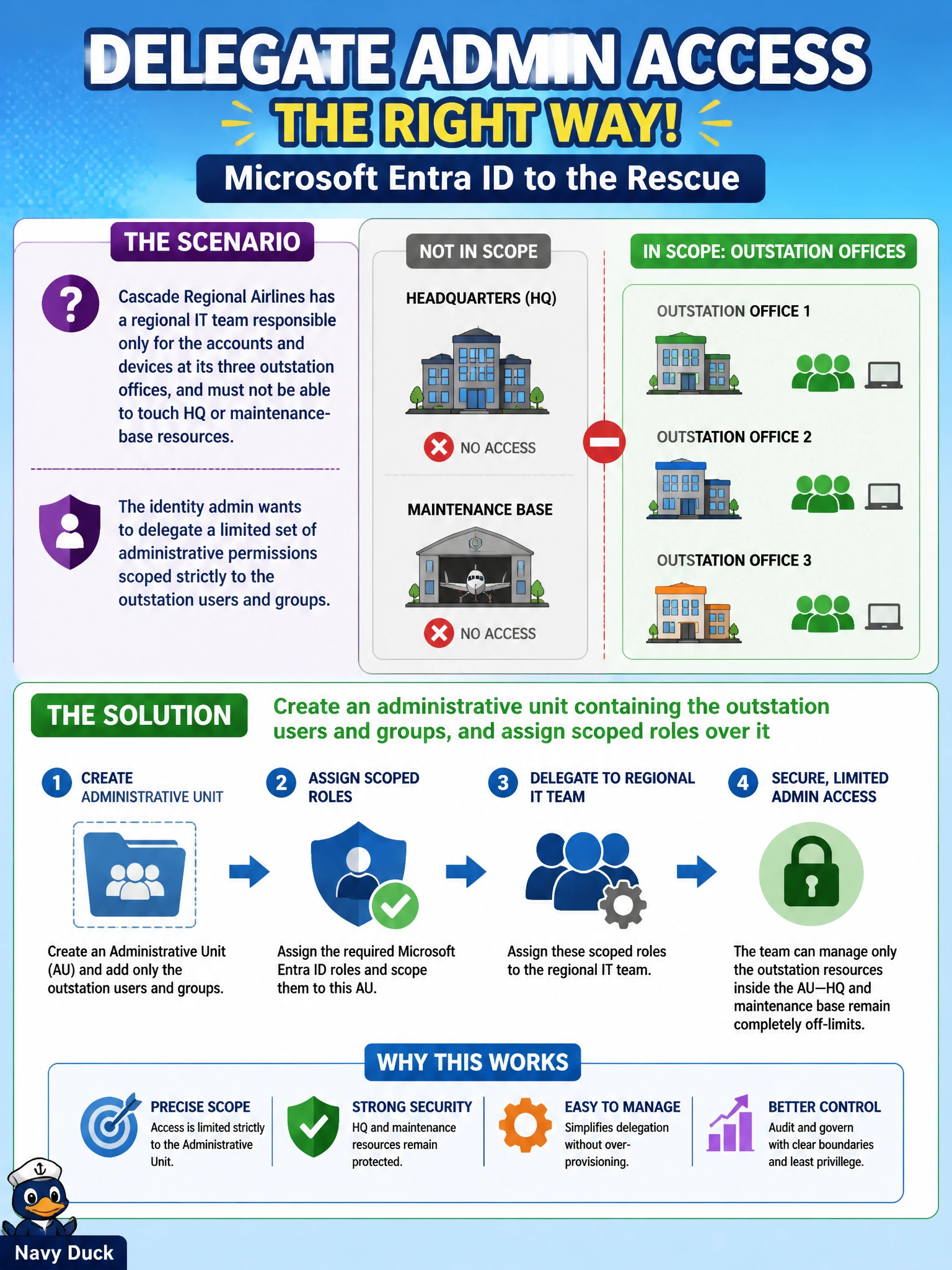
Cascade Regional Airlines has a regional IT team responsible only for the accounts and devices at its three outstation offices, and must not be able to touch HQ or maintenance-base resources. The identity admin wants to delegate a limited set of administrative permissions scoped strictly to the outstation users and groups. What Microsoft Entra ID feature should the admin use?
Select an answer to reveal the explanation.
Short Explanation
An administrative unit is like drawing a fence around just the outstation part of the directory: admins assigned inside that fence can manage the users and groups within it, but the fence keeps them out of everything else. That containment is exactly what the regional team needs.
Full Explanation
Administrative units are containers within Microsoft Entra ID that let you scope role assignments to a specific subset of users, groups, or devices, so an admin assigned a role at the administrative-unit level can only act on members of that unit rather than the whole tenant. That scoping mechanism is precisely what the regional IT team requires: a limited administrative surface bounded to the outstation offices. Assigning Global Administrator does the opposite of scoping — it grants unrestricted tenant-wide control, exposing HQ and maintenance-base resources the team should never touch. A dynamic security group can gather outstation users automatically, but a security group by itself grants no administrative permissions over its members; it's a membership container, not a delegation boundary. Azure resource locks prevent accidental deletion or modification of Azure resources like storage accounts or VMs — they have nothing to do with delegating identity administration over users and groups. A caveat for the exam: roles assigned at the administrative-unit scope must be roles that support AU-scoping (such as User Administrator), not every built-in role can be scoped this way. An operational check is having a regional admin attempt to view an HQ-only user and confirming access is denied.