
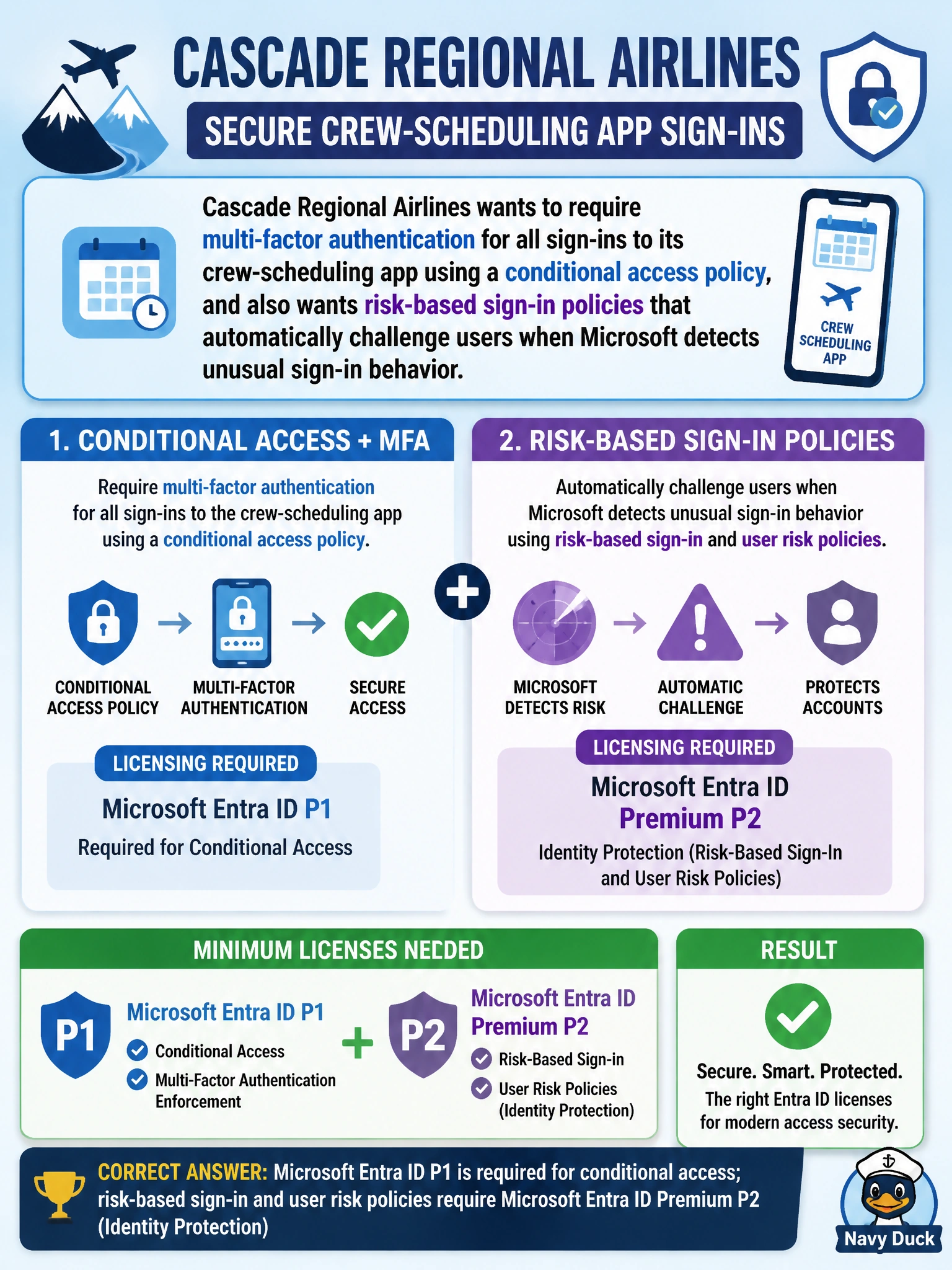
Cascade Regional Airlines wants to require multi-factor authentication for all sign-ins to its crew-scheduling app using a conditional access policy, and also wants risk-based sign-in policies that automatically challenge users when Microsoft detects unusual sign-in behavior. Which Microsoft Entra ID licensing tier is the minimum needed to build these conditional access and risk-based policies?
Select an answer to reveal the explanation.
Short Explanation
Think of it as tiers on a ladder: conditional access — the basic rule engine — sits on the P1 rung, while the smarter risk-detection features that watch for suspicious sign-ins live a rung higher, on P2. You need to be on the right rung before those features unlock.
Full Explanation
Microsoft Entra ID Premium P1 unlocks the conditional access engine, which lets an admin build policies requiring MFA, compliant devices, or other controls based on conditions like app, location, or group membership. Microsoft Entra ID Premium P2 builds on top of P1 and adds Identity Protection, which evaluates sign-in risk and user risk signals (like impossible travel or leaked credentials) and can automatically trigger a challenge or block through risk-based conditional access policies — that layered dependency is exactly why the airline needs P2, not just P1, to get both requirements. Entra ID Free provides basic directory functions and security defaults, which offer a baseline MFA experience but not the granular, condition-based policies described here. Microsoft 365 Business Basic is a productivity suite license bundling Exchange, Teams, and SharePoint access; it isn't an Entra ID licensing tier and doesn't grant conditional access or Identity Protection. The claim that conditional access is free everywhere is incorrect — it's explicitly a P1+ capability, though Microsoft does offer limited free "security defaults" as a baseline substitute. An exam caveat: features move between tiers over time, so always match required capability to license during real planning. An operational check is confirming risk policies appear (not grayed out) in the Identity Protection blade for the tenant.