
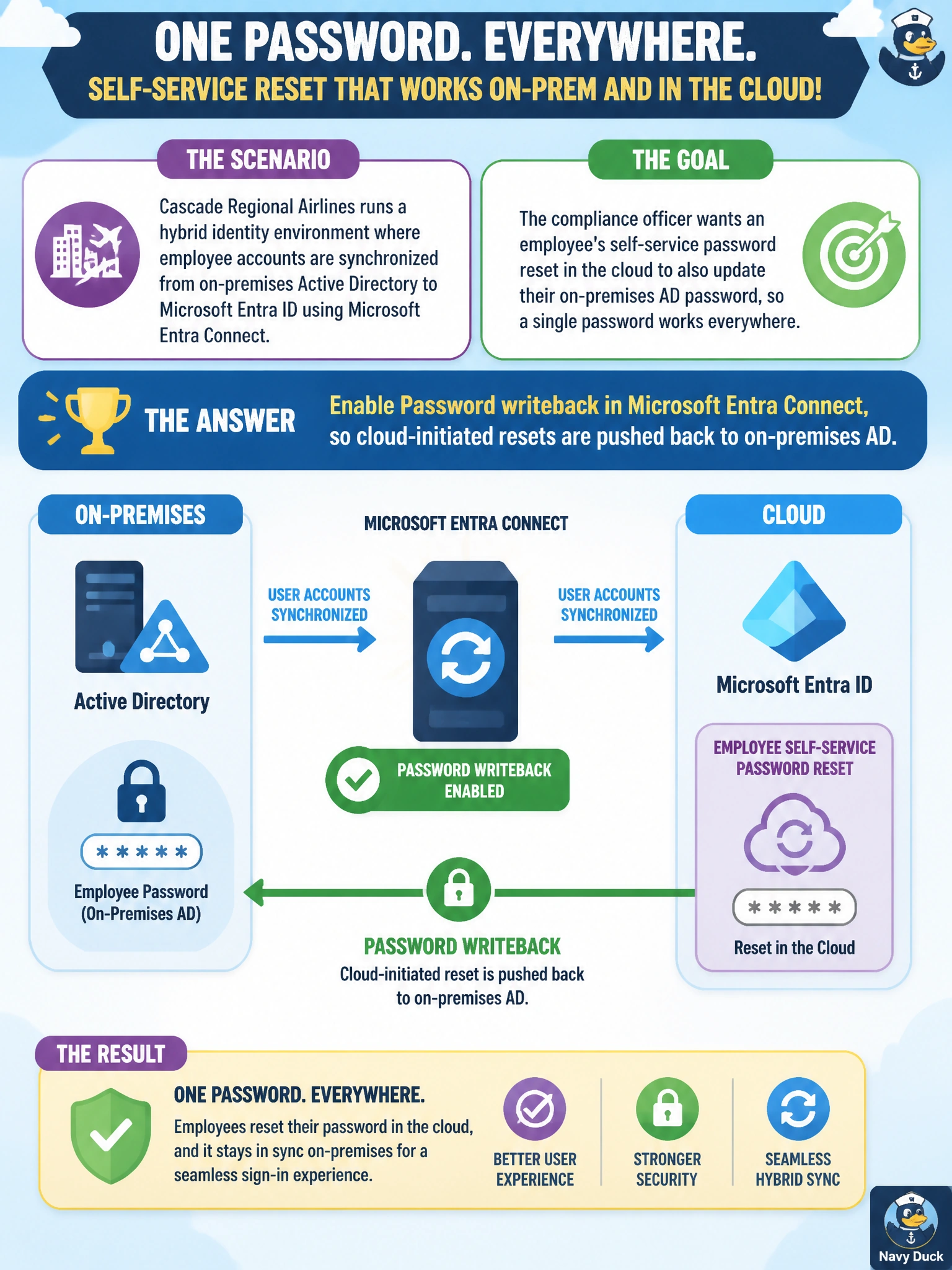
Cascade Regional Airlines runs a hybrid identity environment where employee accounts are synchronized from on-premises Active Directory to Microsoft Entra ID using Microsoft Entra Connect. The compliance officer wants an employee's self-service password reset in the cloud to also update their on-premises AD password, so a single password works everywhere. What must be enabled for this to work?
Select an answer to reveal the explanation.
Short Explanation
Password writeback is the return trip on a one-way street: normally passwords flow from on-prem AD up to the cloud, but writeback lets a cloud password reset travel back down to on-premises AD too. Without it, that cloud-side reset would leave the on-prem password unchanged and out of sync.
Full Explanation
Password writeback is a Microsoft Entra Connect feature that, once enabled, takes a password change or SSPR reset performed in the cloud and writes it back to the corresponding on-premises Active Directory account, keeping the two in sync in a hybrid environment. That round-trip is exactly the mechanism the compliance officer needs, and it requires Entra Connect to be configured with writeback turned on and the appropriate permissions delegated to the sync account in AD. Password hash synchronization only moves password hashes from on-premises up to the cloud for authentication purposes; it has no return path, so a cloud reset under hash sync alone would never reach on-prem AD, leaving two different passwords. A conditional access policy requiring compliant devices controls sign-in conditions, not whether a reset propagates to on-prem AD. Seamless single sign-on lets users sign in without repeatedly entering credentials on domain-joined machines, but it doesn't synchronize password changes either. An exam-relevant caveat: writeback needs specific AD permissions and, for password reset via SSPR, correct on-premises password policies (like complexity and history) enforced consistently. An operational check is doing a test SSPR reset for a synced test account and confirming the new password authenticates against a domain controller.