
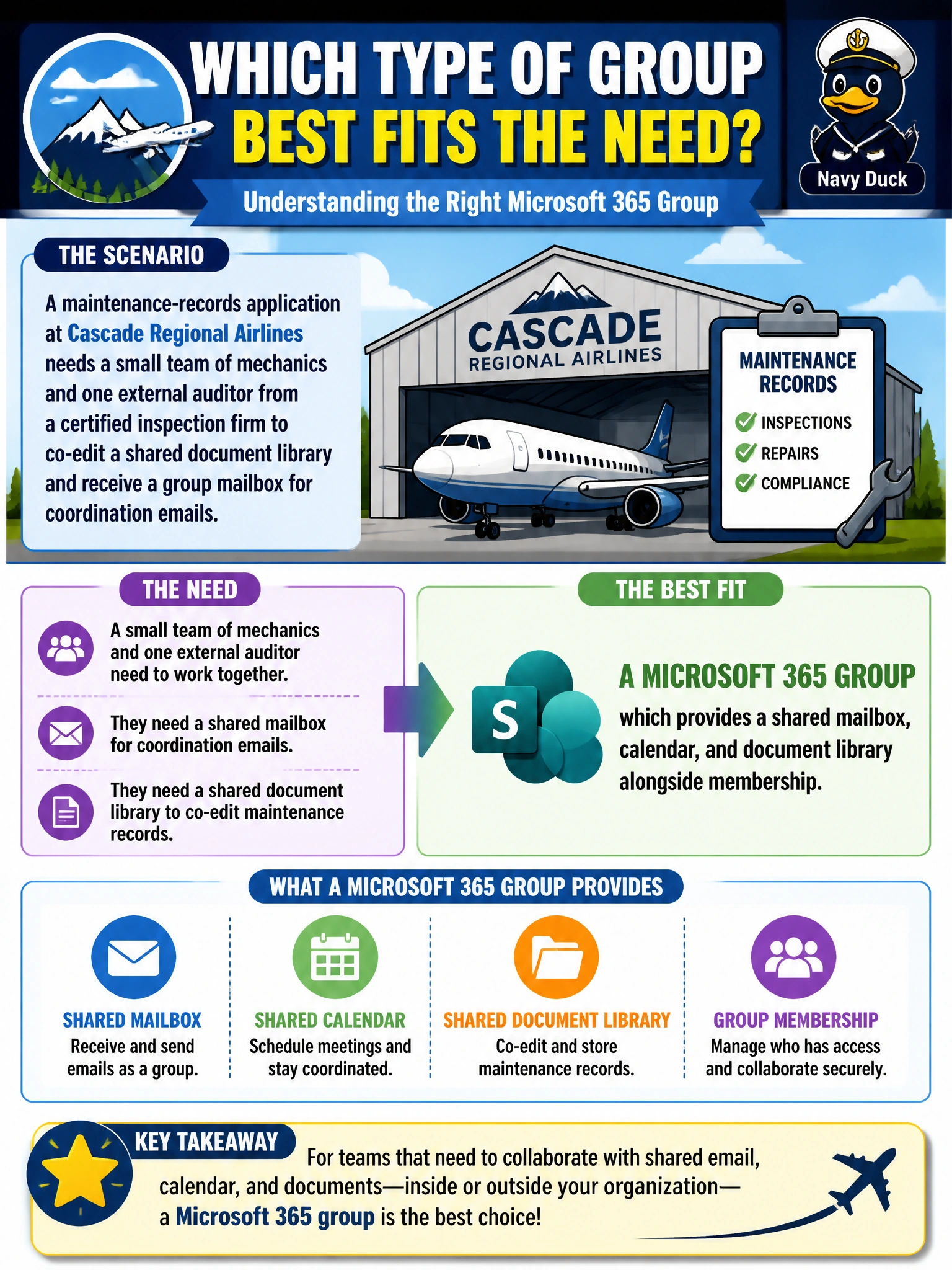
A maintenance-records application at Cascade Regional Airlines needs a small team of mechanics and one external auditor from a certified inspection firm to co-edit a shared document library and receive a group mailbox for coordination emails. Which type of group best fits this need?
Select an answer to reveal the explanation.
Short Explanation
A Microsoft 365 group is like a starter kit for a team: it hands you a shared mailbox, calendar, and file library bundled together, not just a permissions list. Since this team needs to collaborate on documents and coordinate by email, that bundle is exactly the point.
Full Explanation
Microsoft 365 groups exist specifically for collaboration: creating one automatically provisions a shared mailbox, a shared calendar, and a connected document library, and it can include guest users like the external auditor. That mechanism — provisioning collaboration surfaces, not just an access boundary — is what separates it from a security group. A security group (dynamic or assigned) only controls access to resources; it has no mailbox or calendar of its own, so it fails the requirement for group coordination email. A device group is scoped to devices, not people, and wouldn't let the auditor or mechanics do anything as users. An administrative unit is a management-scoping container for delegating admin permissions over users, groups, or devices — it's not a collaboration workspace and has no mailbox. On the exam, remember the litmus test: if the requirement mentions a mailbox, calendar, or shared file library, think Microsoft 365 group; if it only mentions access to a resource, think security group. Operationally, the admin should confirm external collaboration settings allow guests before adding the auditor.