
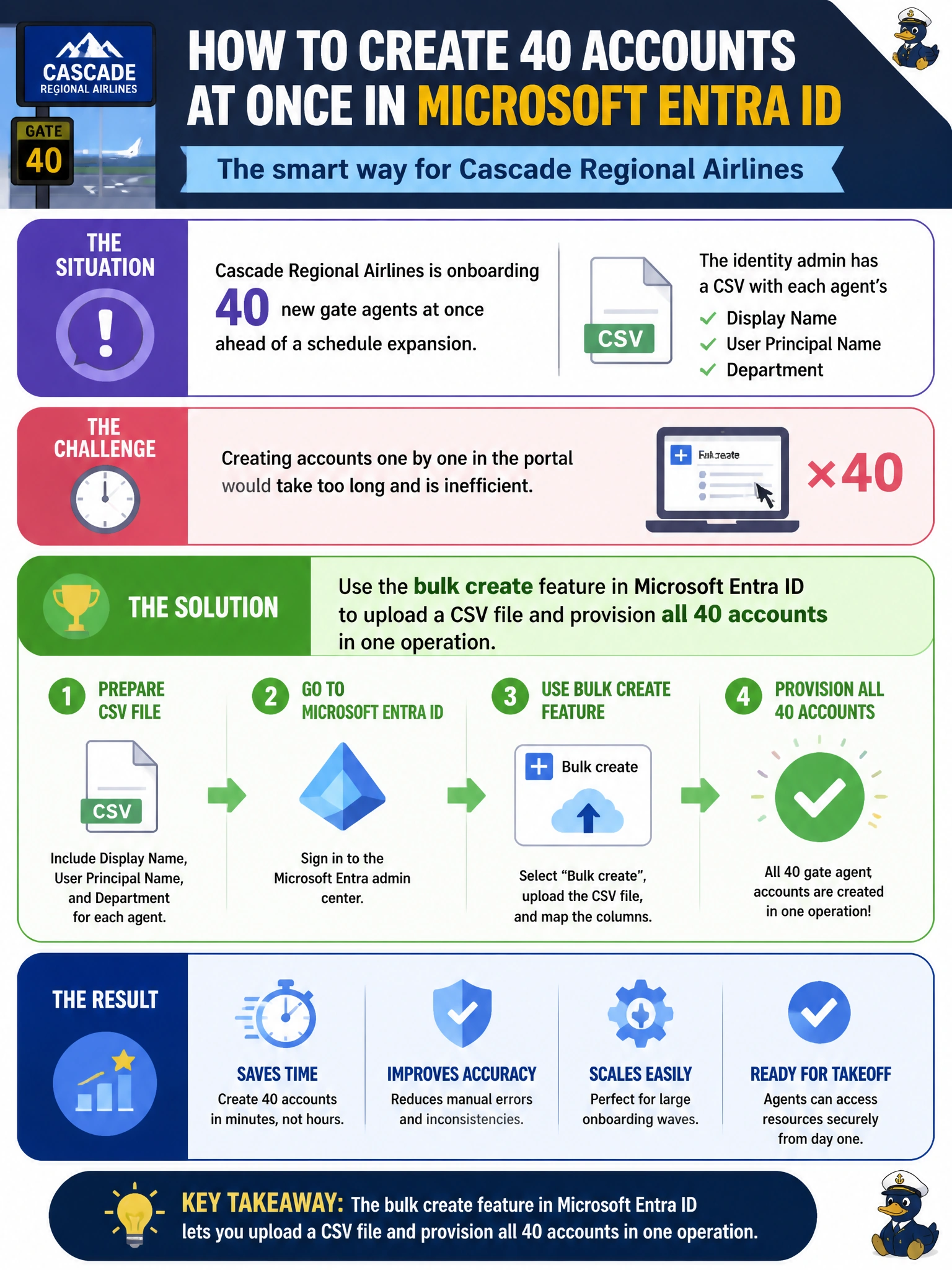
Cascade Regional Airlines is onboarding 40 new gate agents at once ahead of a schedule expansion. The identity admin has a CSV with each agent's display name, user principal name, and department, and wants to create all the accounts in Microsoft Entra ID without opening the portal 40 times. Which approach should the admin use?
Select an answer to reveal the explanation.
Short Explanation
Think of bulk create like a mail-merge for accounts: you fill in a template with one row per person, upload it, and Entra ID stamps out every user in one pass instead of forty separate trips through the portal. It's built exactly for this onboarding-wave scenario.
Full Explanation
Microsoft Entra ID's bulk create operation accepts a CSV built from a downloadable template, validates every row (checking for required fields and UPN format issues) before committing, and then provisions all listed users in a single job you can monitor and download a results log for. That's the mechanism: template in, validated batch out, with per-row error reporting so a handful of bad rows don't block the other 39. Manual one-by-one creation works but doesn't scale past a handful of accounts and multiplies the chance of an inconsistent department or UPN format. Self-registration has no place here because gate agents shouldn't be creating their own corporate identities without governance or approval. A dynamic membership group is the closest-looking trap: dynamic rules evaluate attributes on identities that already exist in order to decide group membership, and they never create user objects, so the rule would have nothing to match until the accounts were provisioned some other way. The caveat worth knowing for the exam: bulk operations also exist for bulk update and bulk delete, and CSV encoding issues (like non-UTF-8 characters in names) are a common real-world failure mode. Before running a bulk create, the admin should validate the CSV against the downloaded template's headers exactly.