
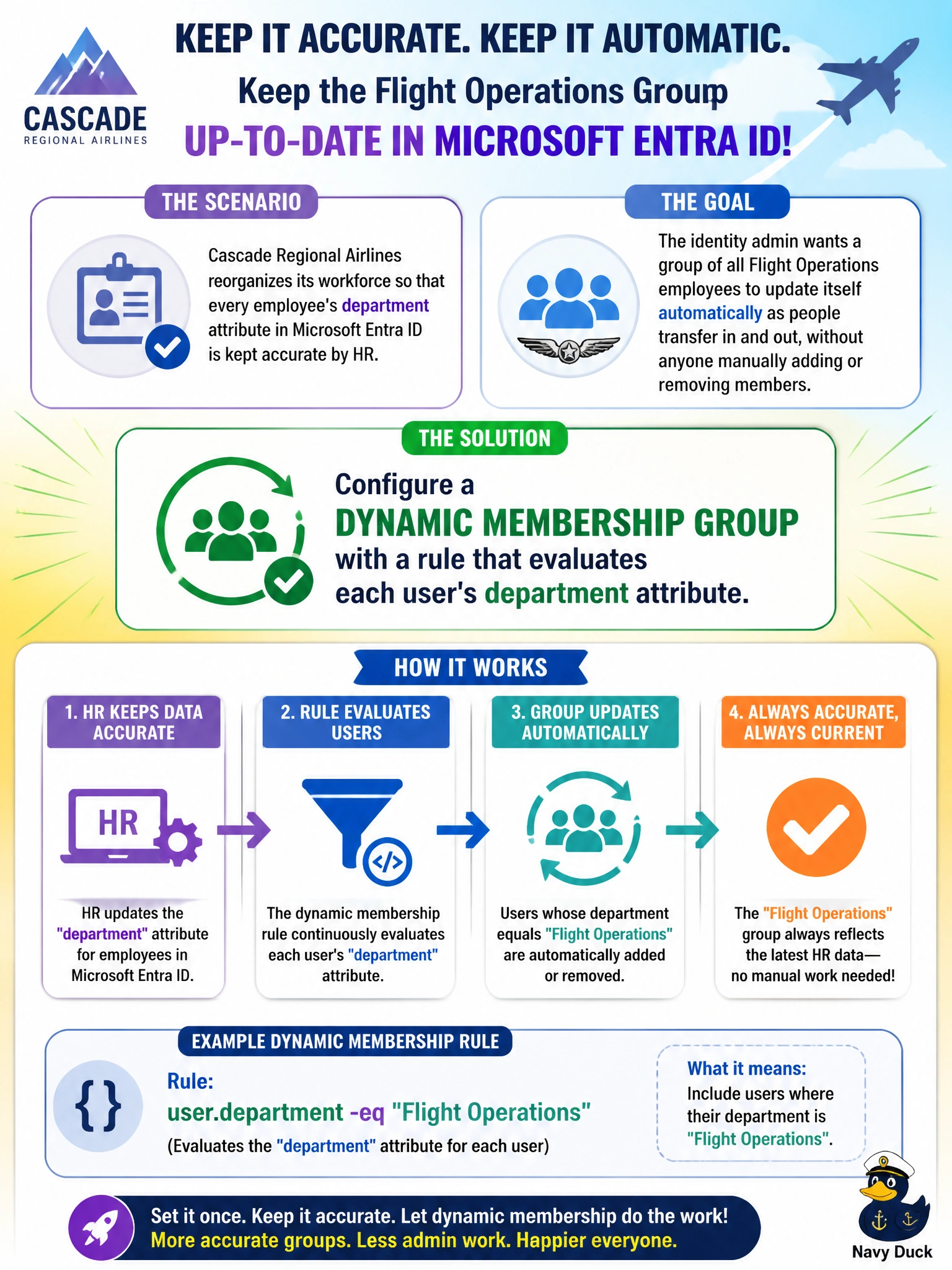
Cascade Regional Airlines reorganizes its workforce so that every employee's department attribute in Microsoft Entra ID is kept accurate by HR. The identity admin wants a group of all Flight Operations employees to update itself automatically as people transfer in and out, without anyone manually adding or removing members. What should the admin configure?
Select an answer to reveal the explanation.
Short Explanation
A dynamic group is like a saved search that keeps re-running itself: you write a rule once, and Entra ID quietly adds or drops members the moment their department attribute changes. That's exactly the hands-off behavior the admin wants here.
Full Explanation
Dynamic membership groups in Microsoft Entra ID evaluate a rule — in this case something like user.department -eq "Flight Operations" — against directory attributes on an ongoing basis, automatically adding a user the moment the attribute matches and removing them the moment it doesn't, with no manual intervention. That rule-driven re-evaluation is the mechanism the scenario calls for. An assigned group fails because membership is static; a human has to add and remove people, which is the exact manual burden the admin is trying to eliminate, and a quarterly review means the group is stale for weeks at a time. A distribution list synced from on-prem Exchange addresses email routing, not Entra ID group membership tied to a directory attribute, and doesn't auto-update from that attribute. A self-service join group depends on employees remembering to request access and doesn't remove people who transfer out, so it can't guarantee accuracy. One exam-relevant caveat: dynamic membership for users requires an appropriate Microsoft Entra ID P1 or higher license. An operational check the admin could run is querying the group's membership rule and confirming a freshly transferred user's department attribute updates within the expected processing window.