
A SaaS company's Foundry-hosted model deployment starts returning 429 rate-limit errors during a marketing campaign that drove a sudden spike in chatbot traffic. The model's output quality was fine before the spike; the requests are simply being throttled. What is the most direct way to address this?
Select an answer to reveal the explanation.
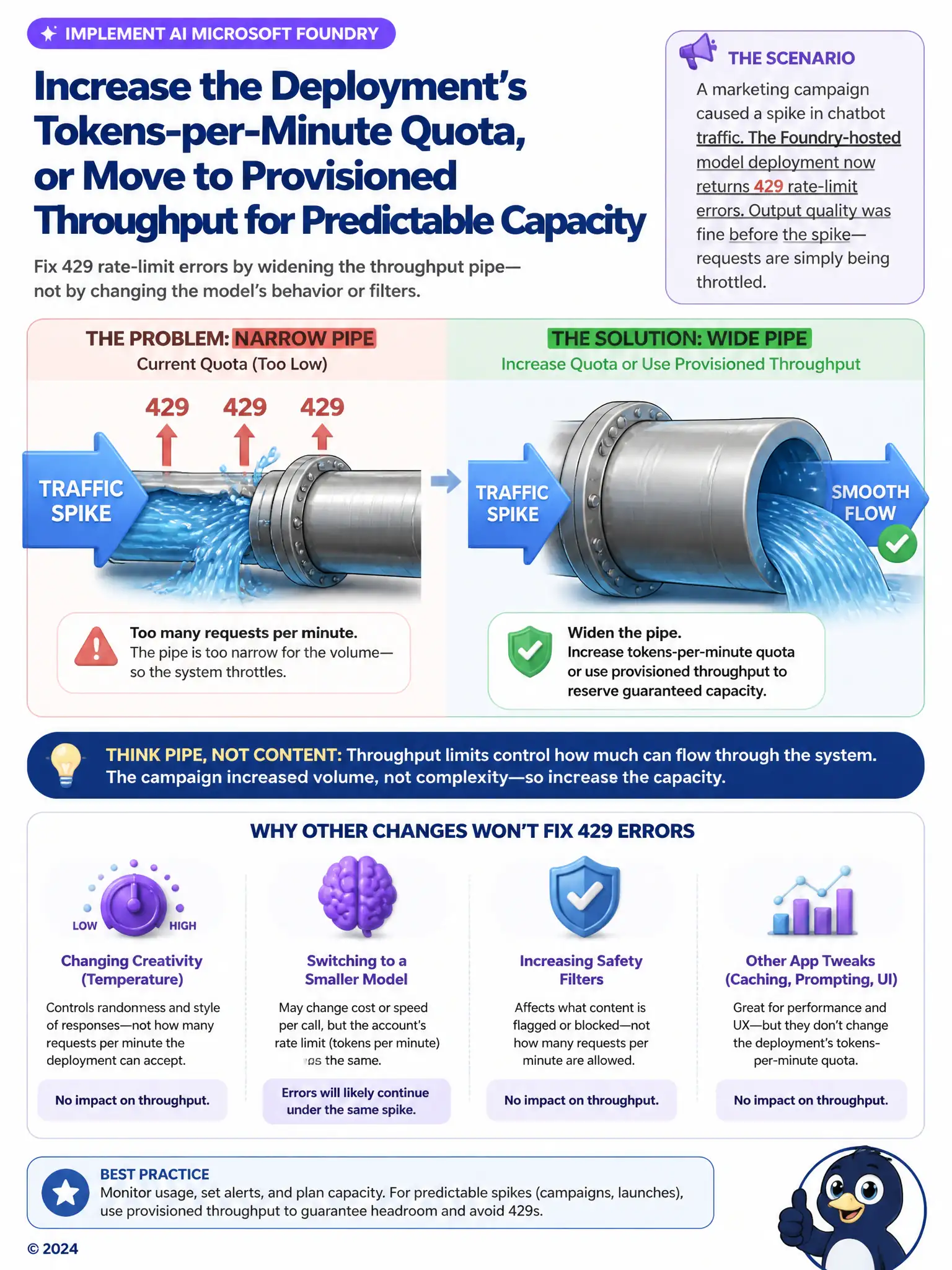
Short Explanation
429 means the pipe is too narrow for the traffic spike, not that the model is broken. You fix it by widening the pipe: raise the deployment's tokens-per-minute quota or move to provisioned throughput for guaranteed capacity. Changing temperature, model size, or filtering won't raise the rate limit.
Full Explanation
The 429 error indicates the deployment's request or token rate has exceeded its configured limit, so the direct fix is to raise the tokens-per-minute quota for the current deployment or move to provisioned throughput, which reserves dedicated capacity sized for the expected spike. Both approaches address the actual bottleneck, which is available throughput, not model behavior. The option that increases the temperature parameter is incorrect because temperature controls the randomness of generated text and has no effect on throughput, request rate limits, or generation speed. The option that switches to a smaller model without changing any quota or capacity settings is incorrect because a smaller model may reduce per-call cost but does nothing on its own to raise the account or deployment's rate limit, so 429 errors would likely continue during the same traffic spike. The option that enables stricter content filtering is incorrect because content filtering strictness governs safety moderation of request and response content, not how many requests per minute the deployment is permitted to process, so it would not resolve throttling.