
A junior developer wants to quickly try out how a candidate model responds to different system messages and sample questions before writing any application code or committing to a deployment configuration. What Foundry capability lets them do this interactively, without building a custom application first?
Select an answer to reveal the explanation.
Short Explanation
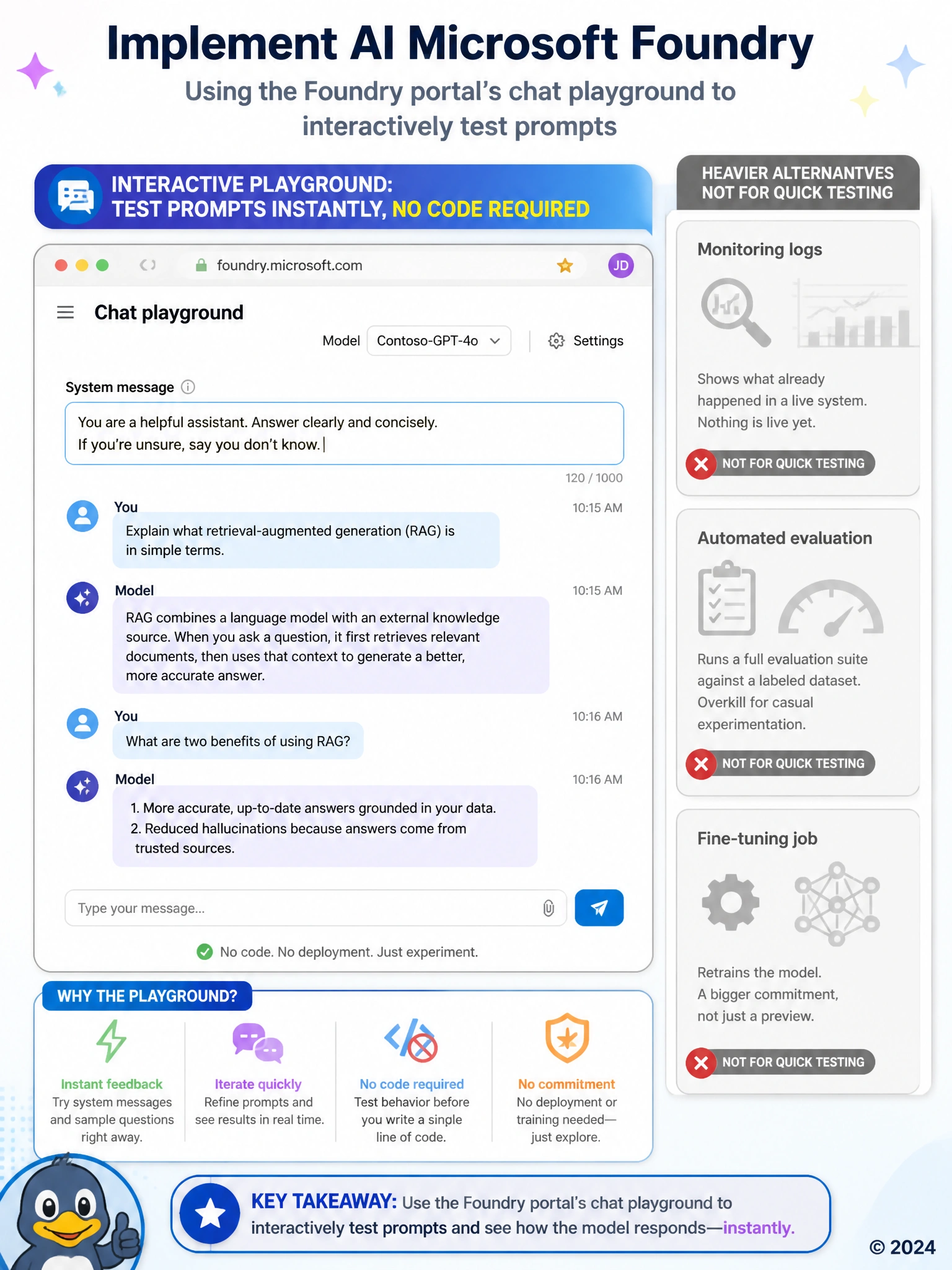
Before you build anything, you just want to poke at the model a bit and see what it does, and that's exactly what the interactive playground in the portal is for. Digging through monitoring logs is the wrong tool here because those only tell you what already happened to a live system, and nothing is live yet. Running a full evaluation suite against a labeled dataset is also overkill for casual experimentation, that's a heavier process meant for systematically scoring a model's quality, not for a quick 'let me see what happens if I say this' check. And kicking off a fine-tuning job is a much bigger commitment still, since that actually retrains the model rather than just letting you preview how it currently behaves. For simply trying a few system messages and sample questions before writing a line of code, the playground is the lightweight, no-commitment option built for exactly that.
Full Explanation
The correct answer is C. The Foundry portal's chat playground is built exactly for this kind of quick, interactive exploration, letting a developer type system messages and sample questions directly in the browser and immediately see how a candidate model responds, with no application code required. Option A is incorrect because Azure Monitor logs report on the behavior and performance of a deployment that is already running in production; they are an after-the-fact observability tool, not a way to interactively test prompt ideas beforehand. Option B is incorrect because the evaluation SDK is designed to run automated, repeatable scoring across a labeled test set at scale, which is a heavier, more formal process than casually trying out a few prompts. Option D is incorrect because fine-tuning retrains the model's weights on example conversations, a significant undertaking meant to change model behavior long-term, not a lightweight way to preview how an existing model already responds.