
A compromised secret version was disabled. How should the parks AI app retrieve secrets afterward?
Select an answer to reveal the explanation.
Short Explanation
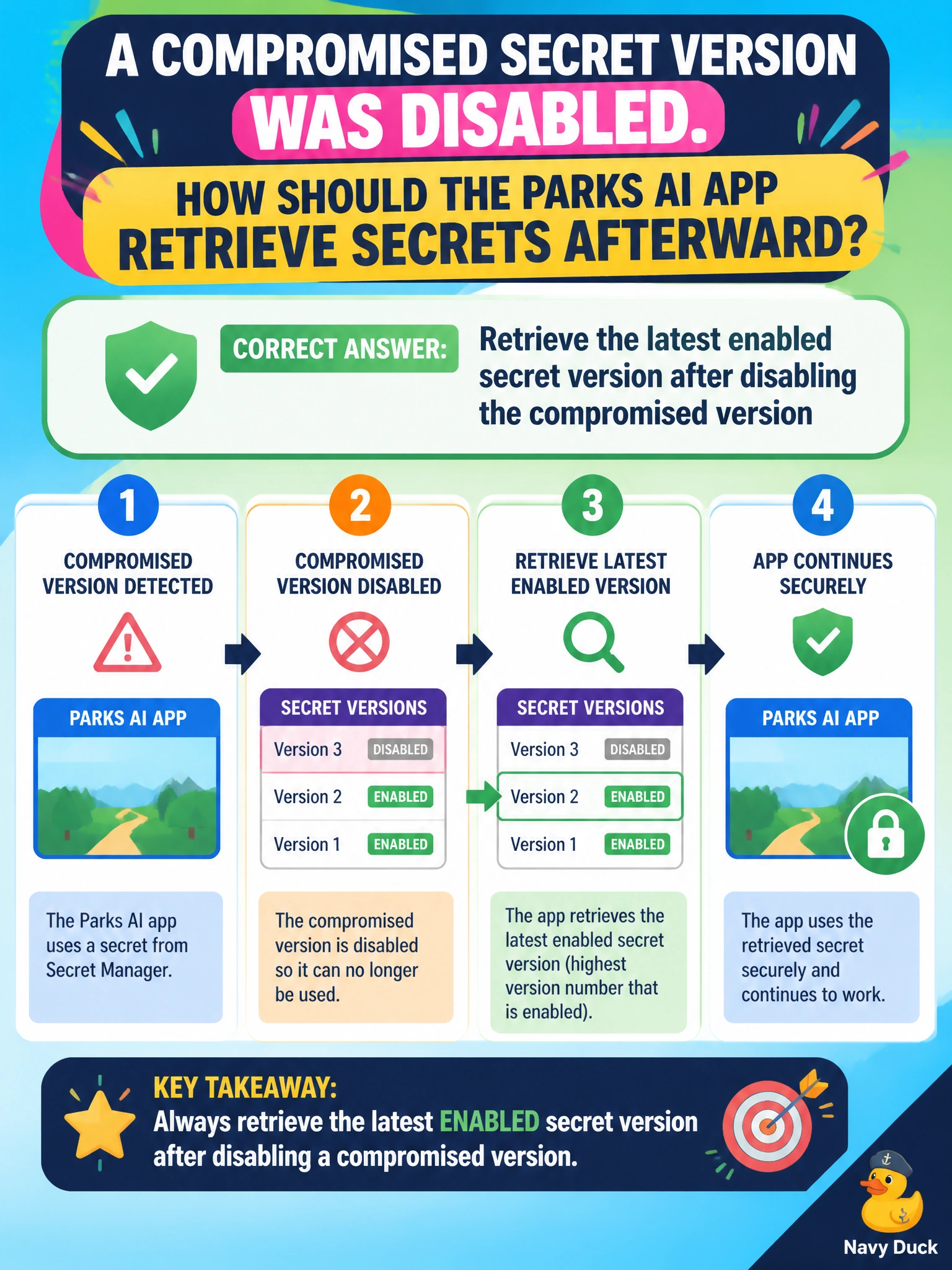
After you disable the bad key, grab the latest enabled version—like using the new badge after the old one is revoked.
Full Explanation
After a compromised secret version is disabled, the parks AI app should retrieve the latest enabled secret version rather than continuing to pin the disabled GUID. Key Vault versioning allows disabling a bad version while a new enabled version serves subsequent gets; applications that request the current/latest enabled secret recover cleanly after municipal incident response rotates credentials for parks workloads.
Pinning forever to the disabled version GUID in application code guarantees continued failures (or continued use of a compromised secret if somehow re-enabled) and blocks rotation. Falling back to a plaintext file on the container filesystem reintroduces secret sprawl outside Key Vault. Reusing the compromised version until the next fiscal year ignores an active security incident.
Exam caveat: Clients that cache secrets must refresh after rotation; disable alone does not push updates into memory. Prefer identity-based get of the secret name (latest) unless a deliberate staging pin is required during dual-running cutovers. Ensure RBAC still allows the parks app identity to get the new version, and confirm soft-delete/purge protection policies before destructive cleanup.
Operational check: Disable the compromised version, add the replacement enabled version, restart or signal refresh for parks AI instances, verify Key Vault access logs show gets on the new version with success, confirm the app no longer references the disabled version GUID, and rotate any related downstream credentials the compromise might have exposed.