
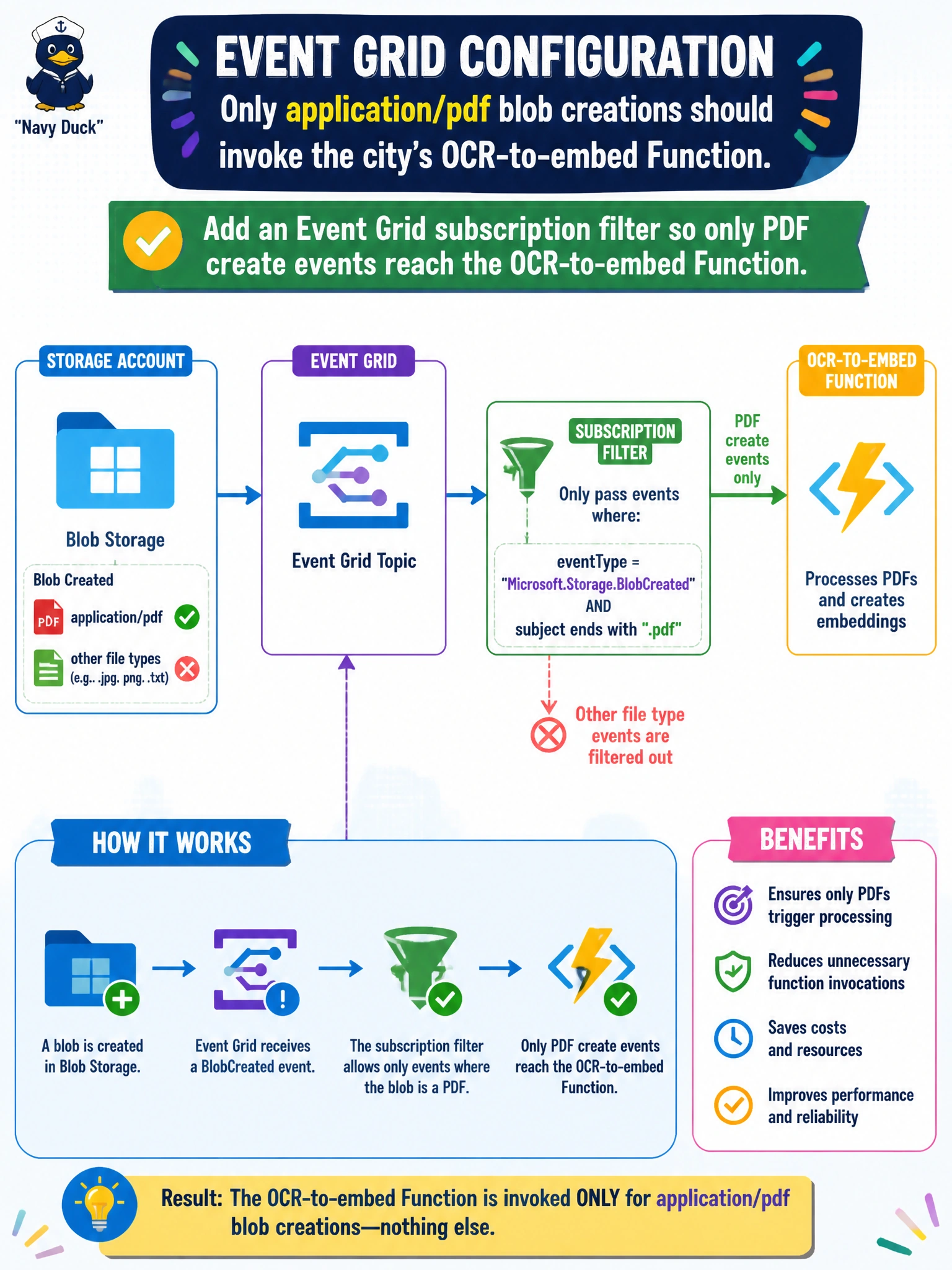
Only application/pdf blob creations should invoke the city’s OCR-to-embed Function. How should Event Grid be configured?
Select an answer to reveal the explanation.
Short Explanation
Filters are the “PDFs only” sign on the intake door—Event Grid keeps JPEG noise out so the OCR-to-embed Function isn’t woken for every random upload.
Full Explanation
The city’s OCR-to-embed Function should run for PDF creates, not for every blob event in the storage account. Event Grid subscription filters (advanced filters on content type, URL suffix, event type, and related fields) constrain delivery so only application/pdf create events reach the Function. Filtering at the subscription saves Function executions, reduces noise from images and videos, and keeps OCR-to-embed logic focused on documents that actually need that pipeline.
Delivering every blob event of any content type and ignoring cost fails on scale and spend: photo dumps and video uploads would invoke OCR/embed paths that cannot succeed usefully, burning municipal budget. Removing filtering and relying on the Function to process images, videos, and PDFs identically fails by workload design: OCR and text embedding assumptions do not apply uniformly to all media, and defensive early-exit still consumes cold starts and executions. Disabling Event Grid and scanning the entire storage account on a timer only reintroduces polling lag and full-account enumeration cost instead of precise create-event delivery.
Exam caveat: filters must match how Storage events represent content type and subject; test with real PDF uploads and with a non-PDF control object. Event type should usually include Microsoft.Storage.BlobCreated (and distinguish create vs overwrite if required). Operational check: upload a PDF and a PNG to the watched container; confirm only the PDF triggers the OCR-to-embed Function; review Event Grid metrics for matched vs dropped events.