
A city permits chatbot on Azure Container Apps must bind Key Vault secret values into the revision environment without baking credentials into the image. What should the team configure?
Select an answer to reveal the explanation.
Short Explanation
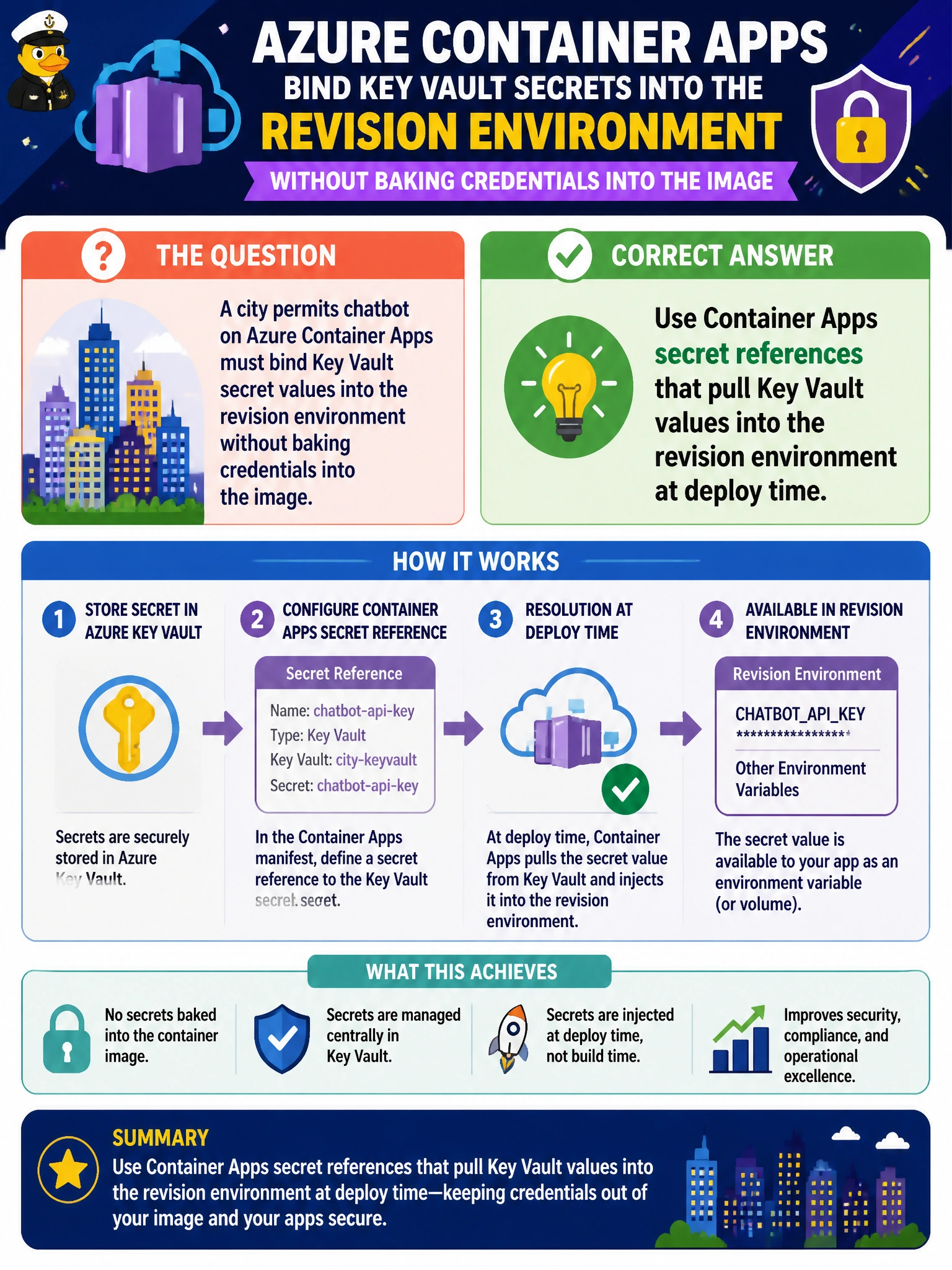
You can keep the permits chatbot’s credentials out of its image by using Container Apps secret references to bring Key Vault values into the revision at deploy time. That avoids baking them into Dockerfile ENV lines, emailing them for Compose files, or exposing them in a public Blob container.
Full Explanation
Container Apps secret references pull Azure Key Vault values into the permits chatbot’s revision at deploy time, so credentials do not have to be baked into the container image. The platform resolves the reference using a managed identity or equivalent secret-store configuration and makes the value available to that revision; keeping the image free of static secrets supports least privilege, auditability, and rotation without rebuilding the image. Hard-coding Key Vault values as Dockerfile ENV lines fails because secrets become part of image layers and registry copies, where anyone with pull access may extract them; rotation also requires rebuilding and redeploying. Emailing values for local Compose files distributes them through mail and developer laptops, and those settings do not automatically bind secrets to deployed revisions. A public Blob container with anonymous volume mounts abandons confidentiality because anyone can read the blobs. Exam caveat: Container Apps can surface secrets as environment variables or files depending on configuration; the key distinction is referencing Key Vault rather than embedding plaintext in the image. Practical check: verify the app identity has appropriate Key Vault secret-read permission, the secret URI and version policy match expectations, and the revision uses the reference. After rotation, confirm a redeploy receives the new value without a Dockerfile change, and inspect the image layers and registry tags for plaintext keys.