
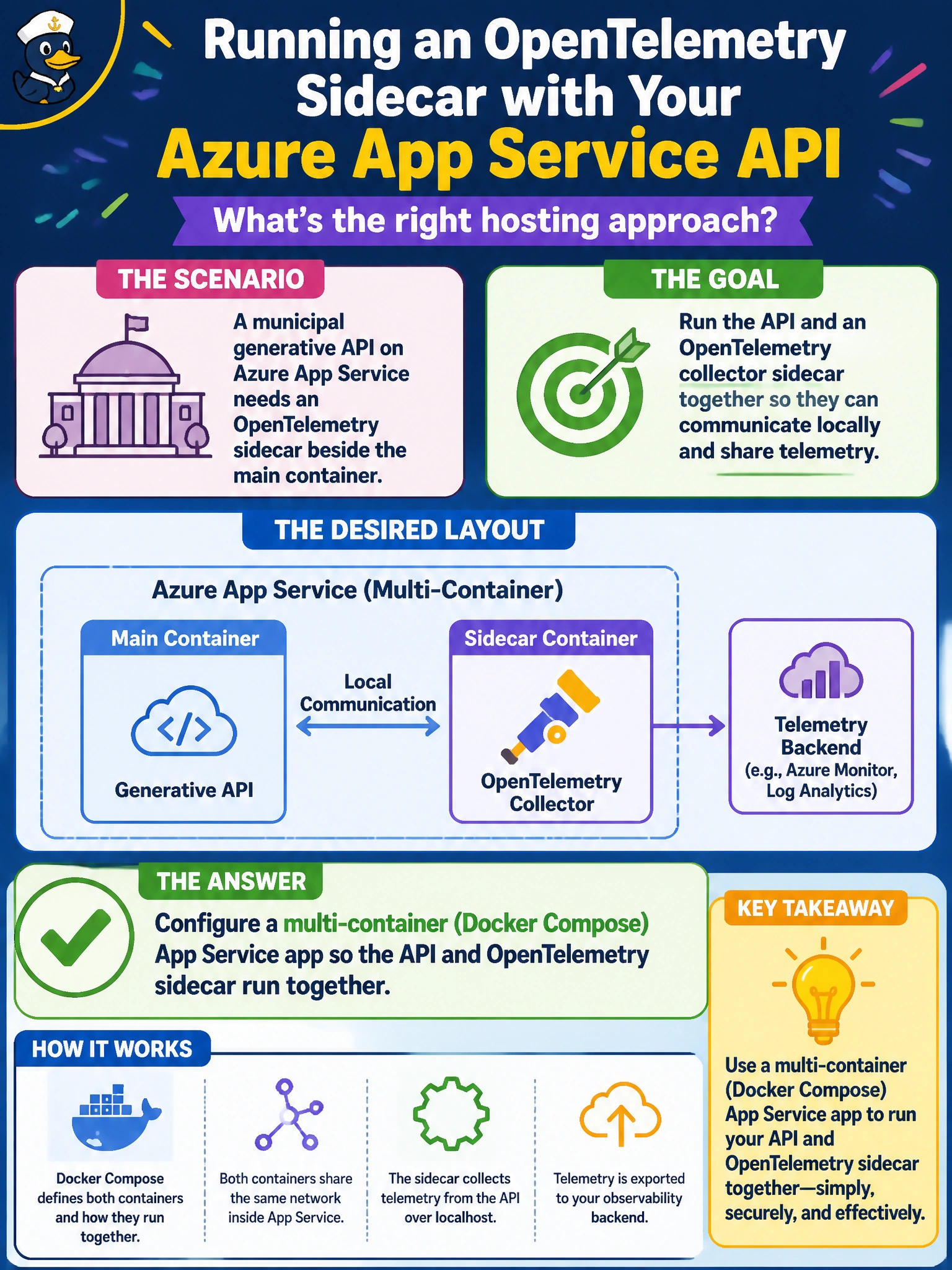
A municipal generative API on Azure App Service needs an OpenTelemetry sidecar beside the main container. Which hosting approach supports that layout?
Select an answer to reveal the explanation.
Short Explanation
You can keep the API and its OpenTelemetry sidecar together in one multi-container App Service app defined with Docker Compose, sharing the app’s lifecycle. Keeping telemetry in-process, relying only on residents’ browser extensions, or replacing containers with a Power Automate flow won’t provide that backend sidecar layout.
Full Explanation
Azure App Service supports multi-container applications defined with Docker Compose, allowing a sidecar to run beside the main container within one app. For the municipal generative API, configure Compose with both the API and OpenTelemetry sidecar; they share the app’s networking and lifecycle and can be deployed together. The sidecar can collect traces, metrics, and logs without moving backend telemetry into residents’ browsers or unrelated automation. A single-container App Service deployment with the API image only keeps telemetry in-process rather than running a companion sidecar, so it does not meet the requested layout. Running the sidecar only as a browser extension on residents’ devices does not collect backend telemetry from the API. Replacing containers with a single Power Automate flow does not provide container hosting or the OpenTelemetry sidecar pattern on App Service. Exam caveat: Compose multi-container App Service has platform constraints, including networking and scaling nuances. Practical check: define and deploy an App Service Docker Compose app with the API and sidecar, confirm both containers run, and verify that the sidecar emits traces or metrics while the API handles municipal traffic.