
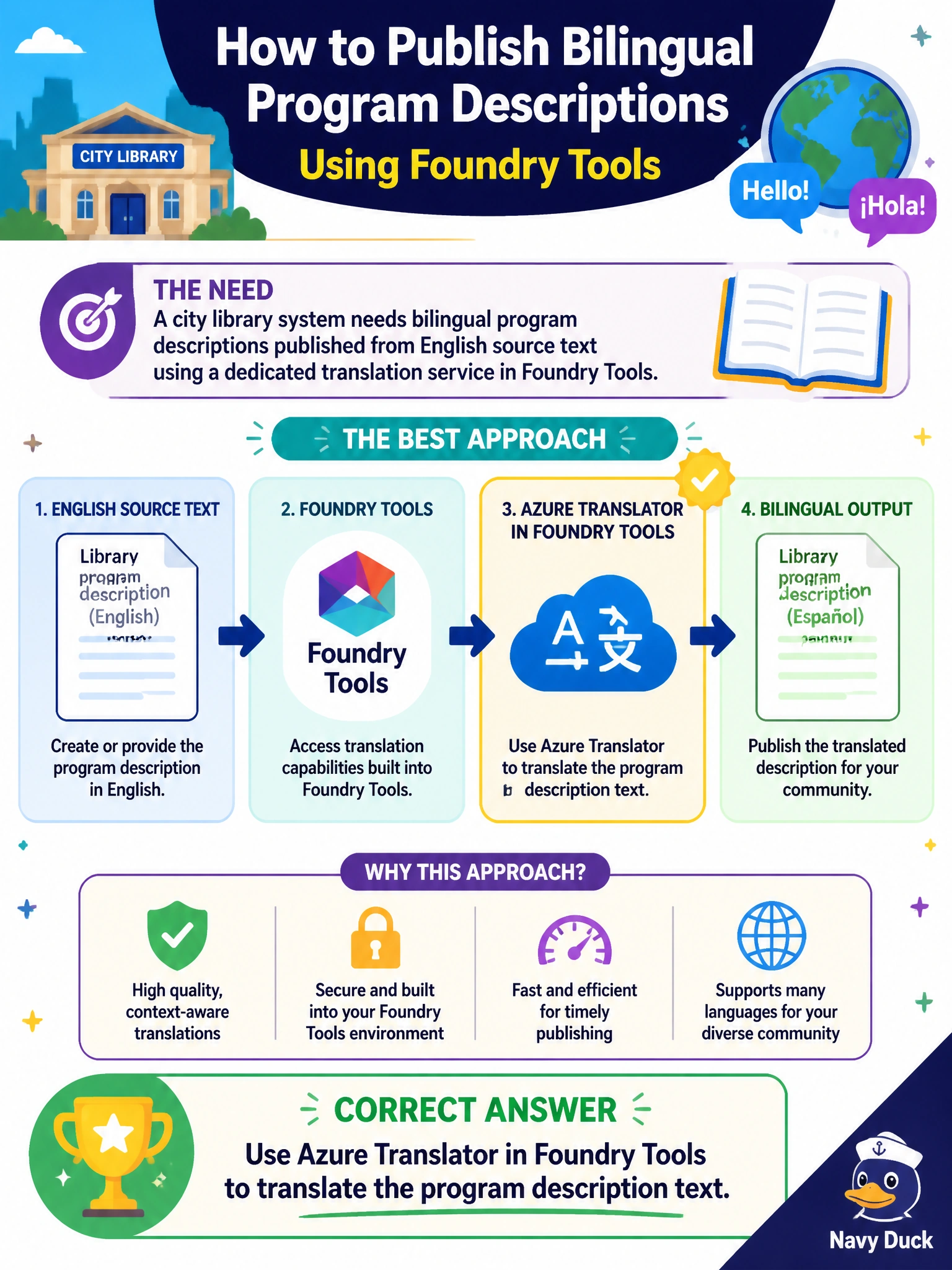
A city library system needs bilingual program descriptions published from English source text using a dedicated translation service in Foundry Tools. Which approach fits best?
Select an answer to reveal the explanation.
Short Explanation
Bilingual program blurbs are like swapping the labels on the same shelf of books. Azure Translator in Foundry Tools turns the English description into the second language without reinventing the flyer as art or guessing from cover colors. You'll miss what you need if you ask Azure AI Language, Azure AI Document Intelligence, or Azure OpenAI Service to translate the program description text since they're not the dedicated translation service.
Full Explanation
The city library system needs bilingual program descriptions published from English source text using a dedicated translation service in Foundry Tools. Azure Translator in Foundry Tools is the fit: feed the English program blurb, request the target language, and publish the translated text alongside the original. This keeps the civic marketing workflow text-centric, reusable across flyers and web listings, and aligned with a managed translation API rather than ad-hoc multimodal workarounds. Using Azure AI Language in Foundry Tools to translate the program description text is the wrong service because Language is for text understanding such as sentiment, entities, and summarization, not dedicated translation. Using Azure AI Document Intelligence in Foundry Tools to translate program descriptions is the wrong service because Document Intelligence is for document layout analysis and data extraction from forms and PDFs, not dedicated text translation. Using Azure OpenAI Service in Foundry Tools to translate the program description text is the wrong service because OpenAI Service is for generative AI with large language models, not a dedicated translation service. Each wrong option names translation but uses the wrong service and misses the dedicated translation capability the stem requires. Exam caveat: Translator handles phrase and document translation; it is not language understanding with Azure AI Language, not document layout analysis and extraction with Azure AI Document Intelligence, and not general-purpose generative language modeling with Azure OpenAI Service unless you deliberately compose a larger flow. When the stem says “dedicated translation service in Foundry Tools,” prefer Translator over Language, Document Intelligence, or OpenAI Service paths claiming to translate. Operational check: translate a sample of library program descriptions, have bilingual staff review terminology (age ranges, accessibility notes, fee language), store source and target language tags with each listing, and automate publish only after glossary checks pass. Confirm API region, key rotation, and that image assets still point to the correct bilingual text blocks on the public site.
Prefer to study offline? Printable PDF study book + test engine ($7.50, unofficial). These questions stay free here.