
Courts need to extract visual characteristics from exhibit scans using Foundry tooling. Which approach should they configure?
Select an answer to reveal the explanation.
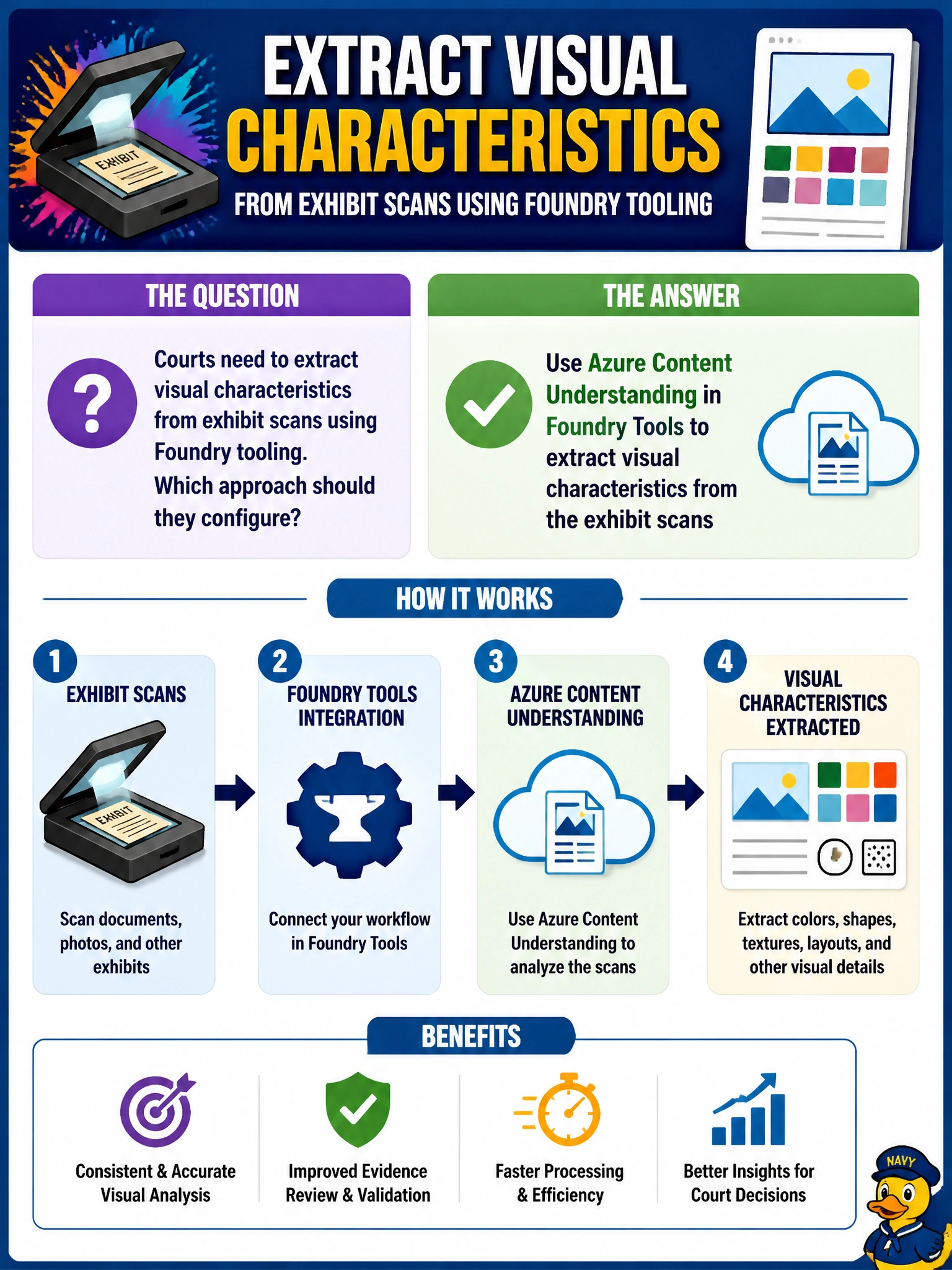
Short Explanation
Content Understanding is the scanner’s smart assistant—it pulls visual characteristics out of the exhibit images, not just the filename. Courts should wire that Foundry Tools path for exhibit scans. You'll miss the visual characteristics if you're counting on Document Intelligence, OpenAI, or OCR to extract them—it's document text, generated text, and transcribed text, not visual analysis.
Full Explanation
Azure Content Understanding in Foundry Tools is the configured path for extracting visual characteristics from images in Azure AI Foundry multimodal workflows. Courts that need structured insight from exhibit scans—layout cues, visual attributes, and related characteristics—should wire Content Understanding rather than treating scans as inert blobs. That tooling is purpose-built to analyze visual content so downstream case processes can use extracted characteristics instead of relying only on docket metadata.
Configuring Azure AI Document Intelligence in Foundry Tools to extract visual characteristics from the exhibit scans fails the requirement: it is optimized for typed text fields and document structure, not for analyzing the broader visual characteristics and layout cues the question asks for. Using Azure OpenAI Service in Foundry Tools to extract visual characteristics from the exhibit scans fails because it generates language output rather than analyzing image content for visual characteristics and layout cues. Enabling Azure AI Vision OCR in Foundry Tools to extract visual characteristics from the exhibit scans fails because OCR alone recovers printed text, not the broader visual characteristics and layout cues that Content Understanding is meant to extract from the exhibit scans.
Exam caveat: Content Understanding outputs assist review; they are not a substitute for authenticated exhibit handling, chain of custody, or judicial findings. Sensitive exhibits may require restricted workspaces and access controls. Operational check: configure Content Understanding against a sample exhibit scan set, verify extracted visual characteristics appear as expected, restrict access to authorized court roles, and document that human reviewers remain responsible for evidentiary conclusions.
Prefer to study offline? Printable PDF study book + test engine ($7.50, unofficial). These questions stay free here.