
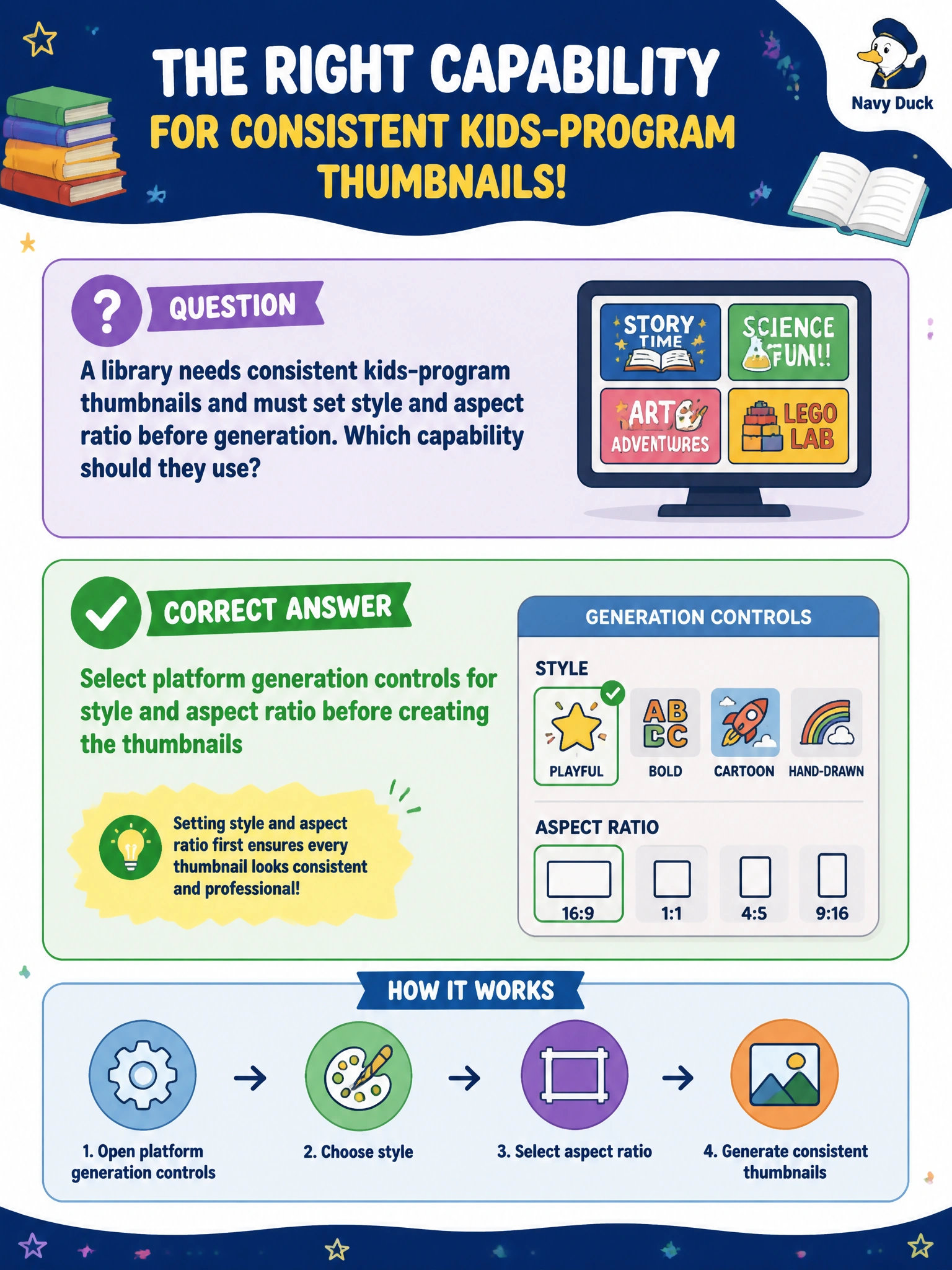
A library needs consistent kids-program thumbnails and must set style and aspect ratio before generation. Which capability should they use?
Select an answer to reveal the explanation.
Short Explanation
Thumbnail consistency is settings first, pixels second. The library should dial style and aspect ratio with the platform generation controls, then generate the kids-program art. Model seed values, loaded prompt templates, and guidance scale values won't lock the style and aspect ratio you need before the thumbnails are made.
Full Explanation
Image-generation platforms expose pre-generation controls—style presets, aspect ratio, and related composition settings—so municipal teams can enforce a consistent visual system before pixels are produced. A library producing kids-program thumbnails should select those platform generation controls first: lock the approved style so every title card shares the same illustration language, and set the aspect ratio required by the catalog, CMS, or social channel. Only after those controls are intentional should staff generate the batch. Consistency then comes from configuration, not from hoping defaults align. Configuring model seed values for style and aspect ratio before creating the thumbnails fails because model seeds fix random noise for reproducibility, not platform generation controls for look and framing; they do not set a style preset to lock the illustration language or set the generation aspect ratio to lock framing, so the kids-program batch can still drift visually. Loading saved prompt templates for style and aspect ratio before creating the thumbnails fails because templates only supply reused text, not the platform's dedicated generation controls; they do not lock the approved style preset or the generation aspect ratio, so each kids-program image can still drift visually and defeat the consistency the library needs across the catalog. Adjusting guidance scale values for style and aspect ratio before creating the thumbnails fails because guidance scale governs how strongly the model follows the prompt versus adding creativity, not pre-generation controls for look and framing; it does not set the illustration style preset or the generation aspect ratio before the thumbnails are created, so the kids-program batch still will not match. Exam caveat: generation controls are part of the multimodal authoring workflow, not optional cosmetics. Aspect ratio especially matters because it defines the generated frame composition from the start, which is why configuring model seed values for style and aspect ratio cannot replace setting the dedicated aspect-ratio and style generation controls before generation. Operational check: document the approved style and aspect settings in a short runbook, generate a small pilot set, verify thumbnails crop correctly in the catalog UI, then proceed to full batch generation with the same locked controls.
Prefer to study offline? Printable PDF study book + test engine ($7.50, unofficial). These questions stay free here.