
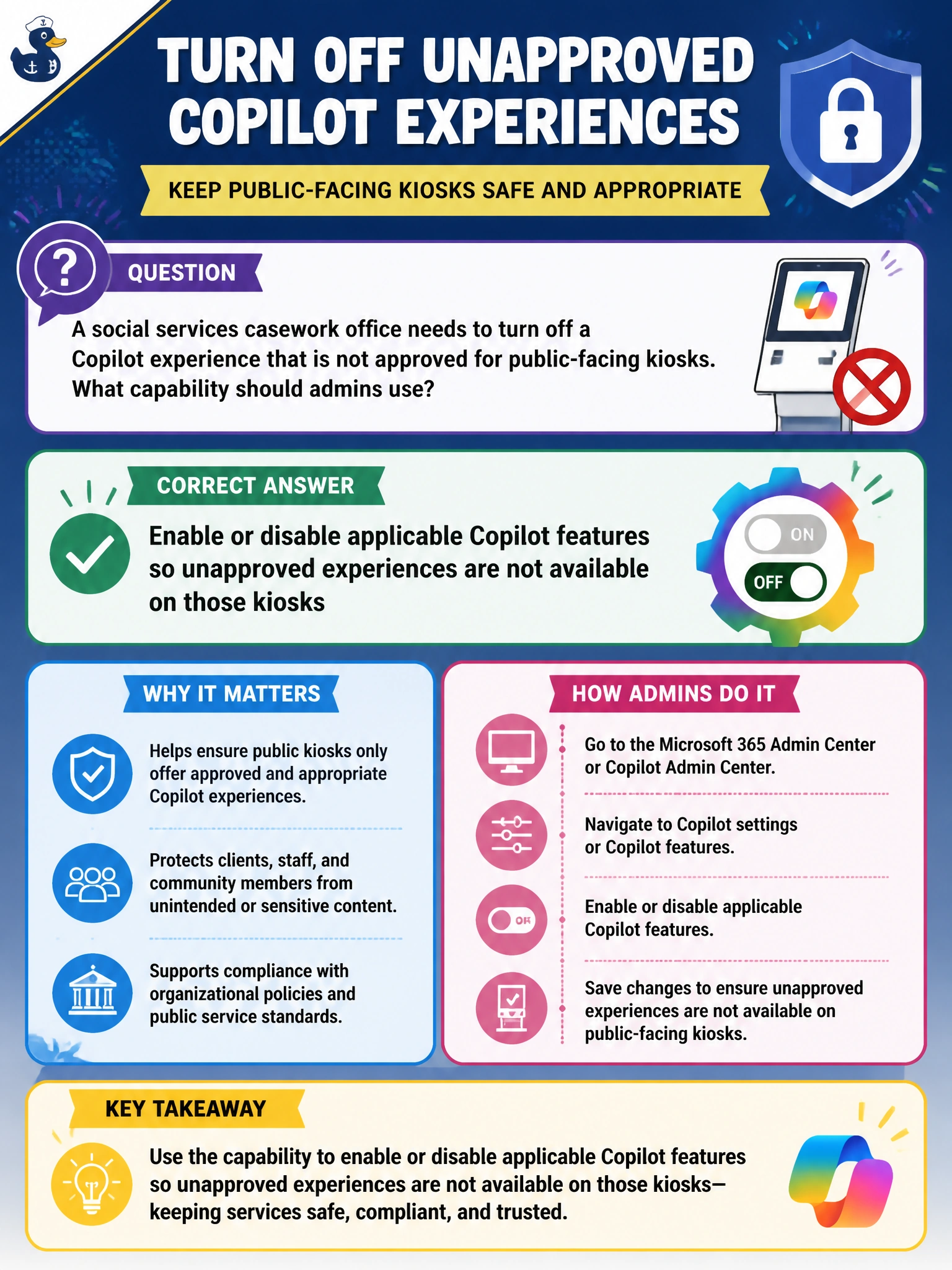
A social services casework office needs to turn off a Copilot experience that is not approved for public-facing kiosks. What capability should admins use?
Select an answer to reveal the explanation.
Short Explanation
Kiosk isn't approved for that Copilot experience? You can enable or disable features so it stays off. Don't rely on monitoring usage analytics, applying sensitivity labels, or setting retention policies to switch it off. Feature controls are the fundamentals move.
Full Explanation
Social-services administrators should enable or disable applicable Copilot features so unapproved experiences are not available on public-facing kiosks. Feature enablement is the fundamentals control that turns tenant or scoped Copilot capabilities on or off to match policy: if a kiosk scenario is not approved for a given Copilot experience, admins disable that feature rather than hoping users ignore it. That preserves approved productivity elsewhere while keeping the public kiosk surface within policy.
Monitoring Copilot usage analytics for kiosk use so unapproved experiences are not available on those kiosks fails to address the requirement—analytics only observe what users are doing and cannot turn an unapproved Copilot experience off. Applying sensitivity labels to casework documents so unapproved experiences are not available on those kiosks fails to address the requirement—labels classify content but do not disable an unapproved Copilot feature. Setting retention policies for kiosk Copilot chats so unapproved experiences are not available on those kiosks fails to address the requirement—retention governs how long chat history is kept, not whether the Copilot experience is available.
AB-900 Domain 3 covers identifying which Copilot features can be enabled or disabled; exact admin-center blades evolve, so focus on the concept of feature control rather than monitoring, classification, or retention approaches that leave the experience turned on.
Operational check: Identify the Copilot experiences present on social-services kiosks, disable any not approved for public use, sign in with a representative kiosk account, and confirm the unapproved experience is unavailable while approved municipal apps still function.
Prefer to study offline? Printable PDF study book + test engine ($7.50, unofficial). These questions stay free here.