
Municipal HR / payroll wants to know which Copilot experiences administrators can toggle for the city tenant. Which statement is accurate?
Select an answer to reveal the explanation.
Short Explanation
You aren't stuck with every Copilot experience forever—you can turn applicable features on or off to match city policy. You don't control it with mailbox audit logging policies, eDiscovery hold policies, or phishing simulation policies. Policy drives the switches.
Full Explanation
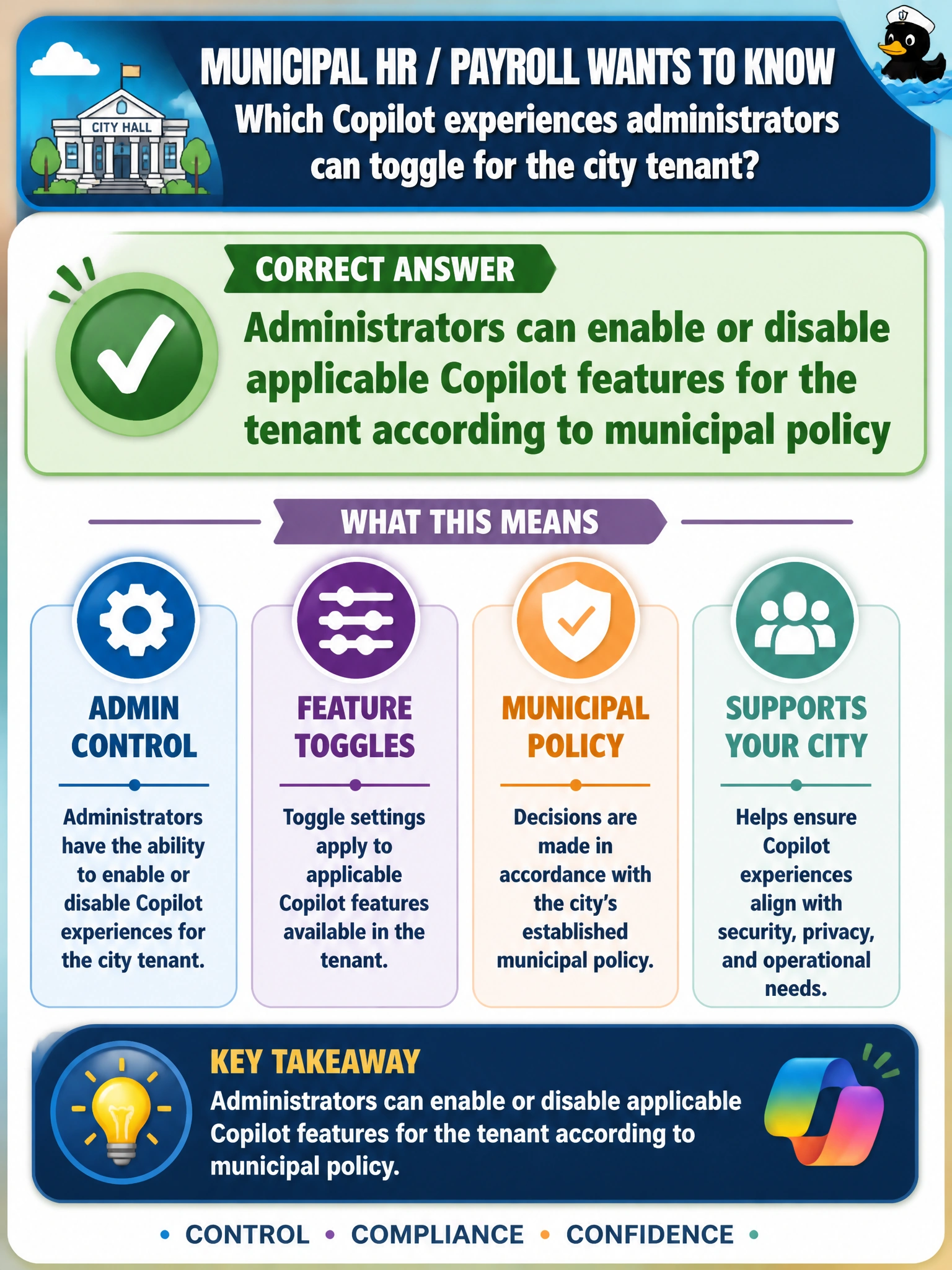
Administrators can enable or disable applicable Copilot features for the municipal tenant according to city policy. That capability is what lets HR and payroll align Copilot experiences to approved use: features that support staff productivity can be enabled, and experiences that conflict with policy or readiness can stay off until training, licensing, and governance are ready. Feature toggles are a first-class administration concept on AB-900 Domain 3. Claiming administrators can enable or disable applicable Copilot features for the tenant using mailbox audit logging policies fails because mailbox audit logging policies govern auditing of mailbox access and actions for compliance review, not Copilot feature enablement; tenant policy, not audit logging configuration, controls applicability. Asserting that administrators can enable or disable applicable Copilot features for the tenant using eDiscovery hold policies fails by concept—eDiscovery hold policies preserve content for legal discovery and compliance, not the ability to enable or disable Copilot experiences for the tenant. Claiming administrators can enable or disable applicable Copilot features for the tenant using phishing simulation policies fails because phishing simulation policies configure simulated attack training, not Copilot feature enablement; Copilot tenant toggles are separate from security awareness simulation. Exam caveat: “Applicable” matters—availability of specific toggles depends on product, license, and rollout wave. Do not invent that every Copilot surface has an identical switch or that Copilot experiences are controlled through phishing simulation policies. Pair feature state with license assignment and access policies for a complete picture. Operational check: In the admin experience used for Copilot feature control, list which features are currently enabled for the HR/payroll tenant scope, change one non-production toggle in a pilot group if available, and verify user-facing availability matches policy without confusing Copilot tenant toggles with phishing simulation policies.
Prefer to study offline? Printable PDF study book + test engine ($7.50, unofficial). These questions stay free here.