
A municipal call center needs to identify which staff recently performed labeling or protection activities on highly sensitive classified files. Which Purview experience surfaces those user activities?
Select an answer to reveal the explanation.
Short Explanation
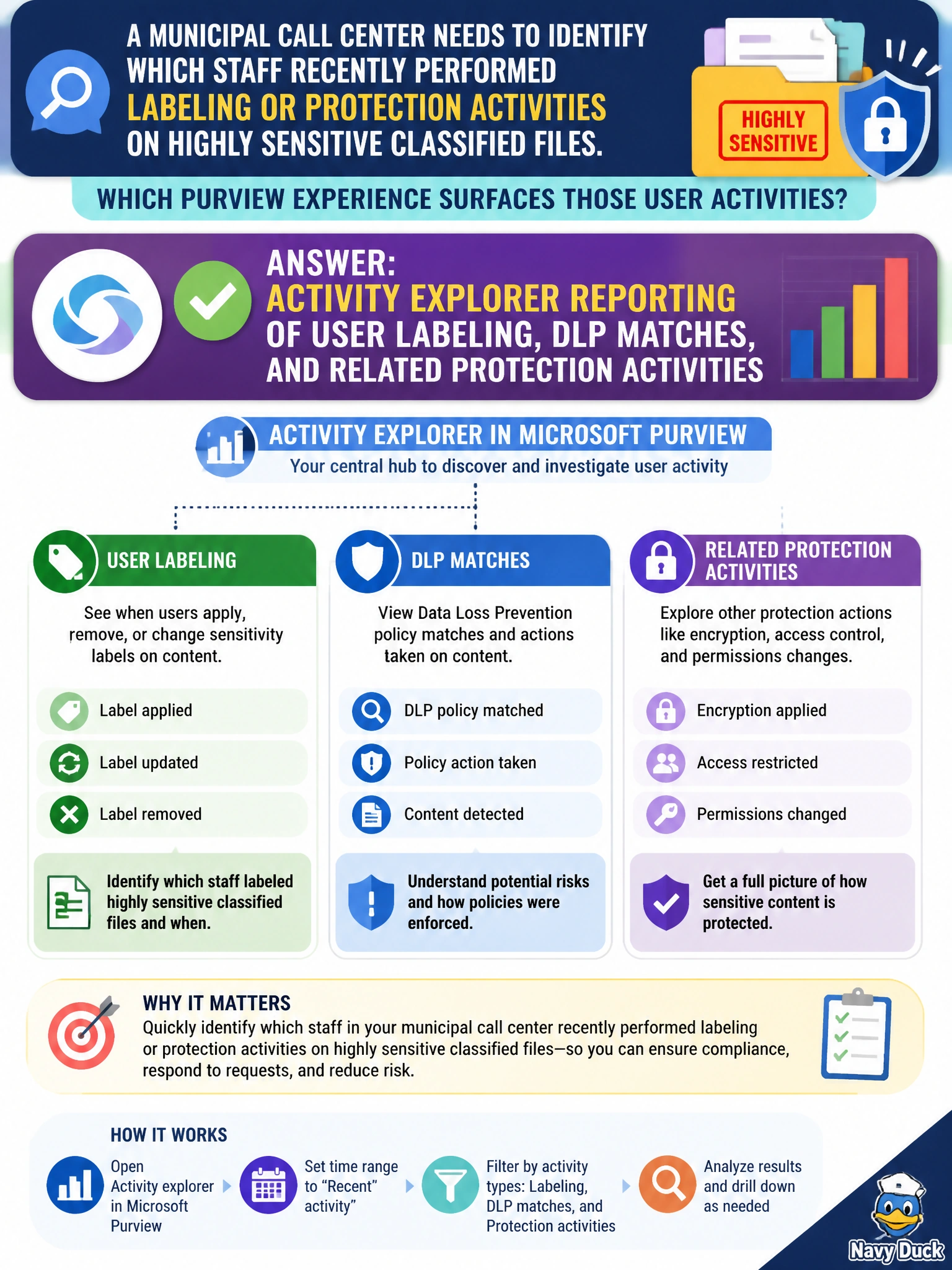
Think of activity explorer as your "who touched protected stuff" whiteboard for the call center—labeling and DLP matches by user, not Content explorer reporting, Data loss prevention reporting, or eDiscovery search reporting of those same activities. It's the view that shows you who recently handled sensitive-file protections. That's the Domain 2 risk lens.
Full Explanation
Activity explorer is the Purview reporting surface that shows which municipal call-center staff applied sensitivity labels, triggered DLP matches, or performed related protection activities on highly sensitive classified files. Investigators filter by user, activity type, label, and time window to reconstruct who handled protected content and when. That directly answers the stem’s need to identify recent labeling and protection activity rather than generic collaboration metrics. Content explorer reporting of user labeling, DLP matches, and related protection activities misattributes that activity timeline to the wrong surface, because Content explorer shows what is labeled and where as an inventory across locations, not which staff member performed labeling or protection actions and when. Data loss prevention reporting of user labeling, DLP matches, and related protection activities misattributes that unified activity timeline to the wrong surface, because DLP reporting centers on policy evaluation, alerts, and rule outcomes, not the user-centric Activity explorer history that identifies which staff member labeled or protected a classified file and when. eDiscovery search reporting of user labeling, DLP matches, and related protection activities misattributes that activity timeline to the wrong surface, because eDiscovery search surfaces file content for legal review and case preparation, not the labeling or protection activity history of individual users. Each distractor fails by concept because it reports a different operational signal than Purview protection events. Exam caveat: Activity explorer is an investigative and monitoring view of protection-related user activities; it is not interchangeable with Content explorer reporting, Data loss prevention reporting, or eDiscovery search reporting of user labeling, DLP matches, and related protection activities. AB-900 Domain 2 expects you to map “who labeled / who matched DLP” scenarios to activity explorer rather than to Content explorer reporting, Data loss prevention reporting, or eDiscovery search reporting of user labeling, DLP matches, and related protection activities. Operational check: In Microsoft Purview, open Activity explorer, scope the call center’s date range, and filter for labeling and DLP-match activities on the classified-file locations. Confirm events attribute to expected staff identities, export or screenshot evidence for the investigation ticket, and escalate unexpected external or broad-access patterns to the data-protection owner before expanding Copilot or agent access to those libraries.
Prefer to study offline? Printable PDF study book + test engine ($7.50, unofficial). These questions stay free here.